
YouTube specs
一张用于横幅和头像的 YouTube 频道艺术图照片
Photo size & upload specs
- Pixel dimensions
- a file that renders at 98×98 px
- Aspect ratio
- 1:1 (Studio crop square)
- File size cap
- 15 MB maximum
- Ideal upload
- a sharp square. 800×800 is the Official Artist Channel rule, not this one
- Formats
- JPG, GIF, BMP, or PNG (no animated GIFs)
- Crop safe area
- YouTube Studio gives you a crop square before you publish. Keep the face inside that square with a little headroom. The branding article does not publish a circle-mask diagram.
YouTube Help, “Manage your channel branding,” checked 2026-10-19, does not publish 800×800 or a 4 MB profile cap. “Set your artist avatar” asks Official Artist Channels for 800×800 at 1:1. The banner is separate: minimum 2048×1152, recommended 2560×1440, 6 MB or smaller.
YouTube 创作者靠头像被人认出。同一张照片会出现在横幅、头像以及上千个缩略图上——辨识度就是这场游戏的全部。
HeadshotCam 只需一张自拍,就能为你生成一张创作者级别的肖像。从简洁现代、内容创作者或品牌策略师风格中挑选,搭配纯色背景,你就拥有了一张清晰的头像,外加一张可用作宽幅横幅的照片。
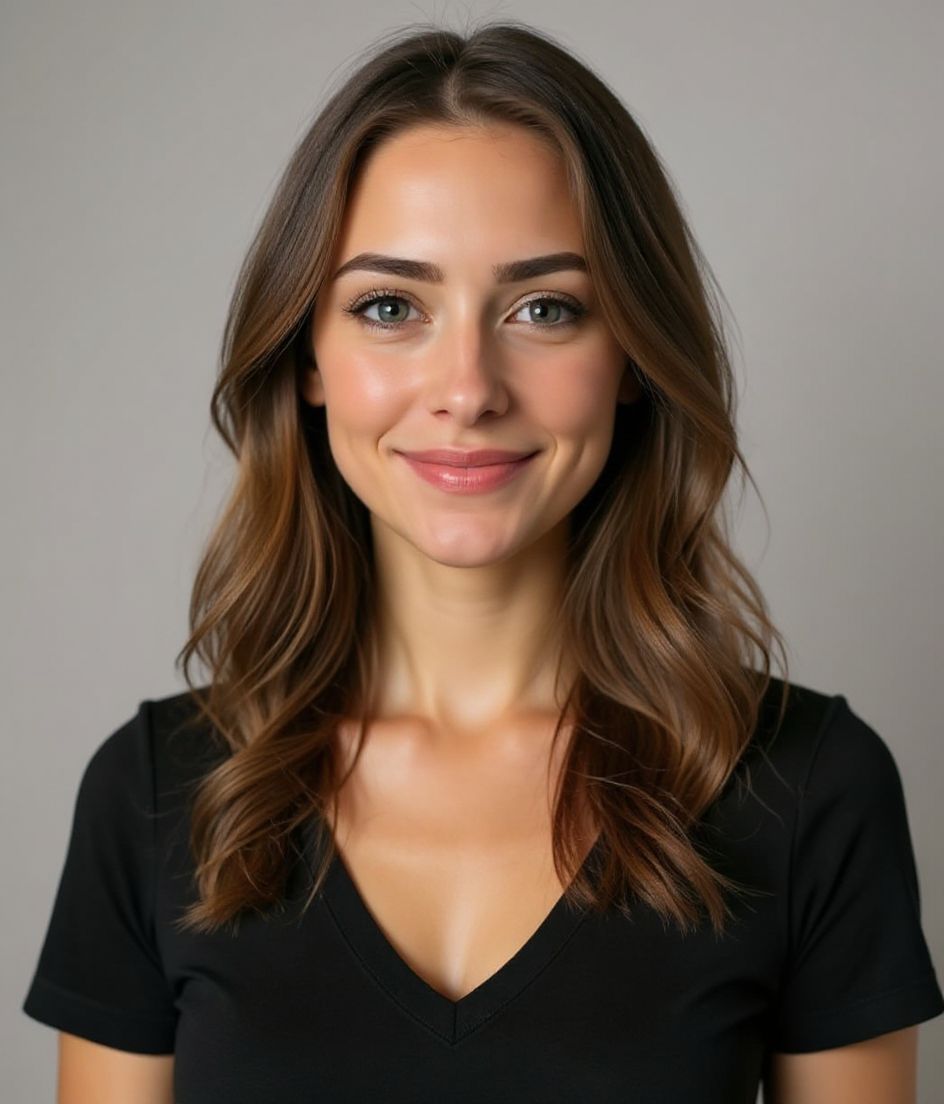
Built for YouTube 频道艺术图照片
a file that renders at 98×98 px — sized for YouTube
Upload 1:1 (Studio crop square), a sharp square. 800×800 is the Official Artist Channel rule, not this one ideal, 15 mb maximum. JPG, GIF, BMP, or PNG (no animated GIFs) — no awkward zoom, no clipped chin.
Crop-safe framing
YouTube Studio gives you a crop square before you publish. Keep the face inside that square with a little headroom. The branding article does not publish a circle-mask diagram.
用文字编辑
输入"摘掉眼镜""海军蓝西装外套"或"更亮的背景"——AI 会更新对应细节,而你的脸保持不变。
高分辨率、无水印
下载印刷级质量的文件——没有小图标,角落也不会有"由……制作"的标记。
Best styles
Our picks for YouTube 频道艺术图照片.
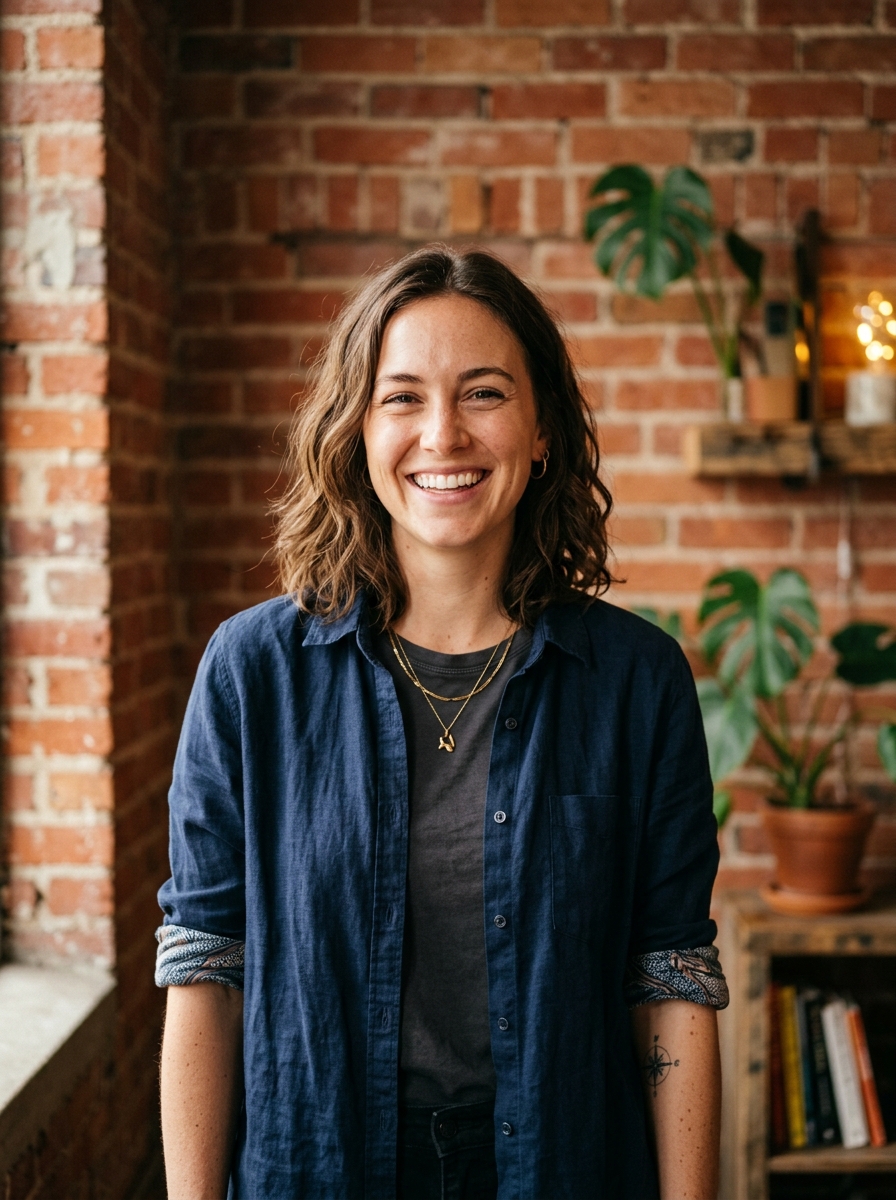
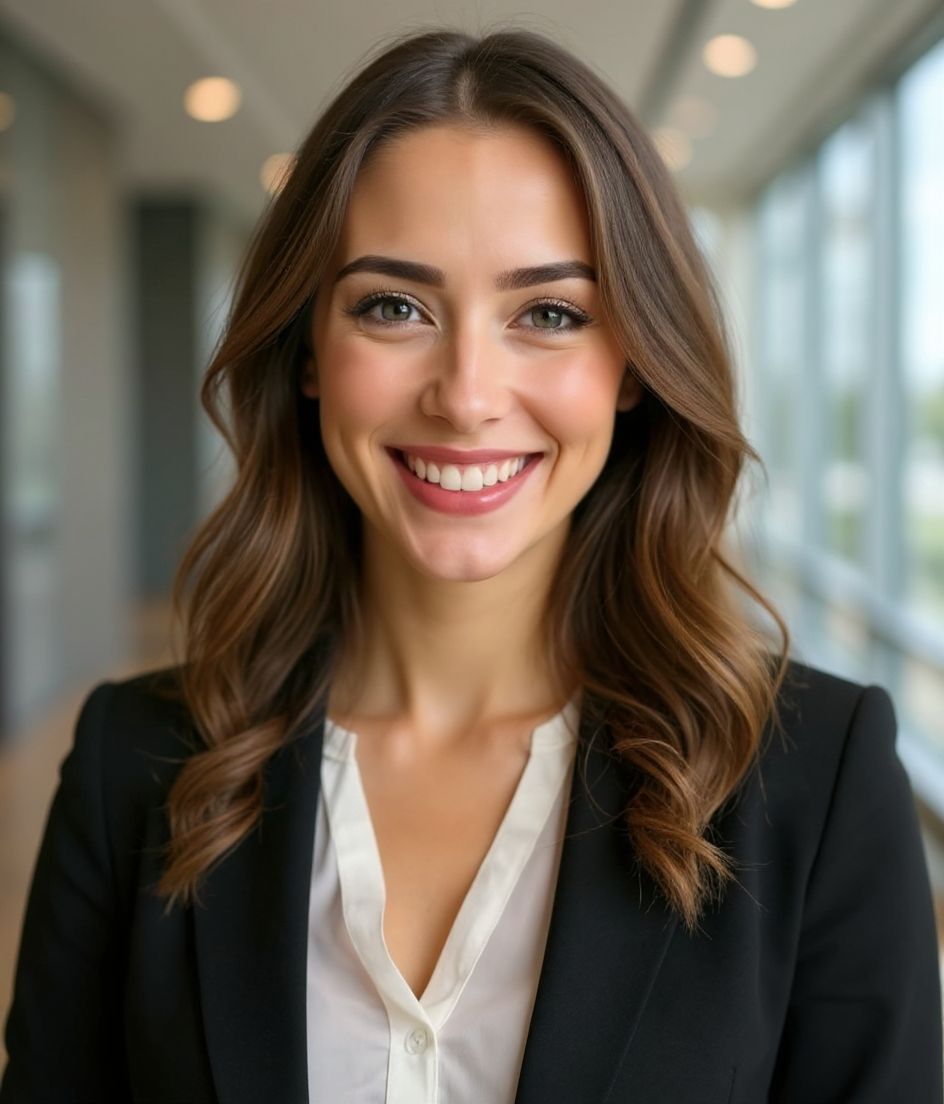
小贴士
- 1 头像用紧凑裁切。横幅用宽幅裁切。从同一张自拍生成两张。
- 2 用一个与你发色形成对比的纯色背景——能让脸在小缩略图上保持清晰。
- 3 有辨识度、稍微夸张一点的穿搭——观众会很快学会一眼认出你。
- 4 在横幅、头像和你的视频缩略图之间保持一致。
常见问题
What size should my YouTube photo be?
YouTube expects a file that renders at 98×98 px at 1:1 (Studio crop square), 15 mb maximum, in JPG, GIF, BMP, or PNG (no animated GIFs). Practical upload: a sharp square. 800×800 is the Official Artist Channel rule, not this one. YouTube Help, “Manage your channel branding,” checked 2026-10-19, does not publish 800×800 or a 4 MB profile cap. “Set your artist avatar” asks Official Artist Channels for 800×800 at 1:1. The banner is separate: minimum 2048×1152, recommended 2560×1440, 6 MB or smaller.
How should I frame a YouTube photo?
YouTube Studio gives you a crop square before you publish. Keep the face inside that square with a little headroom. The branding article does not publish a circle-mask diagram.
它能在 youtube 上通过吗?
可以。输出是逼真还原你本人的形象,而不是卡通或滤镜效果。挑选 Foundations 或 Corporate 风格,照片看起来就像一次正常的影棚拍摄。
我能让我的脸完全保持不变吗?
可以——你的脸、发型和肤色都会被锁定。只有服装、光线和背景会改变。
生成有多快?
大多数头像照在 5 到 15 秒内就绪。你可以反复尝试,再用"用文字编辑"做微调,全程不到一分钟。
相关推荐
创建你的头像
无需影棚。一张自拍,几秒专业头像。iOS 与 Android 免费下载。
iOS 与 Android 免费下载
- 免费下载
- 1 张自拍
- 5–15 秒
- 无水印
扫码下载
用手机相机对准二维码

