
YouTube specs
صورة فنّ قناة YouTube للبانر والصورة الرمزية
Photo size & upload specs
- Pixel dimensions
- a file that renders at 98×98 px
- Aspect ratio
- 1:1 (Studio crop square)
- File size cap
- 15 MB maximum
- Ideal upload
- a sharp square. 800×800 is the Official Artist Channel rule, not this one
- Formats
- JPG, GIF, BMP, or PNG (no animated GIFs)
- Crop safe area
- YouTube Studio gives you a crop square before you publish. Keep the face inside that square with a little headroom. The branding article does not publish a circle-mask diagram.
YouTube Help, “Manage your channel branding,” checked 2026-10-19, does not publish 800×800 or a 4 MB profile cap. “Set your artist avatar” asks Official Artist Channels for 800×800 at 1:1. The banner is separate: minimum 2048×1152, recommended 2560×1440, 6 MB or smaller.
يُعرَف صنّاع المحتوى على YouTube من صورتهم الرمزية. تظهر الصورة نفسها على البانر، والصورة الرمزية، وألف صورة مصغّرة — والتعرّف هو اللعبة كلها.
يلتقط HeadshotCam صورة سيلفي واحدة ويمنحك صورة بمستوى المُنشئ. اختر أنماط clean-modern أو content-creator أو brand-strategist، وخلفية بلون سادة، فتحصل على صورة رمزية حادة إضافة إلى صورة عريضة جاهزة للبانر.
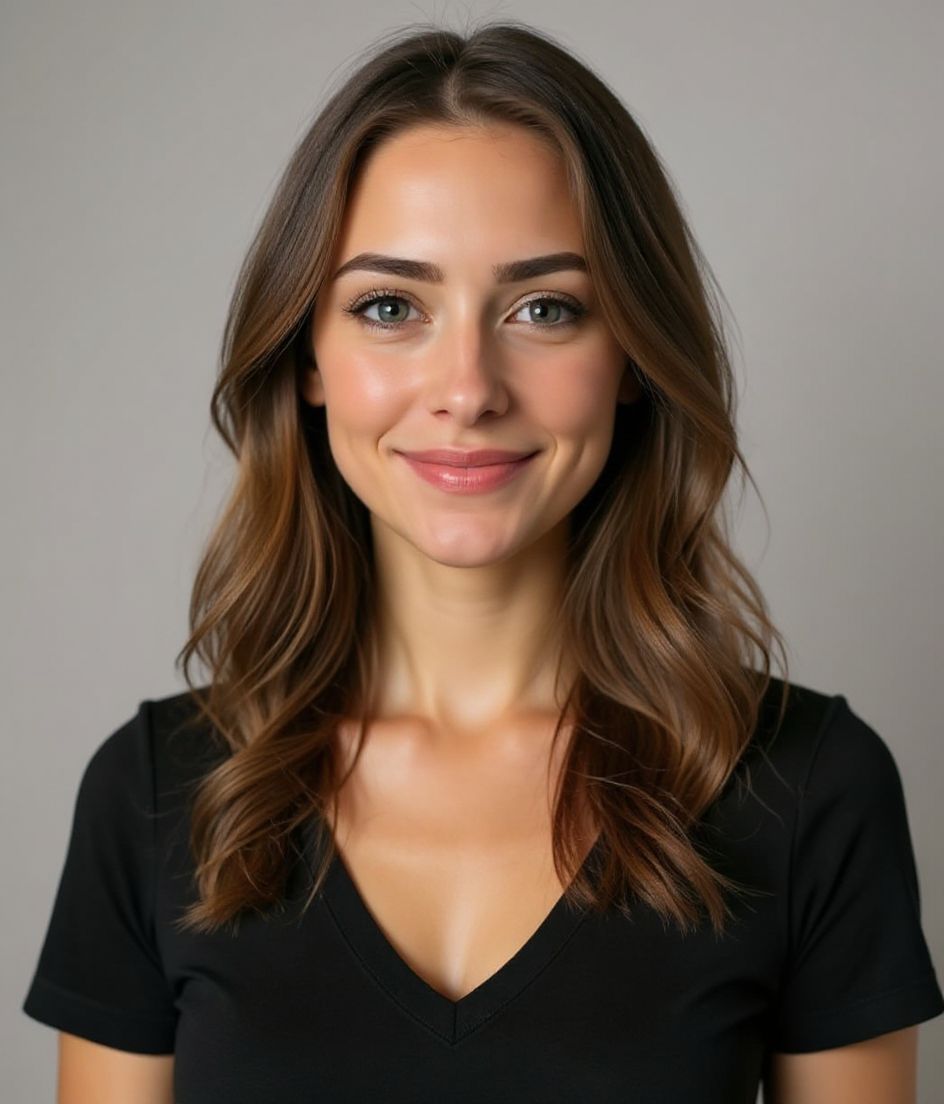
Built for صورة فنّ قناة YouTube
a file that renders at 98×98 px — sized for YouTube
Upload 1:1 (Studio crop square), a sharp square. 800×800 is the Official Artist Channel rule, not this one ideal, 15 mb maximum. JPG, GIF, BMP, or PNG (no animated GIFs) — no awkward zoom, no clipped chin.
Crop-safe framing
YouTube Studio gives you a crop square before you publish. Keep the face inside that square with a little headroom. The branding article does not publish a circle-mask diagram.
التعديل بالكلمات
اكتب "أزل النظارة" أو "بليزر كحلي" أو "خلفية أفتح" — يحدّث الذكاء الاصطناعي التفصيل بينما يبقى وجهك كما هو.
دقة عالية وبلا علامة مائية
نزّل ملفات بجودة الطباعة — بلا شعارات صغيرة، ولا أختام "made with" في الزاوية.
Best styles
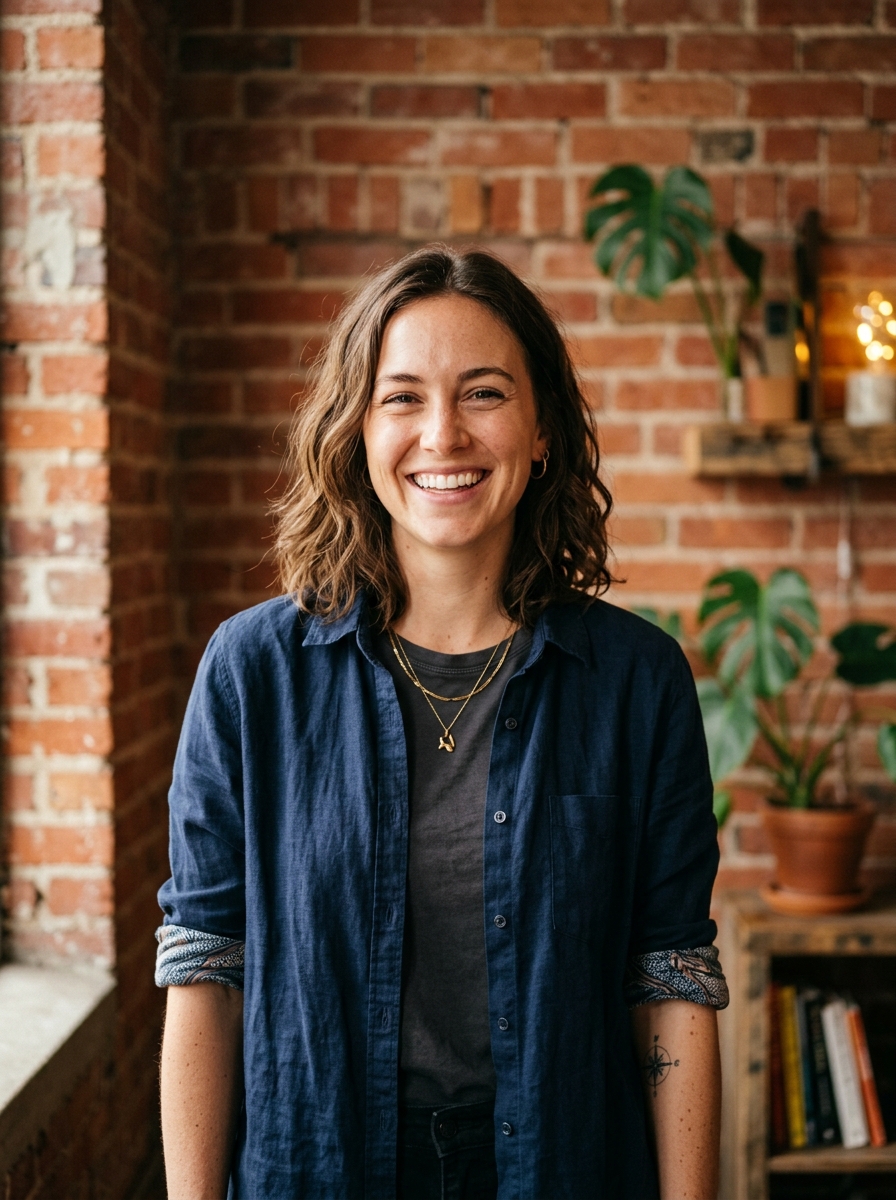
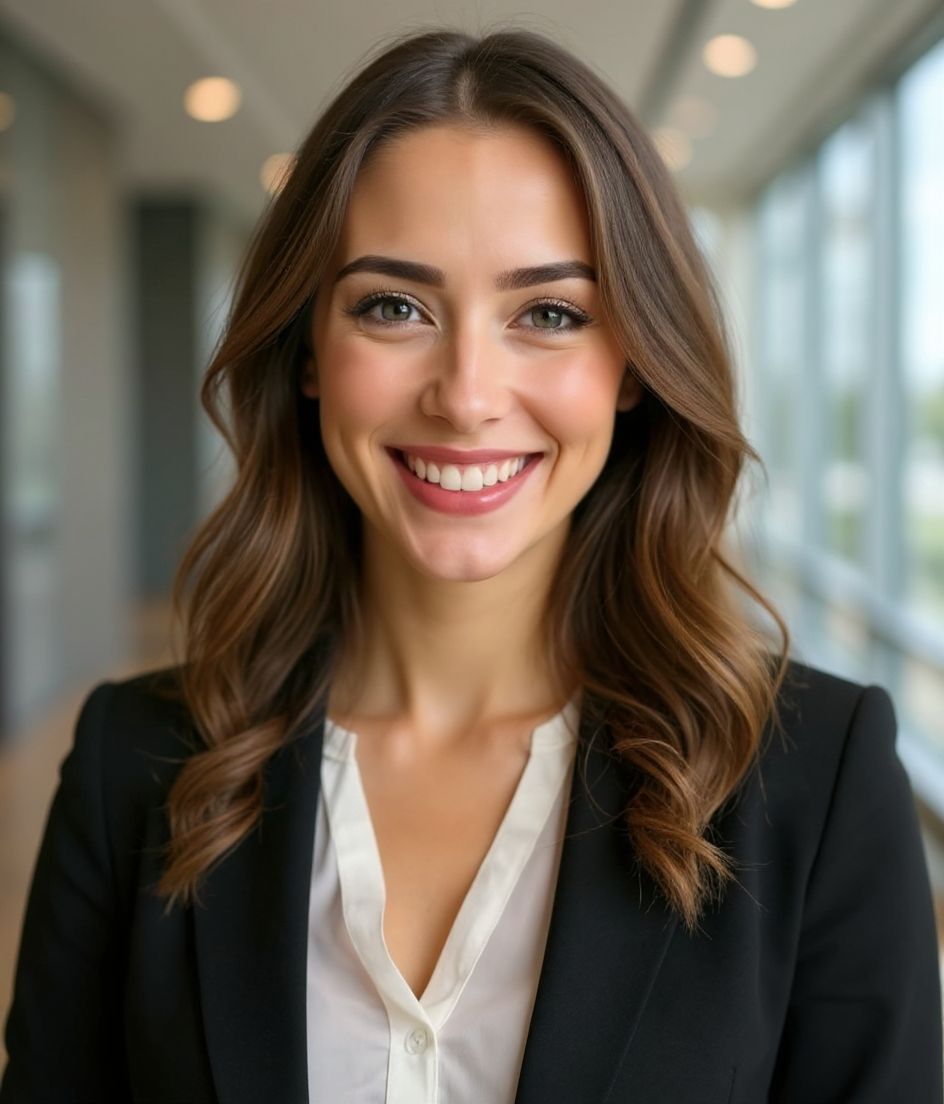
Our picks for صورة فنّ قناة YouTube.
نصائح
- 1 قصّ محكم للصورة الرمزية. قصّ عريض للبانر. ولّد الاثنين من السيلفي نفسها.
- 2 خلفية بلون سادة تتباين مع شعرك — تُبقي الوجه حاداً على الصور المصغّرة الصغيرة.
- 3 إطلالة مميزة ومبالغ فيها قليلاً — يتعلم المشاهدون التعرّف عليك بسرعة.
- 4 طابِق الصورة عبر البانر والصورة الرمزية والصور المصغّرة لفيديوهاتك.
أسئلة شائعة
What size should my YouTube photo be?
YouTube expects a file that renders at 98×98 px at 1:1 (Studio crop square), 15 mb maximum, in JPG, GIF, BMP, or PNG (no animated GIFs). Practical upload: a sharp square. 800×800 is the Official Artist Channel rule, not this one. YouTube Help, “Manage your channel branding,” checked 2026-10-19, does not publish 800×800 or a 4 MB profile cap. “Set your artist avatar” asks Official Artist Channels for 800×800 at 1:1. The banner is separate: minimum 2048×1152, recommended 2560×1440, 6 MB or smaller.
How should I frame a YouTube photo?
YouTube Studio gives you a crop square before you publish. Keep the face inside that square with a little headroom. The branding article does not publish a circle-mask diagram.
هل ستُقبل على YouTube؟
نعم. المخرَج صورة واقعية تشبهك، وليست رسماً كرتونياً أو فلتراً. اختر نمط Foundations أو Corporate فتبدو الصورة كأنها جلسة تصوير استوديو عادية.
هل يمكنني إبقاء وجهي كما هو تماماً؟
نعم — يبقى وجهك وشعرك ولون بشرتك ثابتاً. يتغير الملبس والإضاءة والخلفية فقط.
ما مدى سرعة التوليد؟
تكون معظم الصور جاهزة خلال 5 إلى 15 ثانية. يمكنك التكرار، ثم استخدام "التعديل بالكلمات" للتعديلات، كل ذلك في أقل من دقيقة.
ذات صلة
أنشئ صورتك المهنية
بدون استوديو. صور احترافية في ثوانٍ من سيلفي واحد. التطبيق مجاني للتنزيل على iOS وAndroid.
تحميل مجاني على iOS وAndroid
- تحميل مجاني
- سيلفي واحدة
- 5–15 ثانية
- بدون علامة مائية
امسح للتحميل
وجّه كاميرا هاتفك نحو الرمز

