
YouTube specs
YouTube profile picture: renders at 98×98, 15 MB cap
Photo size & upload specs
- Pixel dimensions
- a file that renders at 98×98 px
- Aspect ratio
- 1:1 (Studio crop square)
- File size cap
- 15 MB maximum
- Ideal upload
- a sharp square. 800×800 is the Official Artist Channel rule, not this one
- Formats
- JPG, GIF, BMP, or PNG (no animated GIFs)
- Crop safe area
- YouTube Studio gives you a crop square before you publish. Keep the face inside that square with a little headroom. The branding article does not publish a circle-mask diagram.
YouTube Help, “Manage your channel branding,” checked 2026-10-19, does not publish 800×800 or a 4 MB profile cap. “Set your artist avatar” asks Official Artist Channels for 800×800 at 1:1. The banner is separate: minimum 2048×1152, recommended 2560×1440, 6 MB or smaller.
YouTube Help’s channel-branding article (checked 2026-10-19) says a profile picture must be JPG, GIF, BMP, or PNG, with no animated GIFs, must not exceed 15 MB, and should render at 98×98 px. It does not publish an 800×800 upload size or a 4 MB cap.
A different help page, Set your artist avatar, applies only to Official Artist Channels and asks for a 1:1 image at 800×800 in JPG, GIF, or PNG. Do not use that number for a normal channel profile picture.
The banner is a separate file in the branding article. Minimum upload is 2048×1152 at 16:9. Recommended size, especially for TV, is 2560×1440. Banner files should be 6 MB or smaller. At the minimum size, the safe area for text and logos is 1235×338. Do not stretch a headshot into the banner.
HeadshotCam makes the square profile picture from one selfie. Generate a separate wide graphic if you need banner art.
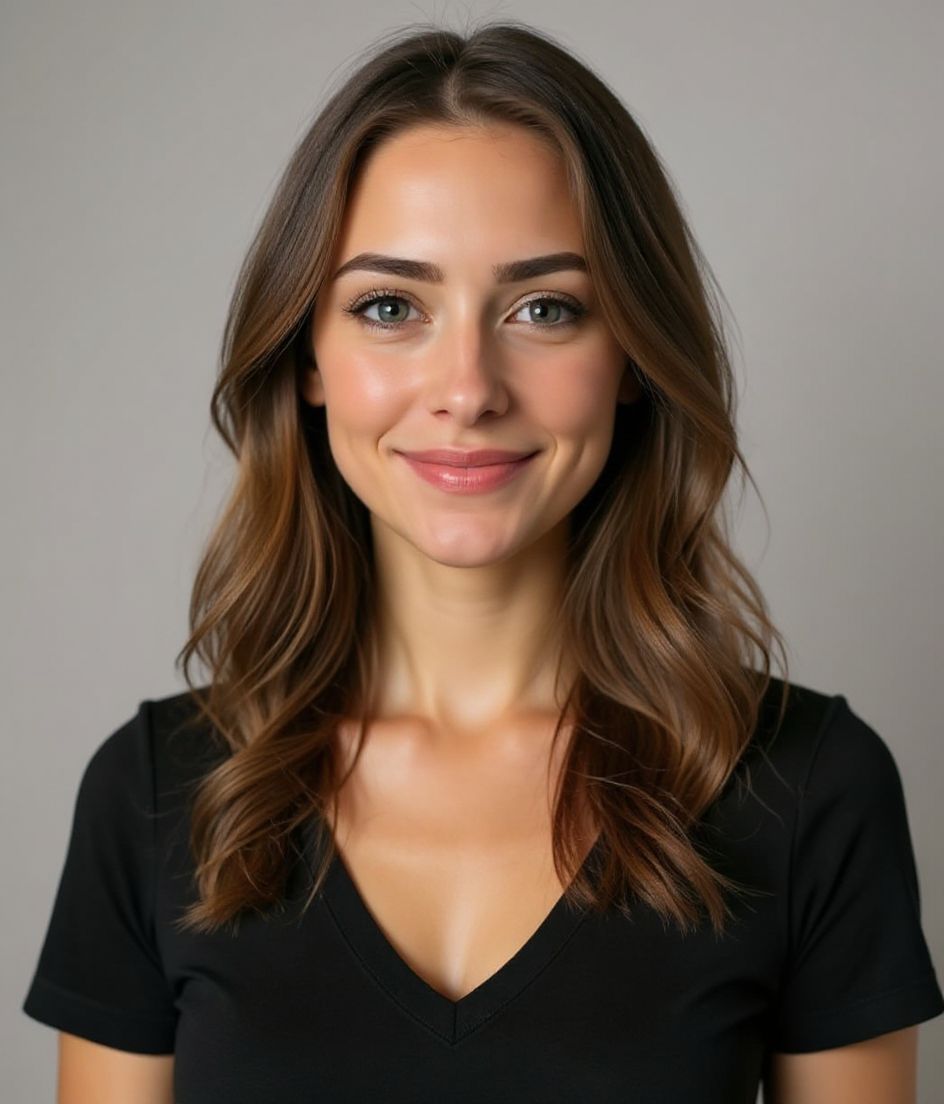
Built for YouTube Channel Art Photo
a file that renders at 98×98 px — sized for YouTube
Upload 1:1 (Studio crop square), a sharp square. 800×800 is the Official Artist Channel rule, not this one ideal, 15 mb maximum. JPG, GIF, BMP, or PNG (no animated GIFs) — no awkward zoom, no clipped chin.
Crop-safe framing
YouTube Studio gives you a crop square before you publish. Keep the face inside that square with a little headroom. The branding article does not publish a circle-mask diagram.
Edit with words
Type "remove glasses", "navy blazer", or "lighter background" — the AI updates the detail while your face stays the same.
High-res, no watermark
Download print-quality files — no tiny logos, no "made with" stamps in the corner.
Best styles
Our picks for YouTube Channel Art Photo.


Tips
- 1 Profile picture and banner are different files. Do not stretch the headshot across 2560×1440.
- 2 Solid colour background that contrasts your hair — the profile picture renders at 98×98.
- 3 Recognisable, slightly exaggerated outfit — viewers learn to spot you fast.
- 4 Match the face across the banner, the profile picture, and your video thumbnails.
FAQs
What size should my YouTube photo be?
YouTube expects a file that renders at 98×98 px at 1:1 (Studio crop square), 15 mb maximum, in JPG, GIF, BMP, or PNG (no animated GIFs). Practical upload: a sharp square. 800×800 is the Official Artist Channel rule, not this one. YouTube Help, “Manage your channel branding,” checked 2026-10-19, does not publish 800×800 or a 4 MB profile cap. “Set your artist avatar” asks Official Artist Channels for 800×800 at 1:1. The banner is separate: minimum 2048×1152, recommended 2560×1440, 6 MB or smaller.
How should I frame a YouTube photo?
YouTube Studio gives you a crop square before you publish. Keep the face inside that square with a little headroom. The branding article does not publish a circle-mask diagram.
Will it pass on YouTube?
Yes. The output is a realistic likeness of you, not a cartoon or filter. Pick a Foundations or Corporate style and the photo reads as a normal studio shoot.
Can I keep my face exactly the same?
Yes — your face, hair, and skin tone stay locked. Only clothing, lighting, and background change.
How fast is generation?
Most headshots are ready in 5 to 15 seconds. You can iterate, then "Edit with words" for tweaks, all in under a minute.
Is the YouTube profile picture 800×800?
Not for a normal channel. YouTube Help, “Manage your channel branding,” checked 2026-10-19, says the profile picture should render at 98×98 px and must not exceed 15 MB. It does not publish 800×800 or a 4 MB cap. “Set your artist avatar” is a different article and asks Official Artist Channels for an 800×800 image at 1:1.
What size is the YouTube banner?
The same branding article treats the banner as a separate file: minimum 2048×1152 px at 16:9, recommended 2560×1440, 6 MB or smaller. At the minimum size, the safe area for text and logos is 1235×338 px. Do not stretch a headshot to fill the banner.
Related
Create your headshot
Skip the studio. Pro headshots in seconds, from one selfie. Free to download on iOS and Android.
Free to download on iOS & Android
- Free download
- 1 selfie
- 5–15 seconds
- No watermark
Scan to download
Point your phone camera at a code

