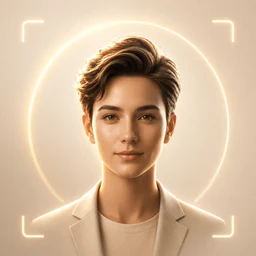
Discord specs
Discord avatar size: 128×128+ square for the message circle
Photo size & upload specs
- Pixel dimensions
- 128×128 minimum
- Aspect ratio
- 1:1 (square)
- File size cap
- Under 8 MB (Nitro limits differ)
- Ideal upload
- 512×512 to 1024×1024
- Formats
- JPG, PNG, or GIF
- Circle-crop safe area
- Face fills the circle used in every message and reply. Keep important detail inside the center 80% — Discord’s round mask is aggressive.
Discord user avatars need at least 128×128; 512×512–1024×1024 square is the practical upload (limits rise with Nitro). Every message shows a circle — keep important detail inside the center ~80%.
HeadshotCam produces a Discord-ready square — Clean & Modern, Brand Strategist, or Content Creator — framed for that aggressive round mask.
Built for Discord Server Avatar
128×128 minimum — sized for Discord
Upload 1:1 (square), 512×512 to 1024×1024 ideal, under 8 mb (nitro limits differ). JPG, PNG, or GIF — no awkward zoom, no clipped chin.
Circle-crop safe framing
Face fills the circle used in every message and reply. Keep important detail inside the center 80% — Discord’s round mask is aggressive.
Edit with words
Type "remove glasses", "navy blazer", or "lighter background" — the AI updates the detail while your face stays the same.
High-res, no watermark
Download print-quality files — no tiny logos, no "made with" stamps in the corner.
Best styles
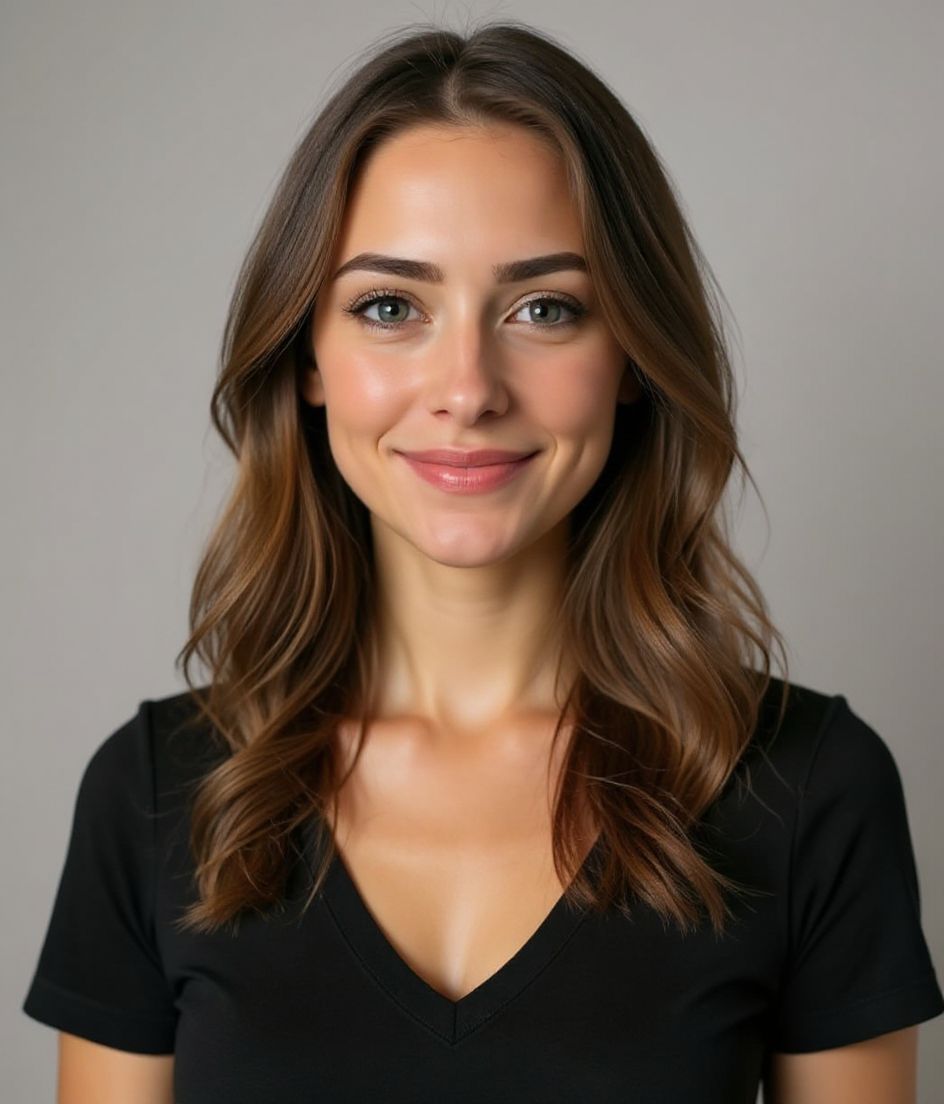
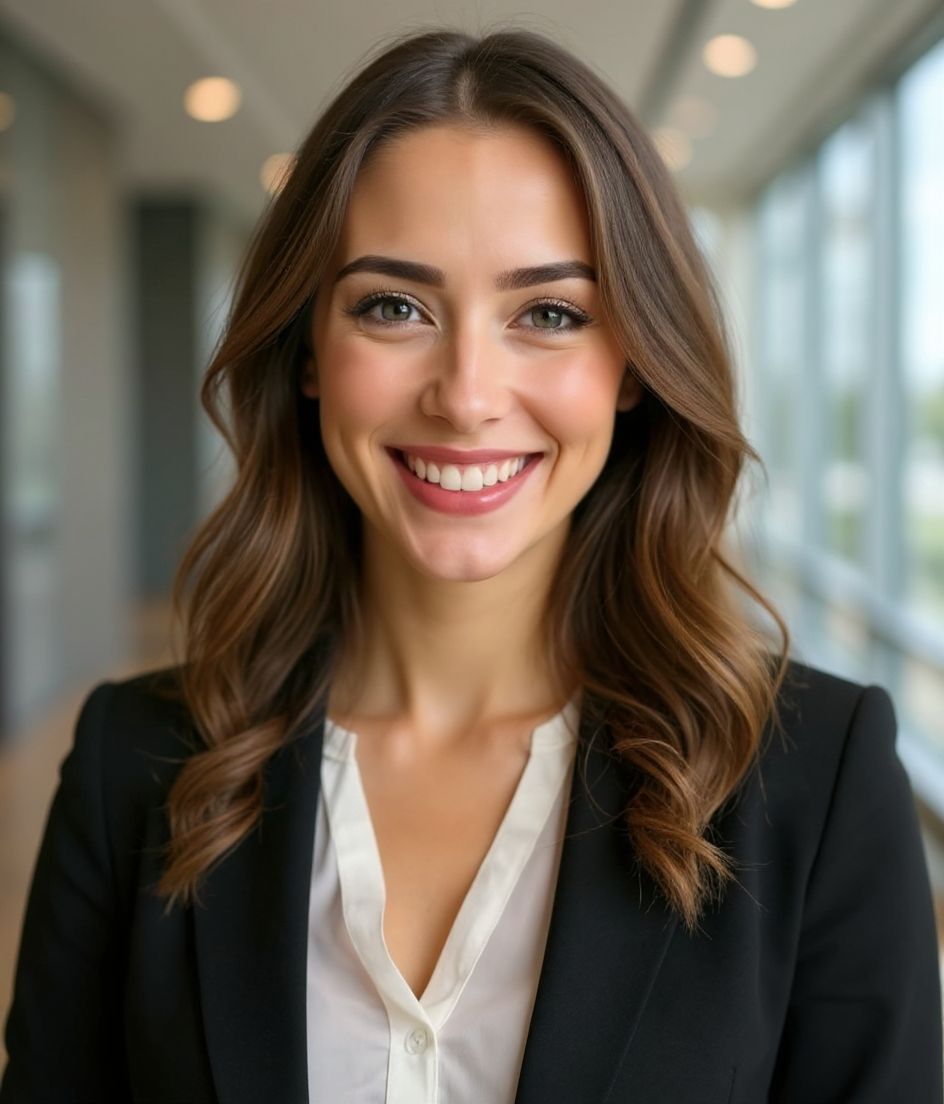
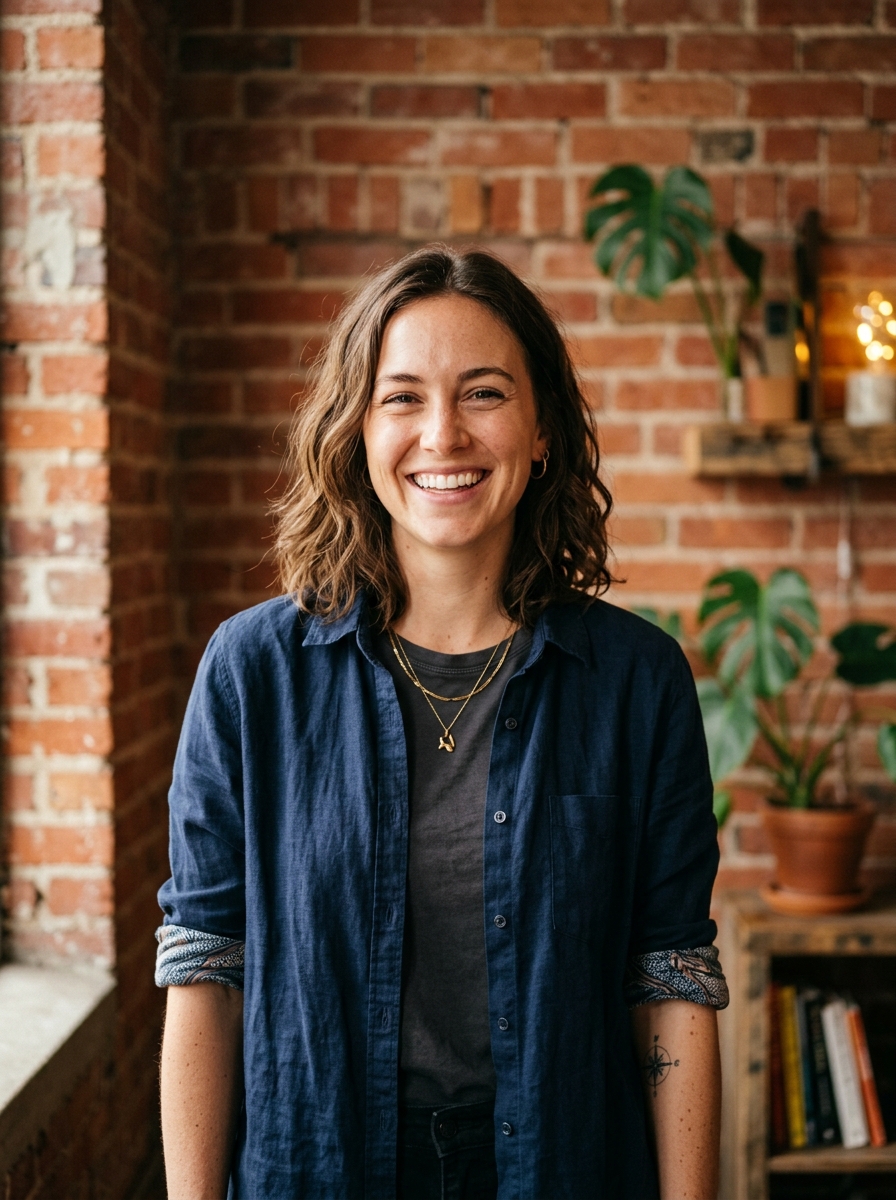
Our picks for Discord Server Avatar.
Tips
- 1 Tight, centred crop. Discord avatars are small.
- 2 Solid colour background — keep it sharp.
- 3 Match across the communities you participate in.
- 4 Refresh per major brand or community pivot.
FAQs
What size should my Discord photo be?
Discord expects 128×128 minimum at 1:1 (square), under 8 mb (nitro limits differ), in JPG, PNG, or GIF. Practical upload: 512×512 to 1024×1024.
How do I keep my face inside the Discord circle crop?
Face fills the circle used in every message and reply. Keep important detail inside the center 80% — Discord’s round mask is aggressive.
Will it pass on Discord?
Yes. The output is a realistic likeness of you, not a cartoon or filter. Pick a Foundations or Corporate style and the photo reads as a normal studio shoot.
Can I keep my face exactly the same?
Yes — your face, hair, and skin tone stay locked. Only clothing, lighting, and background change.
How fast is generation?
Most headshots are ready in 5 to 15 seconds. You can iterate, then "Edit with words" for tweaks, all in under a minute.
Related
Create your headshot
Skip the studio. Pro headshots in seconds, from one selfie. Free to download on iOS and Android.
Free to download on iOS & Android
- Free download
- 1 selfie
- 5–15 seconds
- No watermark
Scan to download
Point your phone camera at a code

