
Discord specs
Awatar na Discordzie, który czyta się w rozmiarze wątku
Photo size & upload specs
- Pixel dimensions
- 128×128 minimum
- Aspect ratio
- 1:1 (square)
- File size cap
- Under 8 MB (Nitro limits differ)
- Ideal upload
- 512×512 to 1024×1024
- Formats
- JPG, PNG, or GIF
- Circle-crop safe area
- Face fills the circle used in every message and reply. Keep important detail inside the center 80% — Discord’s round mask is aggressive.
Discord to platforma społecznościowa. Twój awatar pojawia się przy każdej wiadomości na każdym serwerze — rozpoznawalność to cała gra.
HeadshotCam bierze jedno selfie i tworzy portret gotowy na Discorda. Wybierz styl clean-modern, brand-strategist lub content-creator, tło w jednolitym kolorze i masz ostry awatar.
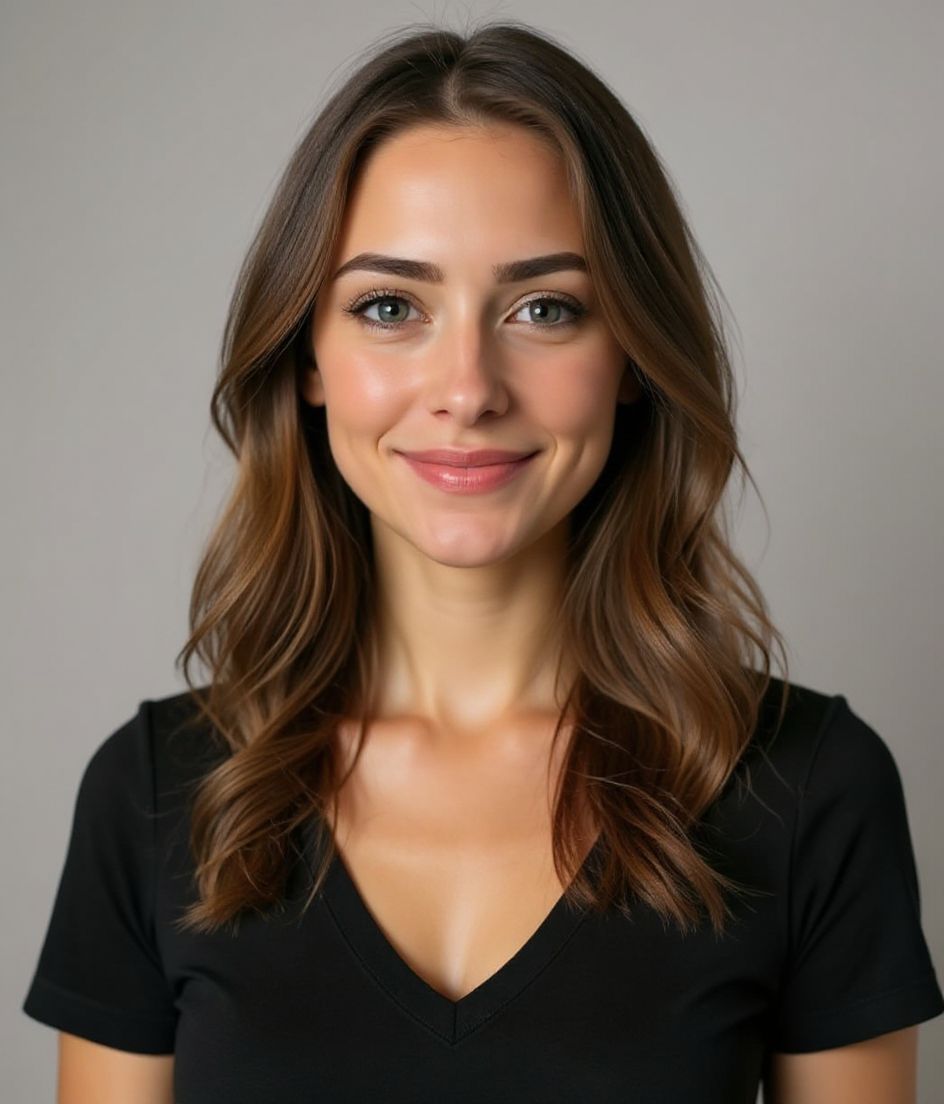
Built for Awatar na serwerze Discord
128×128 minimum — sized for Discord
Upload 1:1 (square), 512×512 to 1024×1024 ideal, under 8 mb (nitro limits differ). JPG, PNG, or GIF — no awkward zoom, no clipped chin.
Circle-crop safe framing
Face fills the circle used in every message and reply. Keep important detail inside the center 80% — Discord’s round mask is aggressive.
Edytuj słowami
Wpisz „usuń okulary", „granatowa marynarka" lub „jaśniejsze tło" — AI zmieni szczegół, a Twoja twarz zostaje taka sama.
Wysoka rozdzielczość, bez znaku wodnego
Pobierz pliki w jakości do druku — żadnych małych logo, żadnych pieczątek „made with" w rogu.
Best styles
Our picks for Awatar na serwerze Discord.
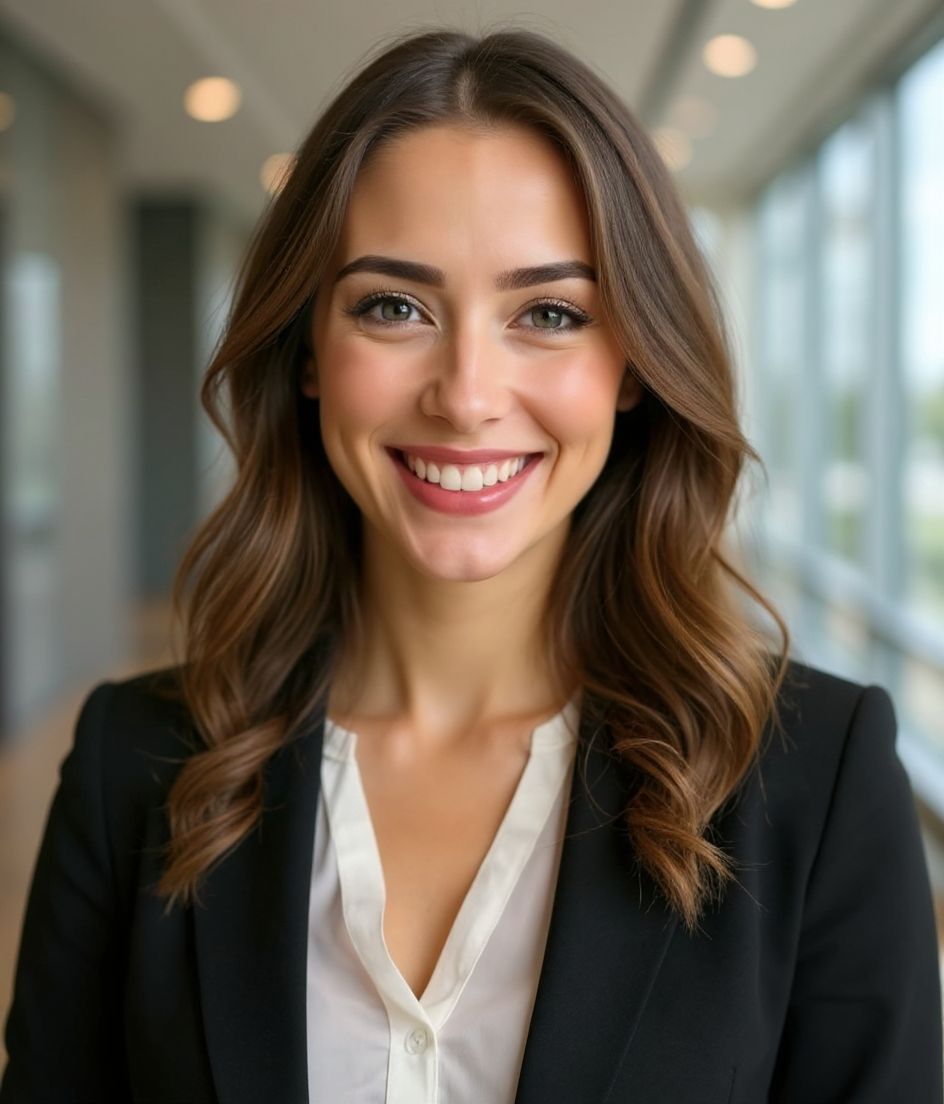
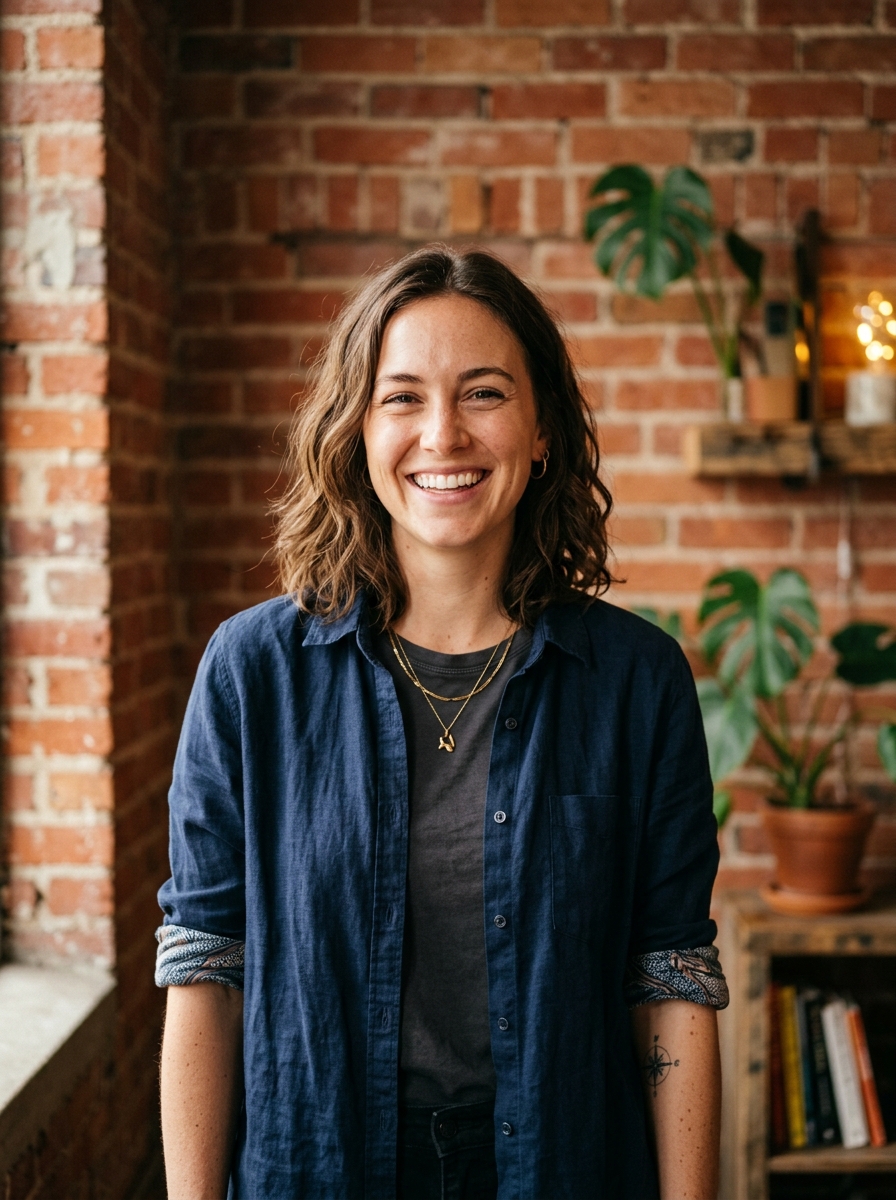
Wskazówki
- 1 Ciasny, wyśrodkowany kadr. Awatary na Discordzie są małe.
- 2 Tło w jednolitym kolorze — zachowaj ostrość.
- 3 Dopasuj w społecznościach, w których uczestniczysz.
- 4 Odświeżaj przy każdej dużej zmianie marki lub społeczności.
FAQ
What size should my Discord photo be?
Discord expects 128×128 minimum at 1:1 (square), under 8 mb (nitro limits differ), in JPG, PNG, or GIF. Practical upload: 512×512 to 1024×1024.
How do I keep my face inside the Discord circle crop?
Face fills the circle used in every message and reply. Keep important detail inside the center 80% — Discord’s round mask is aggressive.
Czy przejdzie na Discordzie?
Tak. Efekt to realistyczne podobieństwo Ciebie, a nie kreskówka czy filtr. Wybierz styl Foundations lub Corporate, a zdjęcie wygląda jak zwykła sesja studyjna.
Czy mogę zachować twarz dokładnie taką samą?
Tak — Twoja twarz, włosy i odcień skóry pozostają zablokowane. Zmieniają się tylko ubranie, oświetlenie i tło.
Jak szybko powstaje zdjęcie?
Większość zdjęć jest gotowa w 5 do 15 sekund. Możesz iterować, a potem „Edytuj słowami" dla poprawek — wszystko w niecałą minutę.
Powiązane
Stwórz swój headshot
Pomiń studio. Profesjonalne portrety w kilka sekund z jednego selfie. Aplikacja darmowa na iOS i Androida.
Darmowe pobranie na iOS i Androida
- Darmowe pobranie
- 1 selfie
- 5–15 sekund
- Bez znaku wodnego
Zeskanuj, aby pobrać
Skieruj aparat telefonu na kod

