
LinkedIn specs
一张能让消息被打开的招聘官 LinkedIn 头像照
Photo size & upload specs
- Pixel dimensions
- 400×400 to 7680×4320
- Aspect ratio
- 1:1 (square)
- File size cap
- 8 MB maximum
- Ideal upload
- 1024×1024 or 2000×2000
- Formats
- JPG or PNG (not GIF)
- Circle-crop safe area
- Eyes in the upper third, breathing room above the hair, no chin or ear cut by the circle. Keep logos and busy edges out of the corners — LinkedIn trims them.
Desktop profile surfaces show roughly 400×400 inside a circle; mobile search is smaller.
Full walkthrough: LinkedIn photo size and specs
在 LinkedIn 上做招聘,本质上是一门缩略图的生意。你的照片是候选人在收件箱或搜索结果里第一眼看到的——一张温暖、专业的照片能大幅提升打开率。
HeadshotCam 只需一张自拍,就能为你生成一张招聘官级别的肖像。从温暖亲和、HR 经理或精致专业风格中挑选,搭配柔和中性背景,你就拥有了一张为主动触达而打造的照片。
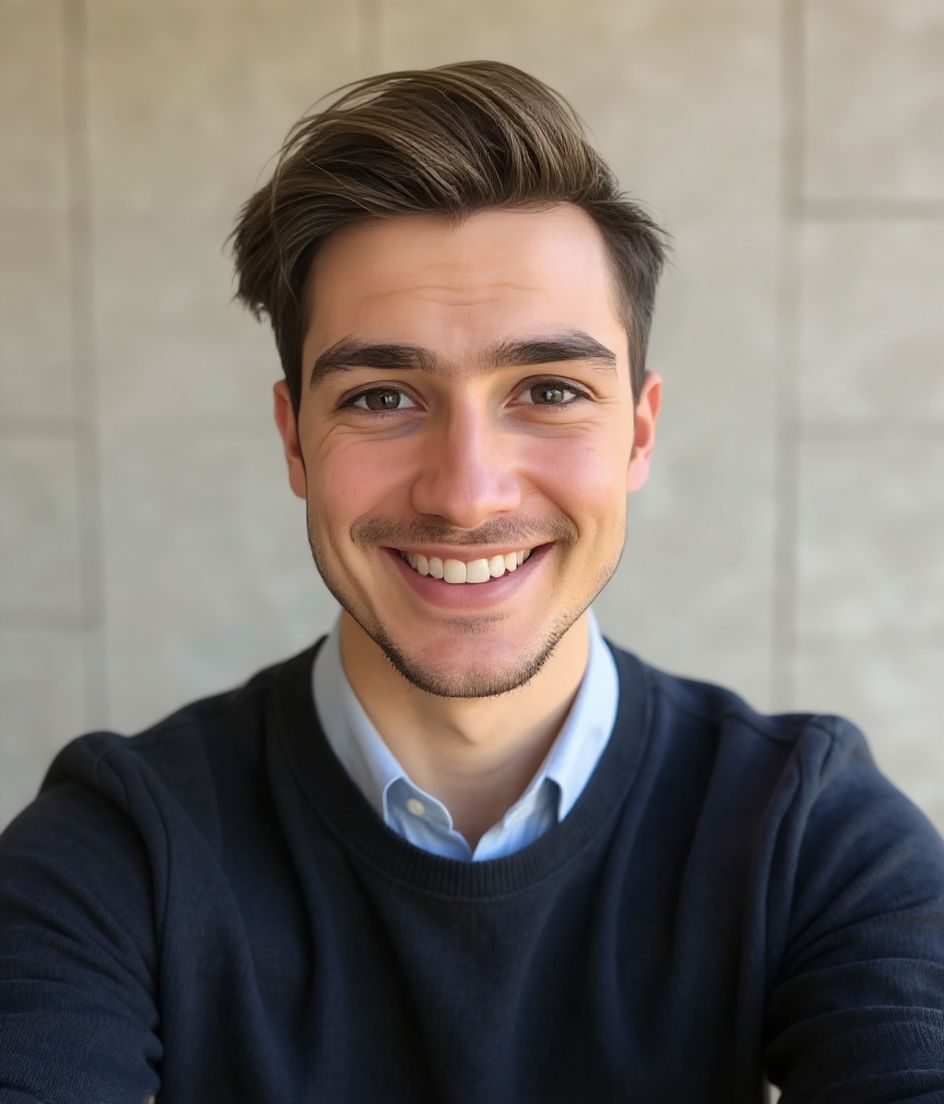
Built for 面向招聘官的 LinkedIn 头像照
400×400 to 7680×4320 — sized for LinkedIn
Upload 1:1 (square), 1024×1024 or 2000×2000 ideal, 8 mb maximum. JPG or PNG (not GIF) — no awkward zoom, no clipped chin.
Circle-crop safe framing
Eyes in the upper third, breathing room above the hair, no chin or ear cut by the circle. Keep logos and busy edges out of the corners — LinkedIn trims them.
用文字编辑
输入"摘掉眼镜""海军蓝西装外套"或"更亮的背景"——AI 会更新对应细节,而你的脸保持不变。
高分辨率、无水印
下载印刷级质量的文件——没有小图标,角落也不会有"由……制作"的标记。
Best styles
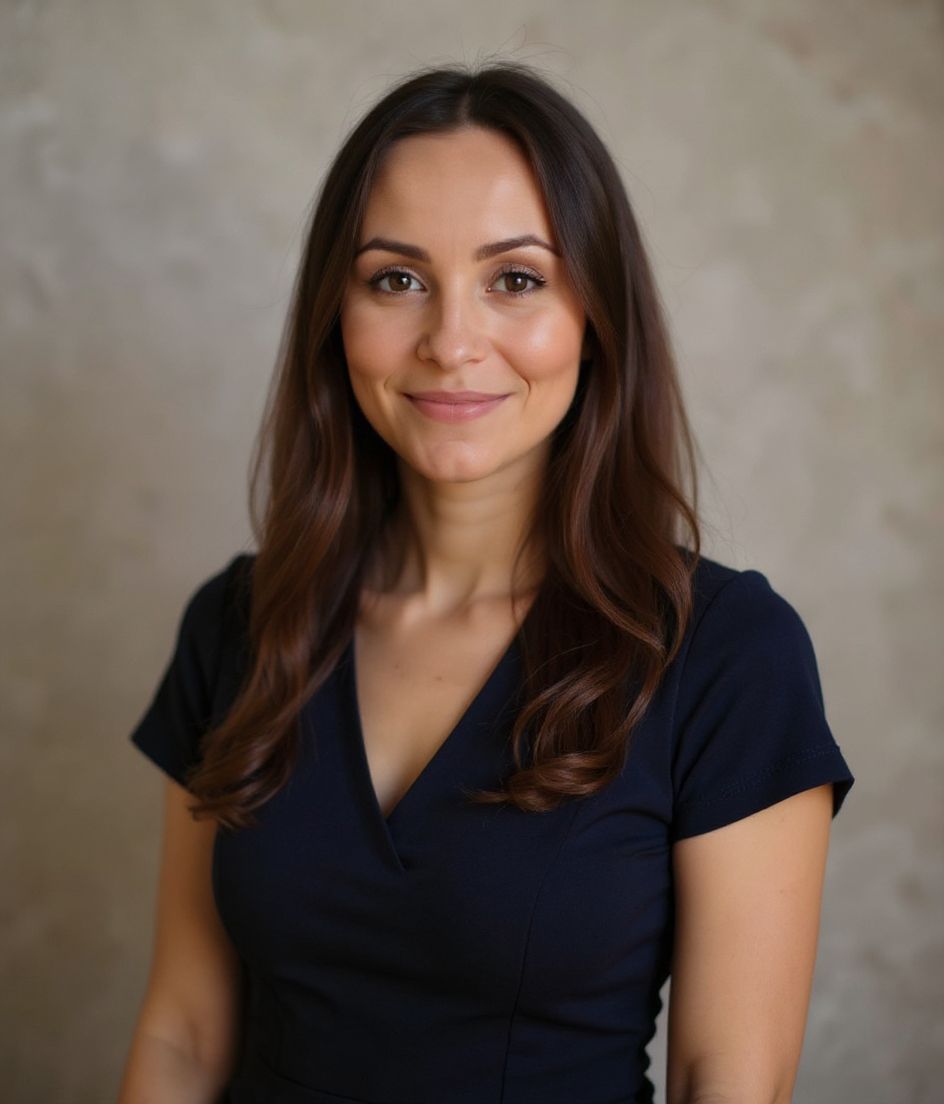
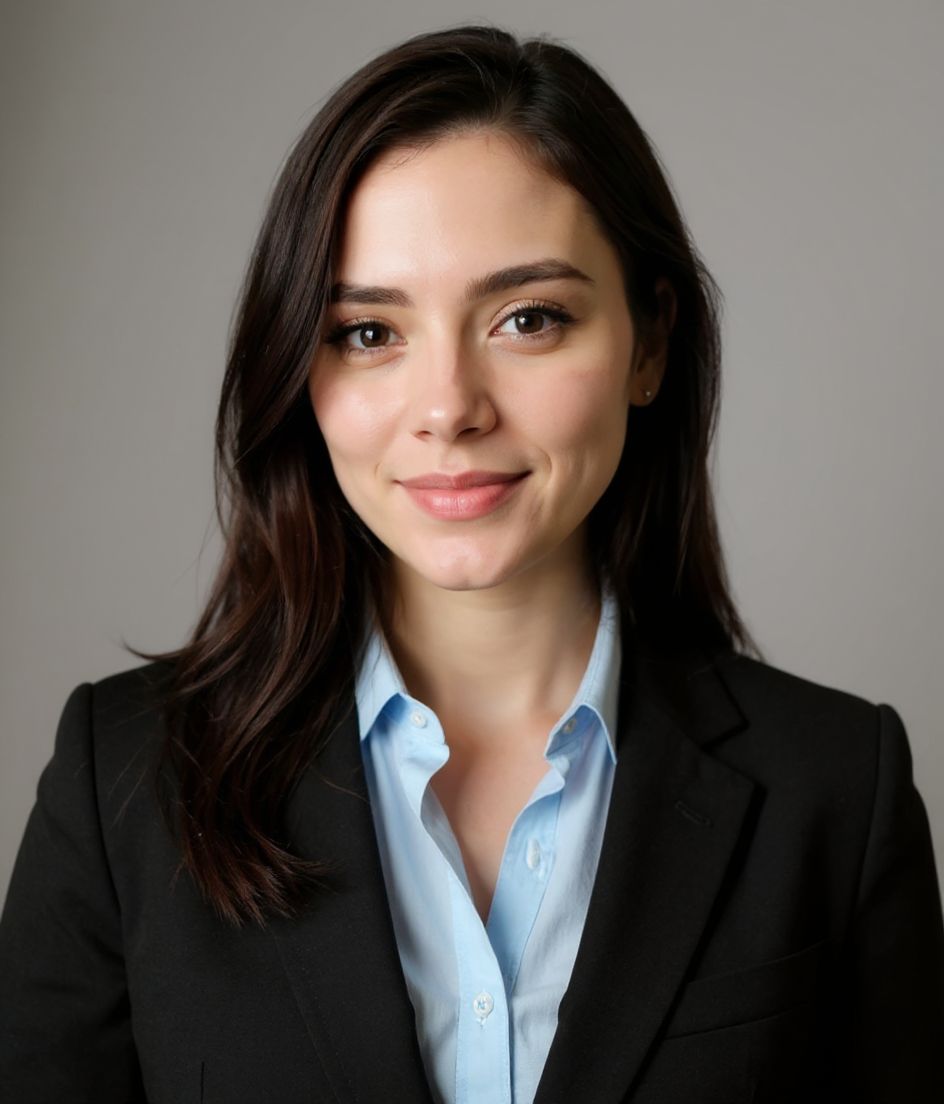
Our picks for 面向招聘官的 LinkedIn 头像照.
小贴士
- 1 温暖的微笑,露出眼睛。招聘是一场关系游戏;温暖才能促成转化。
- 2 坚持使用中性或柔和蓝色背景。任何花哨的元素在缩略图下都会分散注意力。
- 3 试试西装外套配 T 恤的搭配——对高管来说够正式,对候选人来说又够亲切。
- 4 每 12 个月更新一次。过时的招聘官照片会悄悄拉低回复率。
常见问题
What size should my LinkedIn photo be?
LinkedIn expects 400×400 to 7680×4320 at 1:1 (square), 8 mb maximum, in JPG or PNG (not GIF). Practical upload: 1024×1024 or 2000×2000. Desktop profile surfaces show roughly 400×400 inside a circle; mobile search is smaller.
How do I keep my face inside the LinkedIn circle crop?
Eyes in the upper third, breathing room above the hair, no chin or ear cut by the circle. Keep logos and busy edges out of the corners — LinkedIn trims them.
它能在 linkedin 上通过吗?
可以。输出是逼真还原你本人的形象,而不是卡通或滤镜效果。挑选 Foundations 或 Corporate 风格,照片看起来就像一次正常的影棚拍摄。
我能让我的脸完全保持不变吗?
可以——你的脸、发型和肤色都会被锁定。只有服装、光线和背景会改变。
生成有多快?
大多数头像照在 5 到 15 秒内就绪。你可以反复尝试,再用"用文字编辑"做微调,全程不到一分钟。
相关推荐
创建你的头像
无需影棚。一张自拍,几秒专业头像。iOS 与 Android 免费下载。
iOS 与 Android 免费下载
- 免费下载
- 1 张自拍
- 5–15 秒
- 无水印
扫码下载
用手机相机对准二维码

