
LinkedIn specs
Une photo LinkedIn de recruteur qui fait ouvrir les messages
Photo size & upload specs
- Pixel dimensions
- 400×400 to 7680×4320
- Aspect ratio
- 1:1 (square)
- File size cap
- 8 MB maximum
- Ideal upload
- 1024×1024 or 2000×2000
- Formats
- JPG or PNG (not GIF)
- Circle-crop safe area
- Eyes in the upper third, breathing room above the hair, no chin or ear cut by the circle. Keep logos and busy edges out of the corners — LinkedIn trims them.
Desktop profile surfaces show roughly 400×400 inside a circle; mobile search is smaller.
Full walkthrough: LinkedIn photo size and specs
Recruter sur LinkedIn, c'est une affaire de miniatures. Votre photo est la première chose qu'un candidat voit dans sa boîte de réception ou en recherche — une photo chaleureuse et professionnelle augmente nettement les taux d'ouverture.
HeadshotCam prend un selfie et vous donne un portrait prêt pour le recrutement. Choisissez un style chaleureux-accueillant, manager-RH ou pro-soigné, un arrière-plan neutre et doux, et vous obtenez une photo conçue pour la prospection.
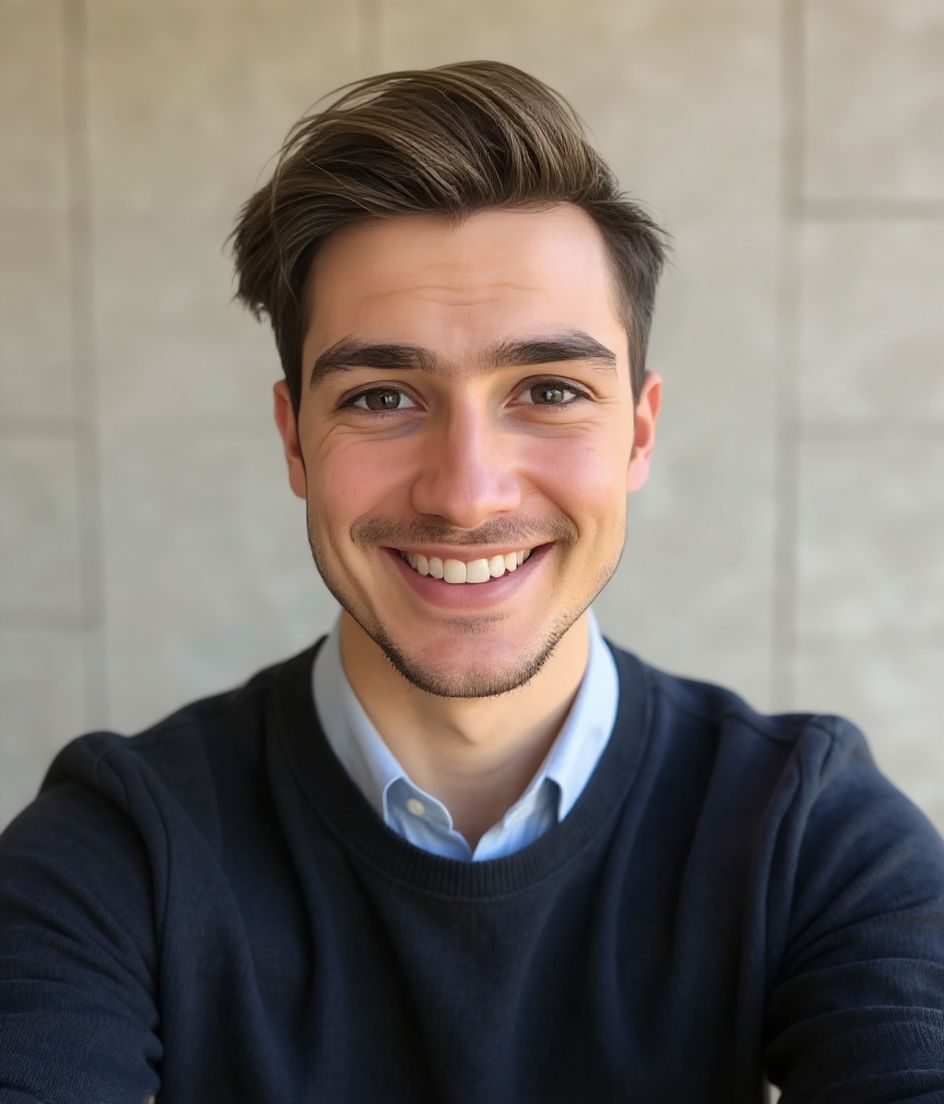
Built for Photo de profil LinkedIn pour recruteurs
400×400 to 7680×4320 — sized for LinkedIn
Upload 1:1 (square), 1024×1024 or 2000×2000 ideal, 8 mb maximum. JPG or PNG (not GIF) — no awkward zoom, no clipped chin.
Circle-crop safe framing
Eyes in the upper third, breathing room above the hair, no chin or ear cut by the circle. Keep logos and busy edges out of the corners — LinkedIn trims them.
Modifiez avec des mots
Tapez « enlève les lunettes », « blazer bleu marine » ou « arrière-plan plus clair » — l'IA met à jour le détail pendant que votre visage reste identique.
Haute résolution, sans filigrane
Téléchargez des fichiers de qualité impression — pas de petit logo, pas de mention « créé avec » dans le coin.
Best styles
Our picks for Photo de profil LinkedIn pour recruteurs.
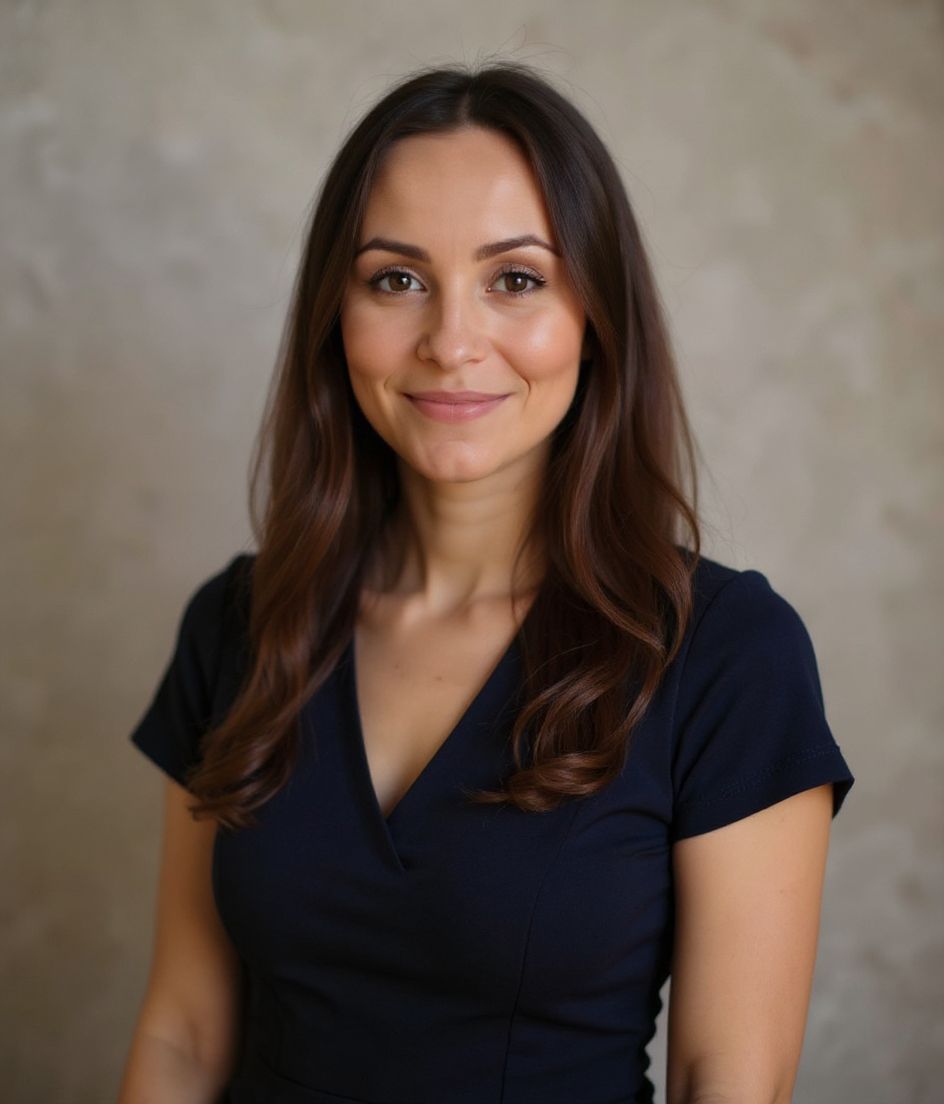
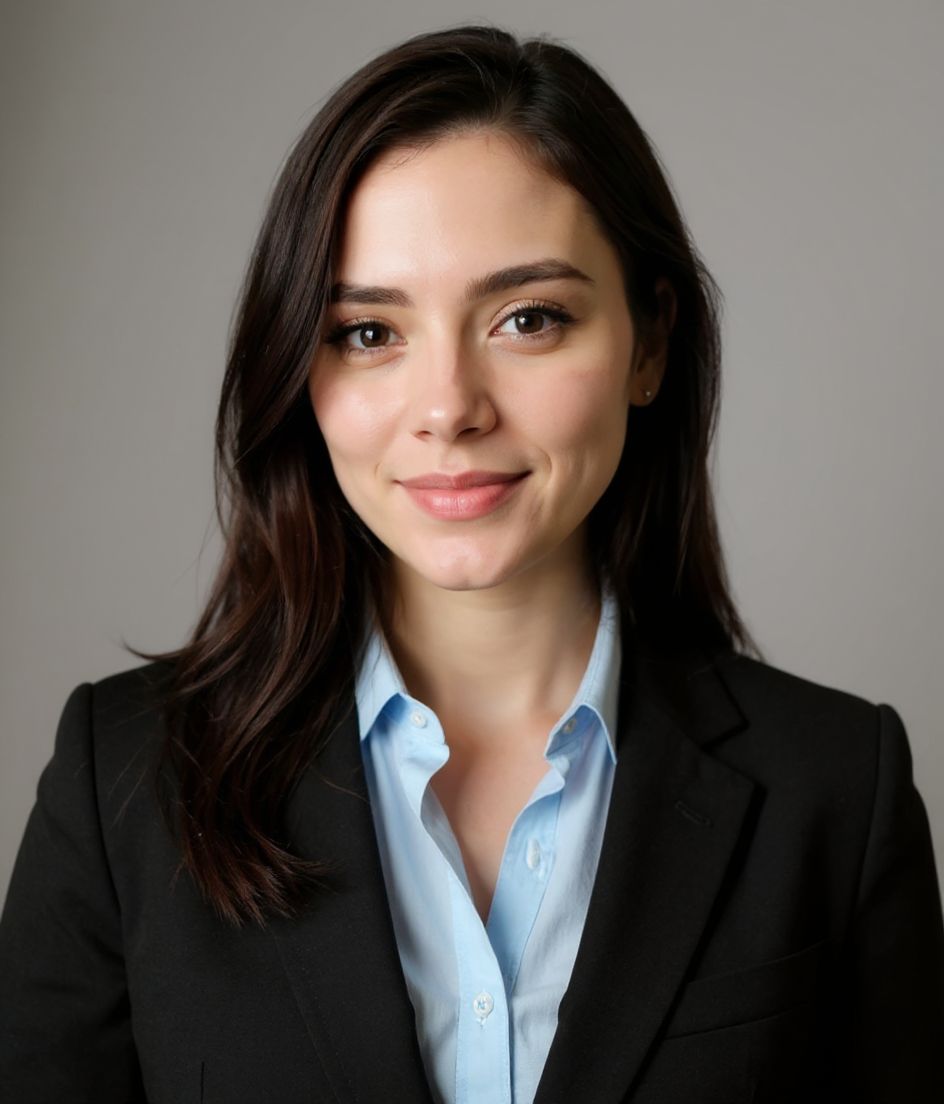
Conseils
- 1 Sourire chaleureux, regard inclus. Le recrutement est un jeu de relations ; la chaleur convertit.
- 2 Tenez-vous-en aux arrière-plans neutres ou bleu doux. Tout ce qui est chargé distrait en miniature.
- 3 Essayez un look blazer sur t-shirt — assez formel pour les dirigeants, assez amical pour les candidats.
- 4 Renouvelez tous les 12 mois. Les photos de recruteur dépassées perdent discrètement en taux de réponse.
FAQ
What size should my LinkedIn photo be?
LinkedIn expects 400×400 to 7680×4320 at 1:1 (square), 8 mb maximum, in JPG or PNG (not GIF). Practical upload: 1024×1024 or 2000×2000. Desktop profile surfaces show roughly 400×400 inside a circle; mobile search is smaller.
How do I keep my face inside the LinkedIn circle crop?
Eyes in the upper third, breathing room above the hair, no chin or ear cut by the circle. Keep logos and busy edges out of the corners — LinkedIn trims them.
Est-ce que ça passera sur LinkedIn ?
Oui. Le résultat est un portrait réaliste de vous, pas un dessin ou un filtre. Choisissez un style Foundations ou Corporate et la photo ressemble à une vraie séance studio.
Puis-je garder mon visage exactement identique ?
Oui — votre visage, vos cheveux et votre carnation restent verrouillés. Seuls les vêtements, l'éclairage et l'arrière-plan changent.
La génération est-elle rapide ?
La plupart des portraits sont prêts en 5 à 15 secondes. Vous pouvez itérer, puis utiliser « Modifiez avec des mots » pour les retouches, le tout en moins d'une minute.
Connexes
Créez votre portrait
Oubliez le studio. Portraits pro en quelques secondes, à partir d’un selfie. App gratuite à télécharger sur iOS et Android.
Téléchargement gratuit sur iOS et Android
- Téléchargement gratuit
- 1 selfie
- 5–15 secondes
- Sans filigrane
Scannez pour télécharger
Pointez l’appareil photo de votre téléphone vers un code

