
Use case
A LinkedIn headshot recruiters actually click on
LinkedIn is where recruiters, clients, and future bosses size you up in about two seconds. Your photo does most of the talking before they ever read your headline.
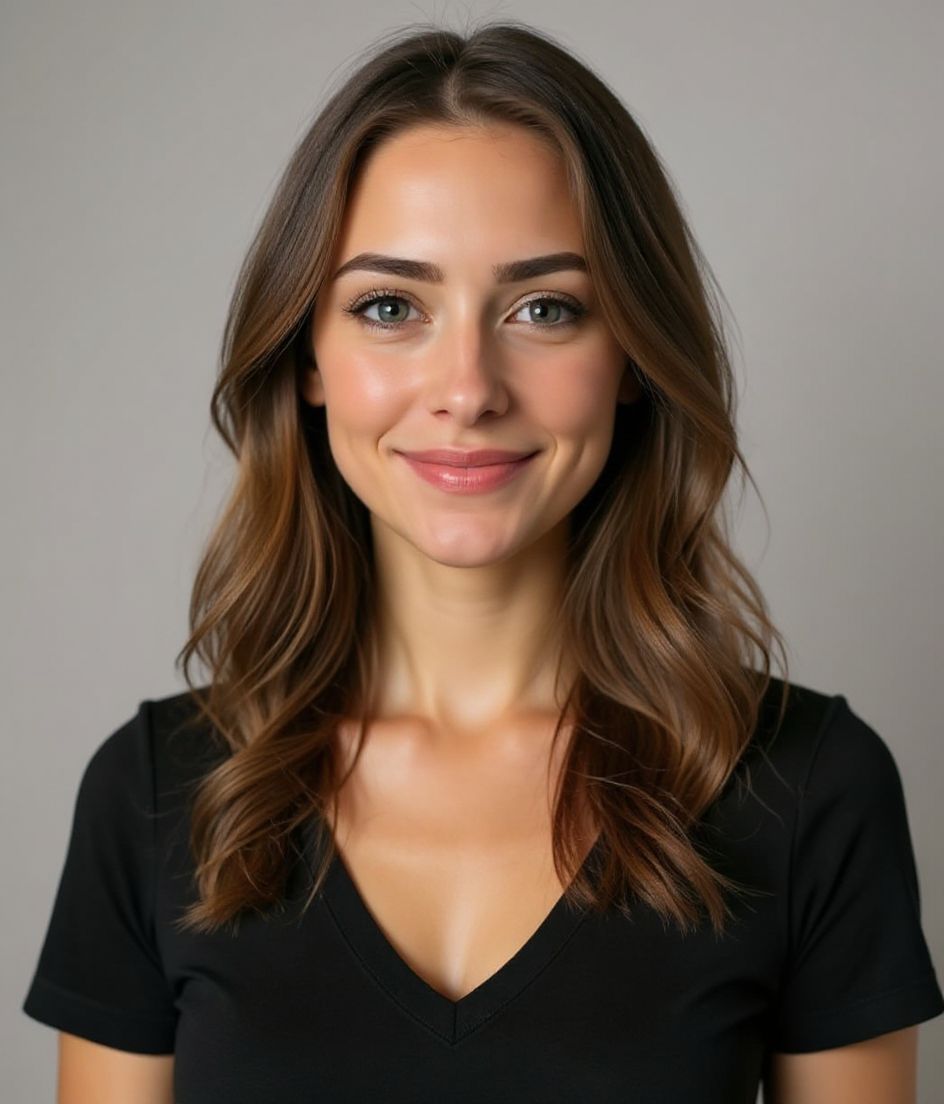
Upload a regular selfie and HeadshotCam turns it into a sharp, recruiter-friendly headshot in 5 to 15 seconds. You get a clean background, even lighting, and a face that still looks like you — not an over-airbrushed stranger.
No studio booking, no awkward retakes, no $300 photographer. Just a profile photo that looks like you actually have your stuff together.

5-15s
per headshot
Generation time. Try a few looks before you settle on one.
3
styles picked
From Foundations, Foundations, Corporate — the ones that work best here.
$5.99
starts at
One-time credits if you only need a couple. Yearly plan if you want unlimited.
What you get
Recruiter-ready in seconds
Generation takes 5 to 15 seconds. Upload, pick a style, refresh your profile before lunch is over.
Reads great at thumbnail size
LinkedIn shows your photo at 400x400 — our styles use clean backgrounds so your face still pops in tiny circles.
Edit with words
Type "remove glasses" or "navy blue suit" and we change it. Your face stays the same — clothes, lighting, and background flex.
High-res, no watermark
Download the full-resolution file. No tiny logos, no "made with" stamps in the corner.
Recommended styles
The styles that work best for linkedin headshots.

Tips
- 1 LinkedIn shows your photo at 400x400 — pick a style with a clean background so it reads at thumbnail size.
- 2 Smile with your eyes, not just your mouth. A natural, soft smile out-performs a hard grin in most LinkedIn studies.
- 3 Match your photo to your industry: finance and law lean classic suits, tech and startups can ride a clean polo or open collar.
- 4 Use a neutral background (gray, soft blue, or muted office) so your face is what people remember, not the wall.
- 5 Refresh your photo every 12-18 months — outdated headshots quietly tank profile views.
FAQs
What size should a LinkedIn profile photo be?
LinkedIn Help says the file must be between 400×400 and 7680×4320 pixels, PNG or JPG, and no larger than 8 MB. GIFs are not supported. A square such as 1024×1024 or 2000×2000 fits that window and survives the circle crop, because the height cap is 4320. Full walkthrough: /guides/linkedin-photo-size-and-specs/.
Will an AI headshot get me flagged on LinkedIn?
LinkedIn’s published rule is likeness, not “no AI.” Keep the photo clearly you — same face, same general look — and skip heavy fantasy edits. Full write-up: /guides/will-an-ai-headshot-get-flagged-on-linkedin/. If the face drifts, fix the selfie first: /guides/why-does-my-ai-headshot-not-look-like-me/.
How is this different from a studio headshot?
A studio shoot costs $200-500 and takes a half day. HeadshotCam costs a few bucks, runs in seconds, and gives you 60+ styles instead of one. The output looks studio-grade for online use.
Can I tweak the suit or background after?
Yeah. Use "edit with words" — type "change background to white" or "add a charcoal blazer" and it updates without changing your face.
Is my selfie safe?
Photos are encrypted and we delete them on request. We don't sell your image or train anything weird on it.
Related
Create your headshot
Skip the studio. Pro headshots in seconds, from one selfie. Free to download on iOS and Android.
Free to download on iOS & Android
- Free download
- 1 selfie
- 5–15 seconds
- No watermark
Scan to download
Point your phone camera at a code

