
Use case
İşe alım uzmanlarının gerçekten tıkladığı bir LinkedIn fotoğrafı
LinkedIn, işe alım uzmanlarının, müşterilerin ve gelecekteki patronlarınızın sizi yaklaşık iki saniyede değerlendirdiği yerdir. Fotoğrafınız, daha başlığınızı okumadan önce konuşmanın büyük kısmını yapar.
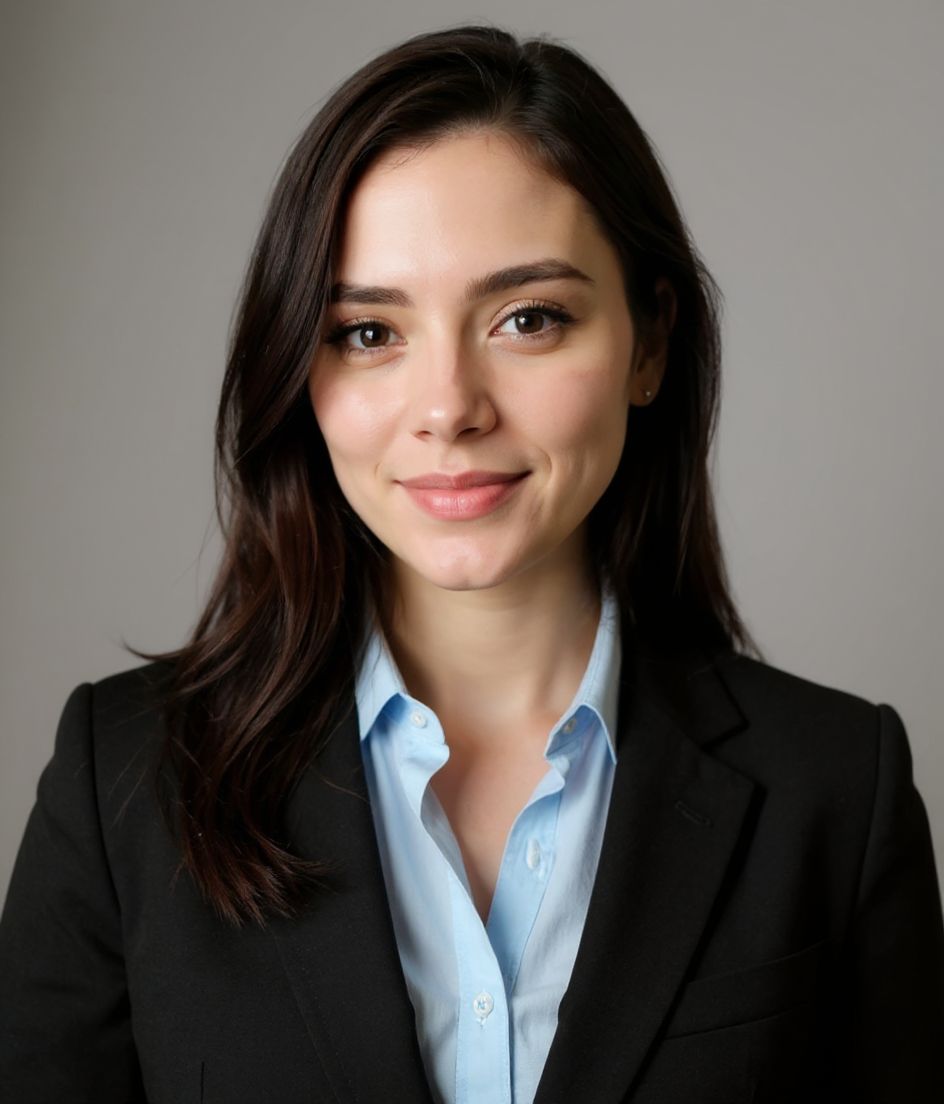
Sıradan bir selfie yükleyin; HeadshotCam onu 5 ila 15 saniyede keskin, işe alım dostu bir vesikalığa dönüştürsün. Temiz bir arka plan, dengeli bir ışık ve hâlâ size benzeyen bir yüz elde edersiniz — aşırı rötuşlanmış bir yabancı değil.
Stüdyo randevusu yok, garip tekrar çekimler yok, 300 dolarlık fotoğrafçı yok. Sadece işlerinizi gerçekten yoluna koymuş gibi görünen bir profil fotoğrafı.
5-15s
per headshot
Generation time. Try a few looks before you settle on one.
3
styles picked
From Foundations, Foundations, Corporate — the ones that work best here.
$5.99
starts at
One-time credits if you only need a couple. Yearly plan if you want unlimited.
What you get
Saniyeler içinde işe alıma hazır
Oluşturma 5 ila 15 saniye sürer. Yükleyin, bir tarz seçin, öğle arası bitmeden profilinizi yenileyin.
Küçük boyutta da harika görünür
LinkedIn fotoğrafınızı 400x400 boyutunda gösterir — tarzlarımız temiz arka planlar kullanır, böylece yüzünüz minik dairelerde bile öne çıkar.
Kelimelerle düzenleyin
"gözlüğü kaldır" ya da "lacivert takım elbise" yazın, biz değiştirelim. Yüzünüz aynı kalır — kıyafet, ışık ve arka plan esner.
Yüksek çözünürlük, filigran yok
Tam çözünürlüklü dosyayı indirin. Köşede minik logolar yok, "şununla yapıldı" damgaları yok.
Önerilen stiller
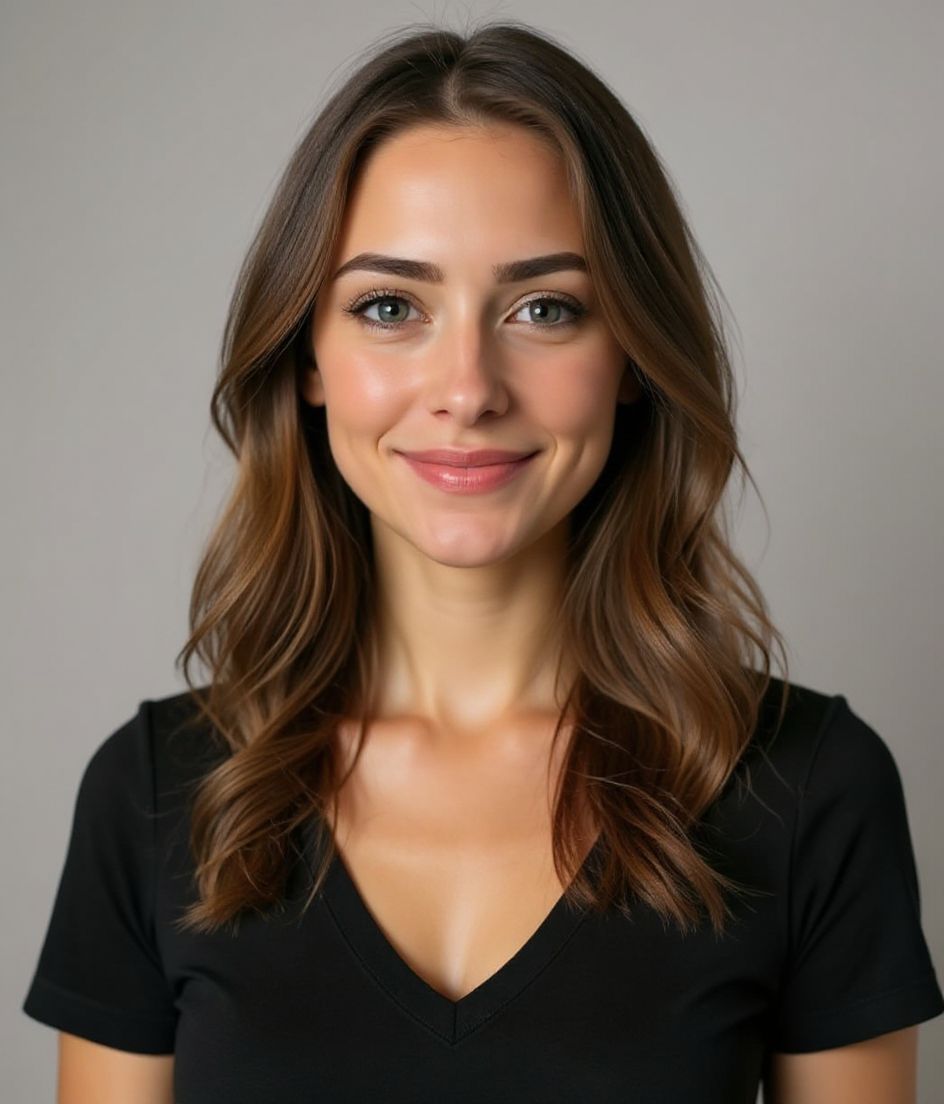
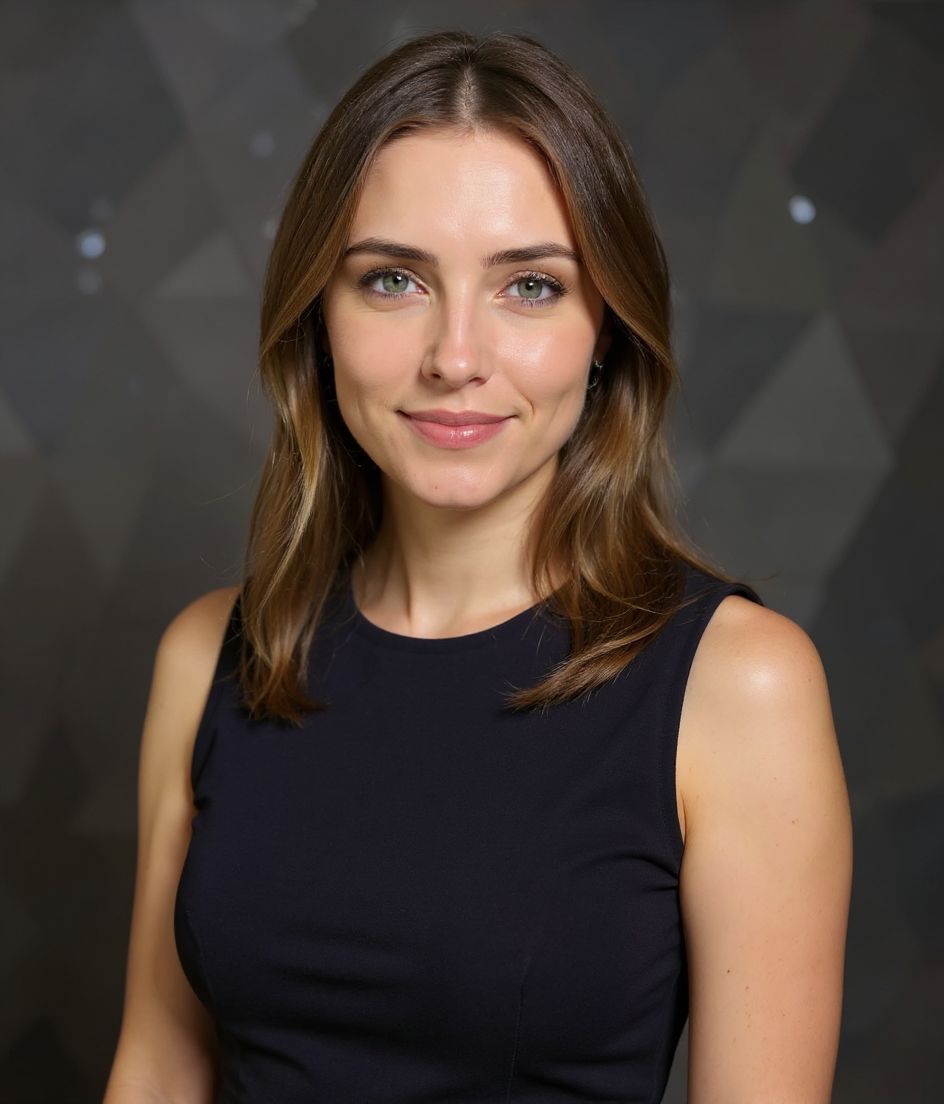
The styles that work best for linkedin vesikalık fotoğrafları.
İpuçları
- 1 LinkedIn fotoğrafınızı 400x400 boyutunda gösterir — küçük boyutta okunabilmesi için temiz arka planlı bir tarz seçin.
- 2 Sadece ağzınızla değil, gözlerinizle gülümseyin. Doğal, yumuşak bir gülümseme çoğu LinkedIn araştırmasında sert bir sırıtmadan daha iyi performans gösterir.
- 3 Fotoğrafınızı sektörünüzle eşleştirin: finans ve hukuk klasik takımlardan yana, teknoloji ve girişimler ise temiz bir polo ya da açık yaka taşıyabilir.
- 4 Nötr bir arka plan kullanın (gri, yumuşak mavi ya da soft bir ofis), böylece insanların aklında duvar değil yüzünüz kalsın.
- 5 Fotoğrafınızı her 12-18 ayda bir yenileyin — eskimiş vesikalıklar profil görüntülenmelerini sessizce düşürür.
SSS
Yapay zekâ vesikalığı LinkedIn'de işaretlenmeme neden olur mu?
Hayır. Açıkça siz olduğunuz sürece — aynı yüz, aynı genel görünüm — LinkedIn bunu diğer profesyonel fotoğraflar gibi ele alır. Ağır fantezi düzenlemelerden kaçının, sorun olmaz.
Bunun stüdyo vesikalığından farkı ne?
Stüdyo çekimi 200-500 dolara mal olur ve yarım gün sürer. HeadshotCam birkaç dolar tutar, saniyeler içinde çalışır ve tek bir yerine 60'tan fazla tarz sunar. Çıktı, çevrim içi kullanım için stüdyo kalitesinde görünür.
Sonradan takımı veya arka planı değiştirebilir miyim?
Evet. "Kelimelerle düzenle" özelliğini kullanın — "arka planı beyaza çevir" ya da "antrasit bir ceket ekle" yazın, yüzünüzü değiştirmeden güncellesin.
Selfie'm güvende mi?
Fotoğraflar şifrelenir ve talep üzerine sileriz. Görüntünüzü satmayız, üzerinde tuhaf hiçbir şey eğitmeyiz.
İlgili
Vesikalığını oluştur
Stüdyoyu atlayın. Tek selfie’den saniyeler içinde profesyonel vesikalık. iOS ve Android’de ücretsiz indirme.
iOS ve Android’de ücretsiz indirme
- Ücretsiz indirme
- 1 selfie
- 5–15 saniye
- Filigransız
İndirmek için tara
Telefon kameranı bir koda tut

