
GitHub specs
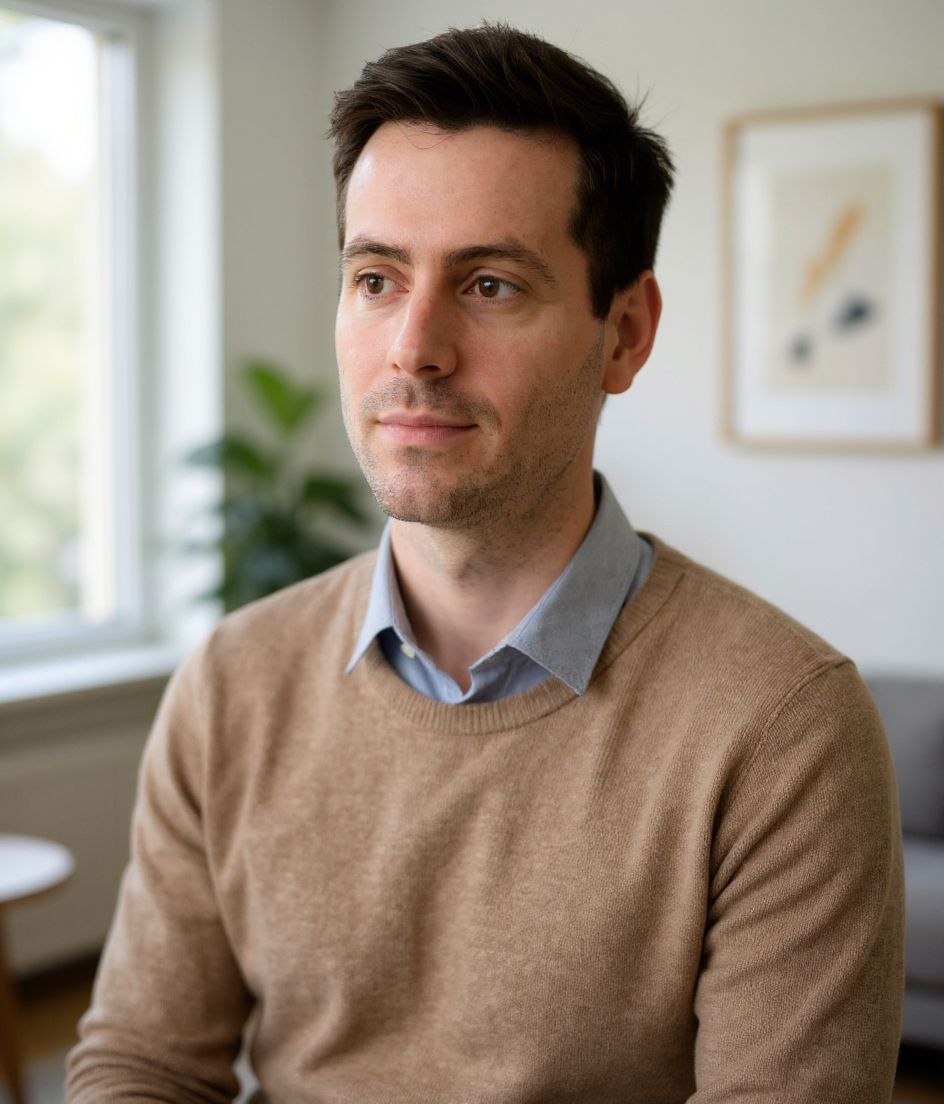
"Kod yazarım" mesajı veren bir GitHub profil fotoğrafı
Photo size & upload specs
- Pixel dimensions
- 500×500 or larger
- Aspect ratio
- 1:1 (square)
- File size cap
- Under 1 MB preferred
- Ideal upload
- 1024×1024
- Formats
- JPG, PNG, or GIF
- Circle-crop safe area
- Center the face tightly. GitHub avatars render as circles next to every PR and issue — forehead and chin must sit inside the inscribed circle.
Avatars shrink to ~32–48 px in feeds; upload larger so compression still looks sharp.
GitHub avatarları küçücüktür. Her PR'ın, her sorunun, her commit'in yanında belirir — ve diğer mühendisler profilinize tıklamadan önce işinizi nasıl algıladıklarını şekillendirir.
HeadshotCam tek bir selfie alır ve size GitHub düzeyinde bir portre sunar. Lead-dev, clean-modern veya cto tarzlarını seçin, nötr bir arka plan belirleyin; avatar boyutunda keskin ve güvenilir görünen bir fotoğrafınız olsun.
Built for GitHub Profil Fotoğrafı
500×500 or larger — sized for GitHub
Upload 1:1 (square), 1024×1024 ideal, under 1 mb preferred. JPG, PNG, or GIF — no awkward zoom, no clipped chin.
Circle-crop safe framing
Center the face tightly. GitHub avatars render as circles next to every PR and issue — forehead and chin must sit inside the inscribed circle.
Kelimelerle düzenleyin
"gözlüğü kaldır", "lacivert blazer" veya "daha açık arka plan" yazın — yapay zeka yüzünüz aynı kalırken detayı günceller.
Yüksek çözünürlük, filigran yok
Baskı kalitesinde dosyalar indirin — minik logolar yok, köşede "ile yapıldı" damgaları yok.
Best styles
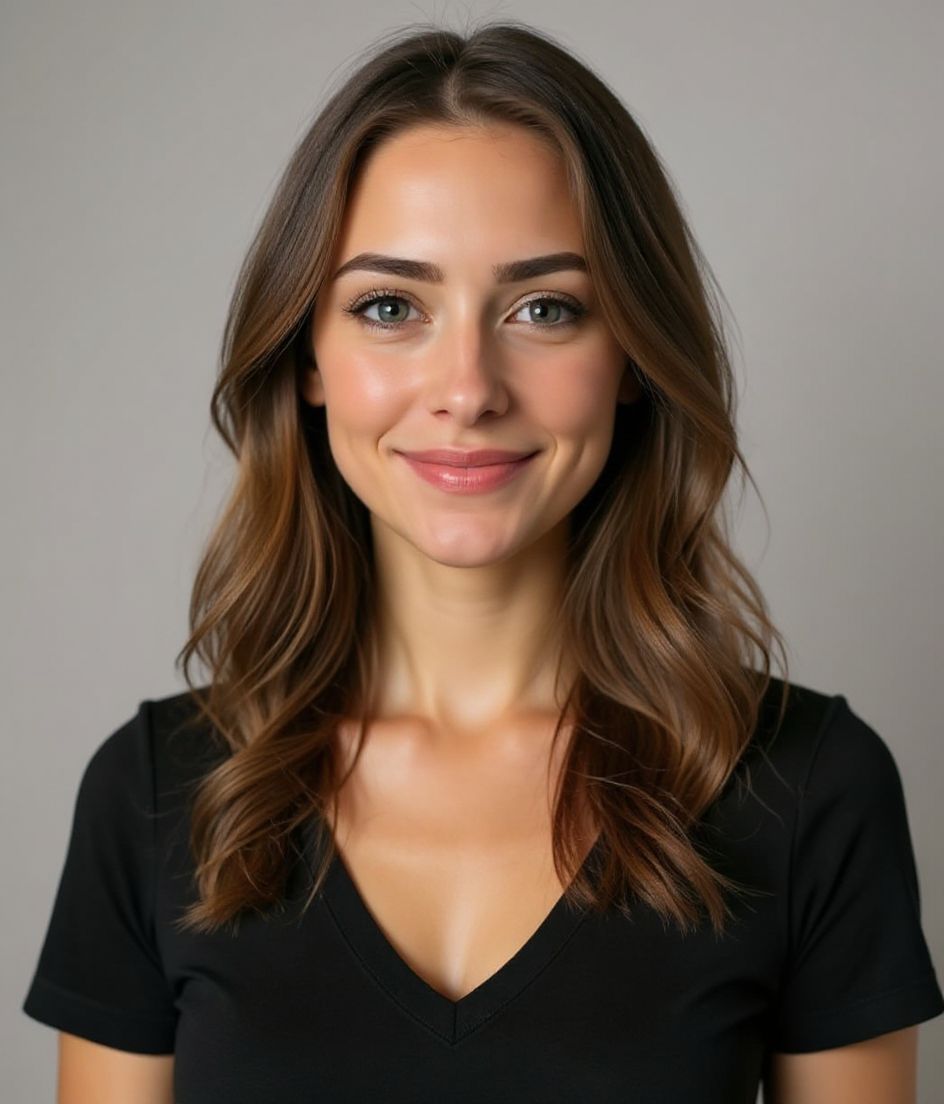
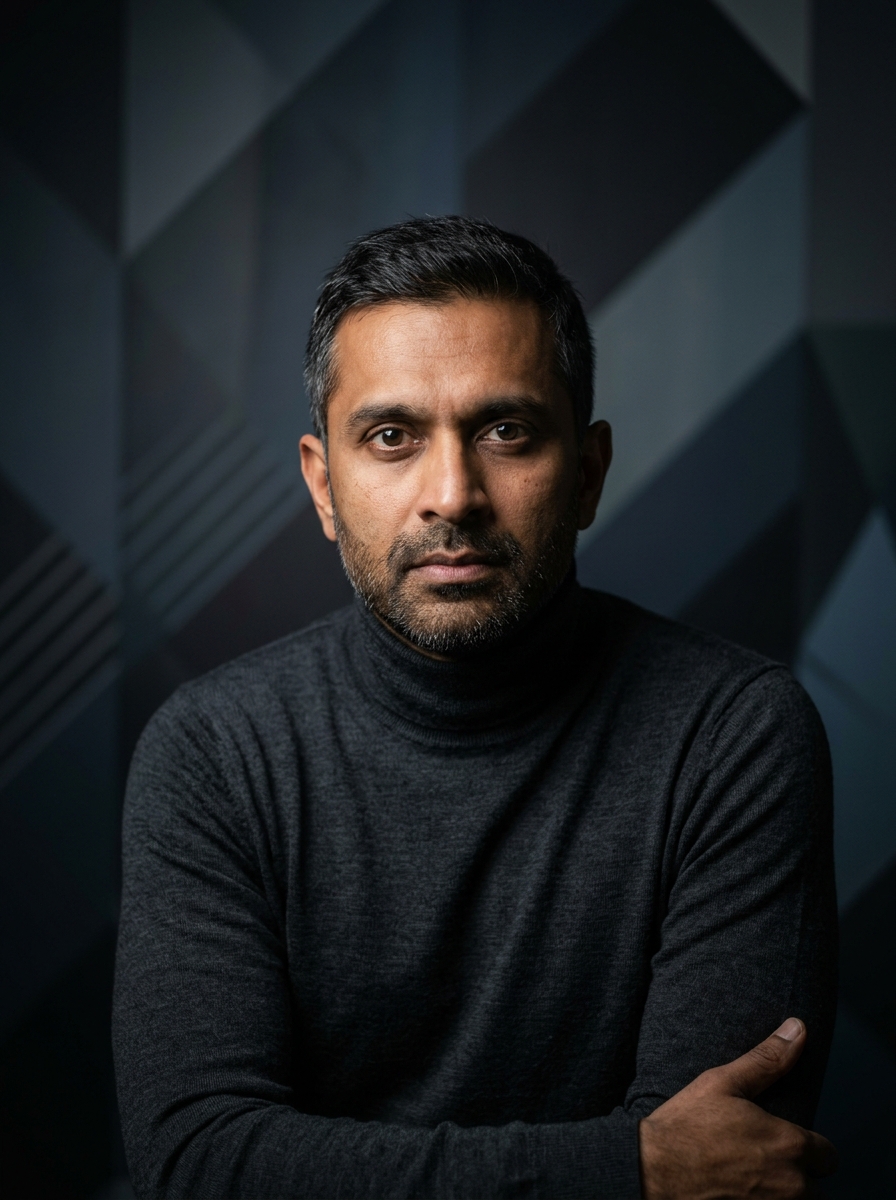
Our picks for GitHub Profil Fotoğrafı.
İpuçları
- 1 Sıkı, ortalanmış kırpma. GitHub yuvarlak avatarlar kullanır — yüzünüzün çemberi doldurması gerekir.
- 2 Düz renkli üst, desen yok. Desenler 32×32'de gürültüye dönüşür.
- 3 LinkedIn'deki fotoğrafla eşleştirin. İşe alım uzmanları ve katkıda bulunanlar çapraz kontrol yapar.
- 4 Şirket değiştirdiğinizde yenileyin. Aksi takdirde olduğu gibi bırakın.
SSS
What size should my GitHub photo be?
GitHub expects 500×500 or larger at 1:1 (square), under 1 mb preferred, in JPG, PNG, or GIF. Practical upload: 1024×1024. Avatars shrink to ~32–48 px in feeds; upload larger so compression still looks sharp.
How do I keep my face inside the GitHub circle crop?
Center the face tightly. GitHub avatars render as circles next to every PR and issue — forehead and chin must sit inside the inscribed circle.
GitHub avatarında geçerli olur mu?
Evet. Çıktı, bir karikatür veya filtre değil, sizin gerçekçi bir benzeriniz olur. Bir Foundations veya Corporate tarzı seçin; fotoğraf normal bir stüdyo çekimi gibi görünsün.
Yüzümü tam olarak aynı tutabilir miyim?
Evet — yüzünüz, saçınız ve ten renginiz sabit kalır. Yalnızca kıyafet, ışık ve arka plan değişir.
Üretim ne kadar hızlı?
Çoğu vesikalık 5 ila 15 saniye içinde hazır olur. Birden fazla deneme yapabilir, ardından ince ayarlar için "Kelimelerle düzenleyin" özelliğini kullanabilirsiniz; hepsi bir dakikadan kısa sürede.
İlgili
Vesikalığını oluştur
Stüdyoyu atlayın. Tek selfie’den saniyeler içinde profesyonel vesikalık. iOS ve Android’de ücretsiz indirme.
iOS ve Android’de ücretsiz indirme
- Ücretsiz indirme
- 1 selfie
- 5–15 saniye
- Filigransız
İndirmek için tara
Telefon kameranı bir koda tut

