
GitHub specs
Una foto profilo GitHub che segnala "scrivo codice che va in produzione"
Photo size & upload specs
- Pixel dimensions
- 500×500 or larger
- Aspect ratio
- 1:1 (square)
- File size cap
- Under 1 MB preferred
- Ideal upload
- 1024×1024
- Formats
- JPG, PNG, or GIF
- Circle-crop safe area
- Center the face tightly. GitHub avatars render as circles next to every PR and issue — forehead and chin must sit inside the inscribed circle.
Avatars shrink to ~32–48 px in feeds; upload larger so compression still looks sharp.
Gli avatar di GitHub sono minuscoli. Compaiono accanto a ogni PR, ogni issue, ogni commit, e plasmano il modo in cui gli altri ingegneri leggono il tuo lavoro prima ancora di aprire il tuo profilo.
HeadshotCam parte da un solo selfie e ti restituisce un ritratto di livello GitHub. Scegli tra gli stili lead-dev, clean-modern o cto, sfondo neutro, e hai una foto che risulta nitida e affidabile anche in formato avatar.
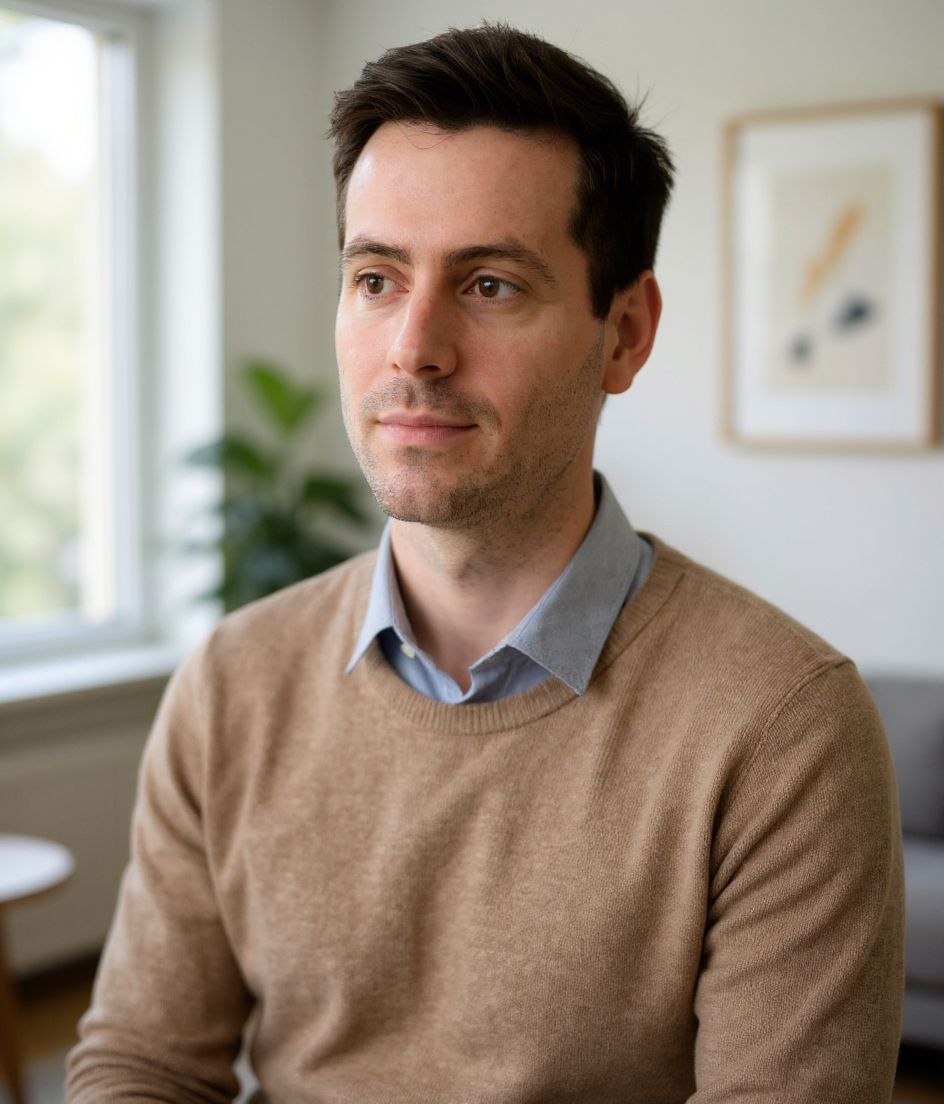
Built for Foto profilo GitHub
500×500 or larger — sized for GitHub
Upload 1:1 (square), 1024×1024 ideal, under 1 mb preferred. JPG, PNG, or GIF — no awkward zoom, no clipped chin.
Circle-crop safe framing
Center the face tightly. GitHub avatars render as circles next to every PR and issue — forehead and chin must sit inside the inscribed circle.
Modifica con le parole
Scrivi "togli gli occhiali", "blazer blu navy" o "sfondo più chiaro": l'AI aggiorna il dettaglio mentre il tuo volto resta identico.
Alta risoluzione, senza filigrana
Scarica file di qualità per la stampa: niente loghi minuscoli, niente scritte "made with" nell'angolo.
Best styles
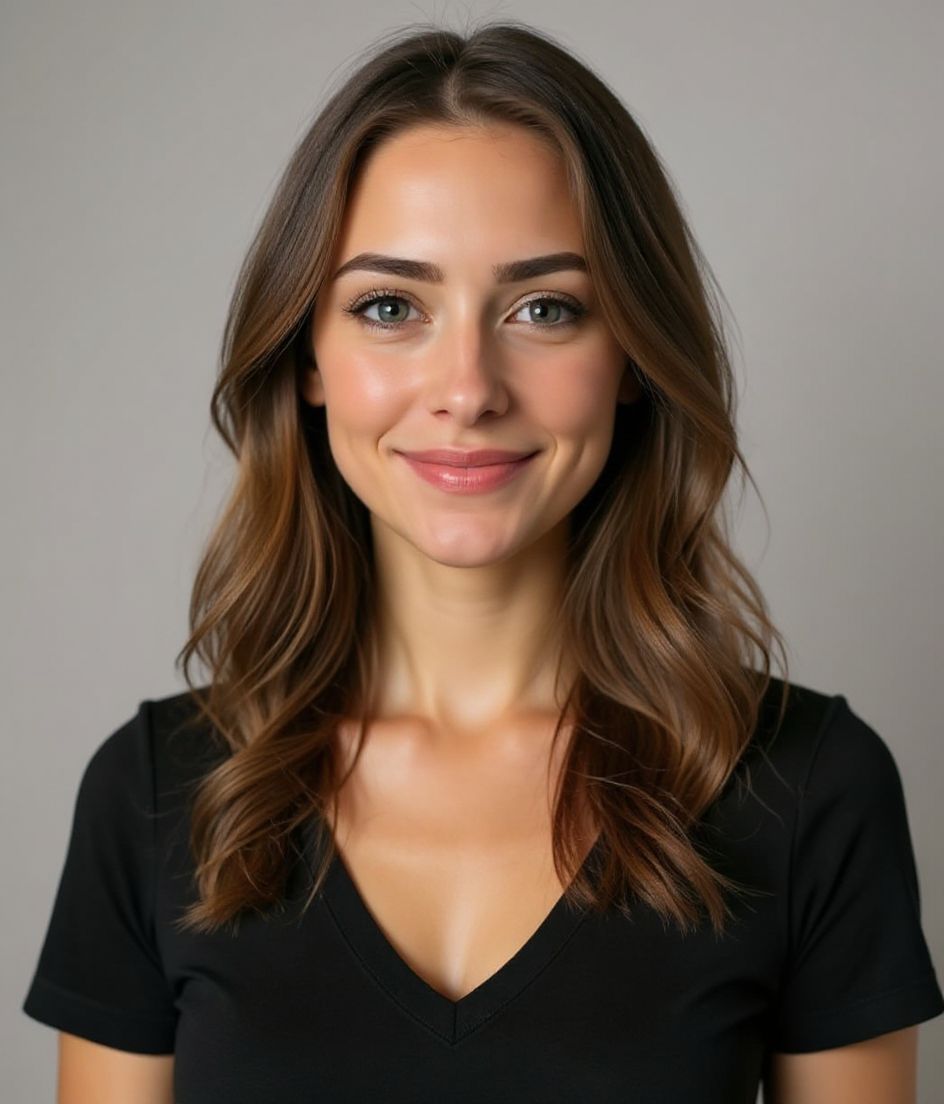
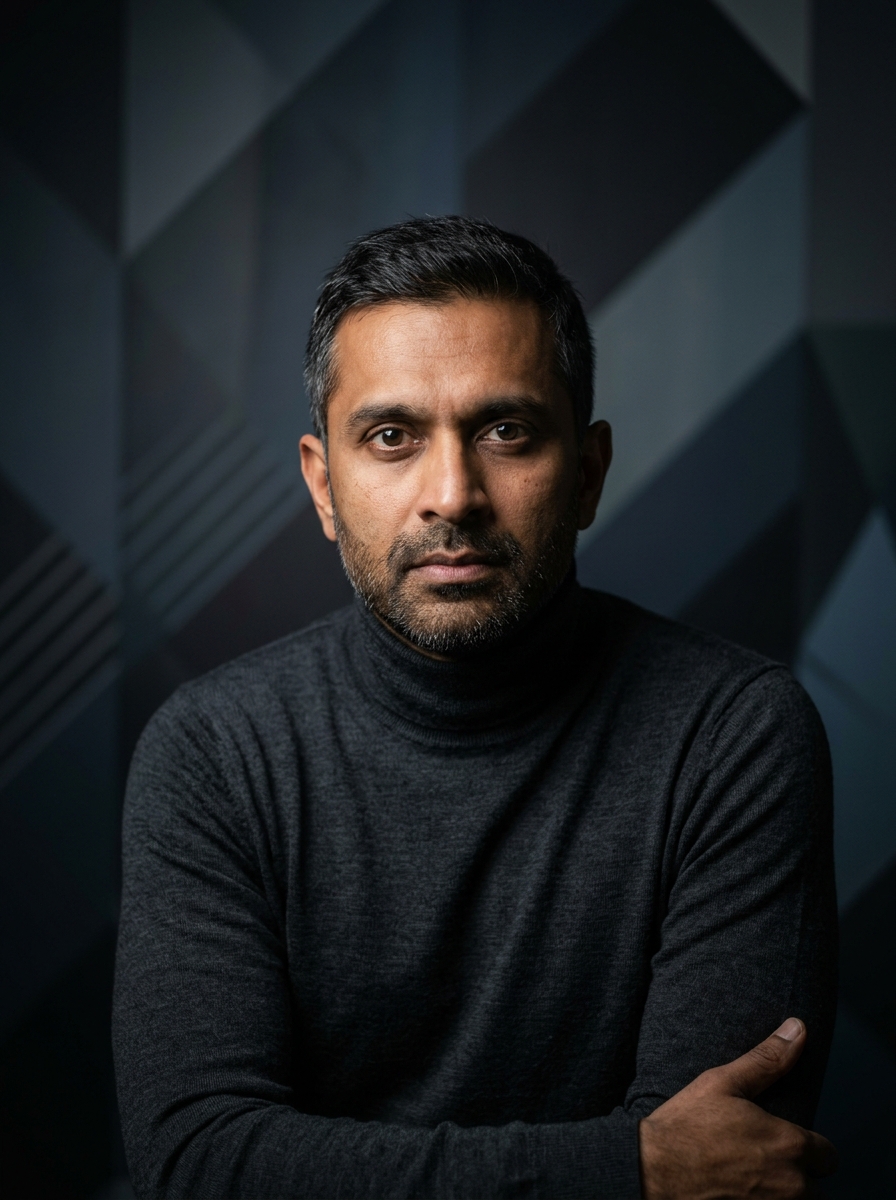
Our picks for Foto profilo GitHub.
Consigli
- 1 Taglio stretto e centrato. GitHub usa avatar tondi: il tuo volto deve riempire il cerchio.
- 2 Top a tinta unita, niente fantasie. Le fantasie diventano rumore a 32×32.
- 3 Abbina la foto a quella su LinkedIn. Recruiter e collaboratori fanno verifiche incrociate.
- 4 Aggiornala quando cambi azienda. Per il resto, lasciala stare.
FAQ
What size should my GitHub photo be?
GitHub expects 500×500 or larger at 1:1 (square), under 1 mb preferred, in JPG, PNG, or GIF. Practical upload: 1024×1024. Avatars shrink to ~32–48 px in feeds; upload larger so compression still looks sharp.
How do I keep my face inside the GitHub circle crop?
Center the face tightly. GitHub avatars render as circles next to every PR and issue — forehead and chin must sit inside the inscribed circle.
Andrà bene come avatar GitHub?
Sì. Il risultato è una somiglianza realistica di te, non un cartone o un filtro. Scegli uno stile Foundations o Corporate e la foto risulta come un normale scatto in studio.
Posso mantenere il mio volto esattamente uguale?
Sì: il tuo volto, i capelli e l'incarnato restano bloccati. Cambiano solo abbigliamento, illuminazione e sfondo.
Quanto è veloce la generazione?
La maggior parte delle foto è pronta in 5-15 secondi. Puoi iterare e poi usare "Modifica con le parole" per i ritocchi, tutto in meno di un minuto.
Correlati
Crea il tuo headshot
Salta lo studio. Ritratti pro in pochi secondi da un selfie. App gratuita su iOS e Android.
Download gratuito su iOS e Android
- Download gratuito
- 1 selfie
- 5–15 secondi
- Senza filigrana
Scansiona per scaricare
Punta la fotocamera del telefono su un codice

