
GitLab specs
ภาพโปรไฟล์ GitLab สำหรับฟีด merge request
Photo size & upload specs
- Pixel dimensions
- 400×400 or larger
- Aspect ratio
- 1:1 (square)
- File size cap
- Under 200 KB preferred for avatars
- Ideal upload
- 800×800 to 1024×1024
- Formats
- JPG or PNG
- Circle-crop safe area
- Center for the merge-request and pipeline avatar circle. No edge logos — GitLab clips them hard at small sizes.
GitLab เป็นแพลตฟอร์ม merge request อวตารของคุณปรากฏข้าง ๆ ทุก MR ทุก pipeline ทุกการรีวิวโค้ด — การจดจำสะสมเพิ่มขึ้นทั่วทีม
HeadshotCam รับเซลฟี่เพียงรูปเดียวแล้วเปลี่ยนให้เป็นภาพโปรไฟล์ระดับ GitLab เลือกสไตล์ lead-dev, clean-modern หรือ cto พื้นหลังสีพื้น แล้วคุณก็จะได้อวตารที่ดูคมชัดในทุกขนาด
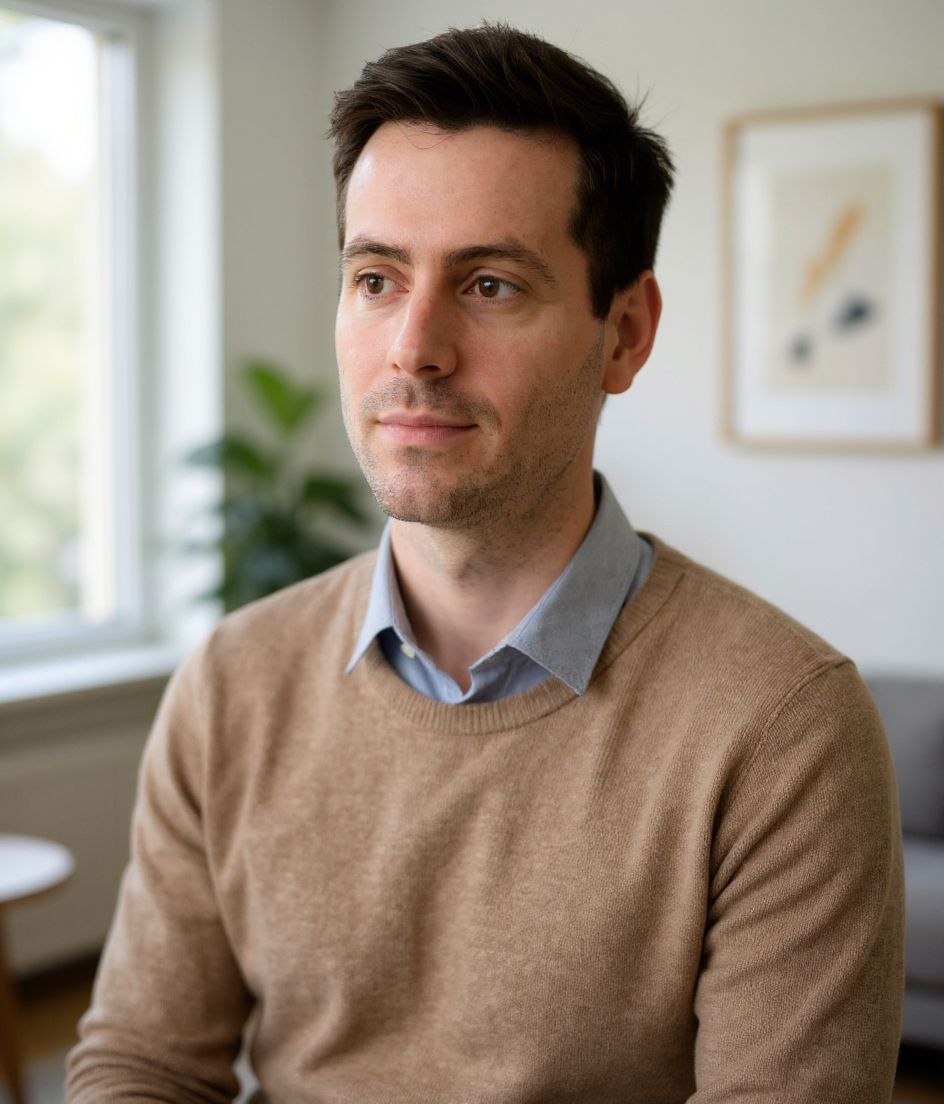
Built for ภาพโปรไฟล์ GitLab
400×400 or larger — sized for GitLab
Upload 1:1 (square), 800×800 to 1024×1024 ideal, under 200 kb preferred for avatars. JPG or PNG — no awkward zoom, no clipped chin.
Circle-crop safe framing
Center for the merge-request and pipeline avatar circle. No edge logos — GitLab clips them hard at small sizes.
แก้ไขด้วยคำพูด
พิมพ์ "ถอดแว่น", "เสื้อเบลเซอร์สีกรมท่า" หรือ "พื้นหลังสว่างขึ้น" — AI จะปรับรายละเอียดให้ ในขณะที่ใบหน้าของคุณยังคงเหมือนเดิม
ความละเอียดสูง ไม่มีลายน้ำ
ดาวน์โหลดไฟล์คุณภาพระดับงานพิมพ์ — ไม่มีโลโก้เล็ก ๆ ไม่มีตรา "made with" ที่มุมภาพ
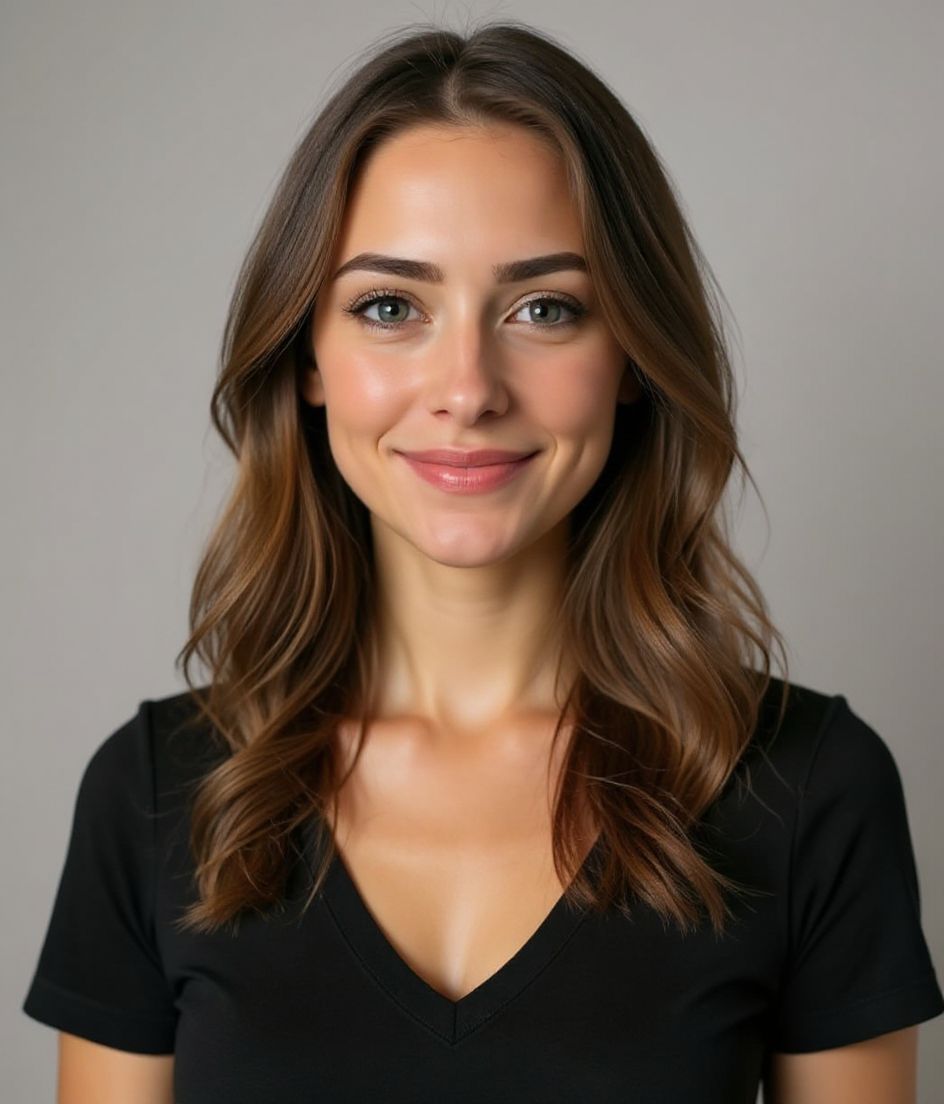
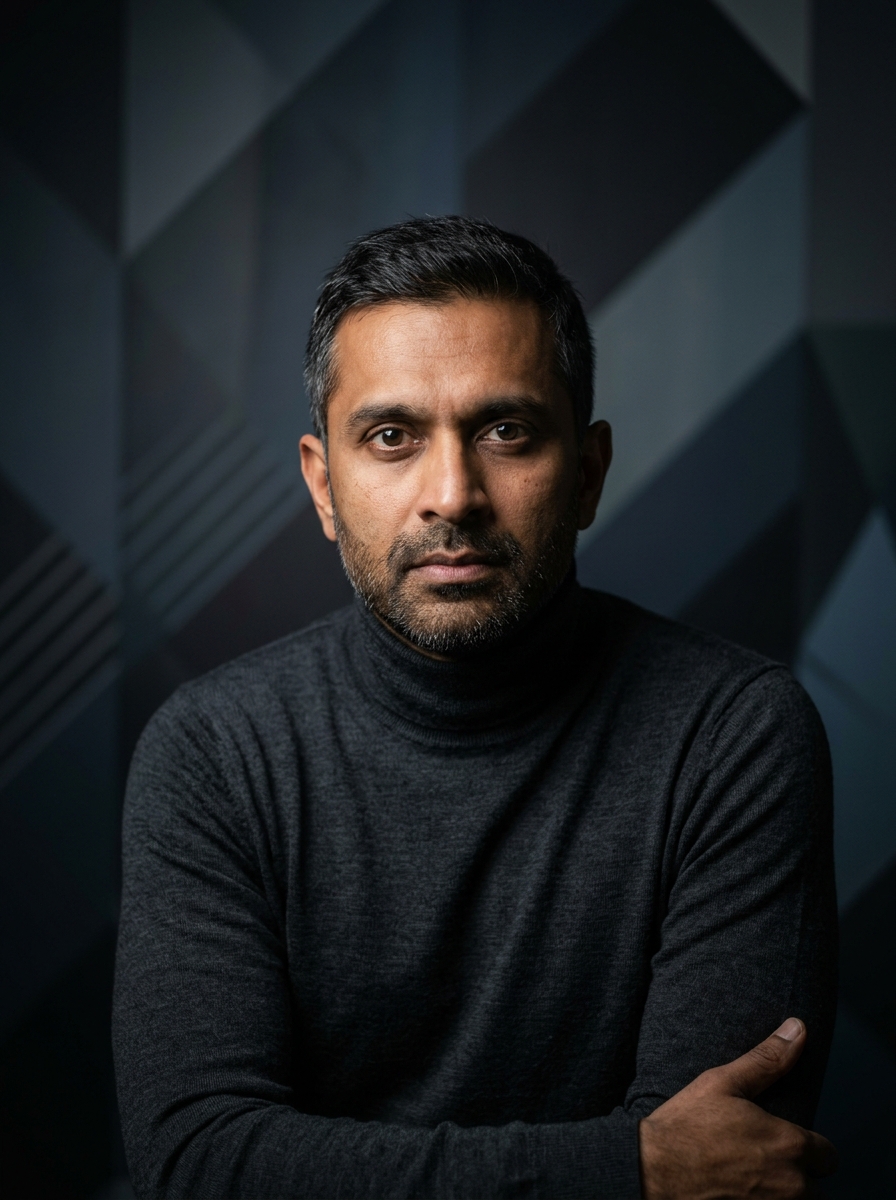
Best styles
Our picks for ภาพโปรไฟล์ GitLab.
เคล็ดลับ
- 1 ครอปแบบกระชับ อวตารบน GitLab ก็มีขนาดเล็กเช่นกัน
- 2 เสื้อสีพื้น ไม่มีโลโก้ ลวดลายจะกลายเป็นจุดรบกวนในขนาดอวตาร
- 3 ใช้ภาพให้ตรงกับบน GitHub และ LinkedIn
- 4 อัปเดตเมื่อเปลี่ยนบริษัท
คำถามที่พบบ่อย
What size should my GitLab photo be?
GitLab expects 400×400 or larger at 1:1 (square), under 200 kb preferred for avatars, in JPG or PNG. Practical upload: 800×800 to 1024×1024.
How do I keep my face inside the GitLab circle crop?
Center for the merge-request and pipeline avatar circle. No edge logos — GitLab clips them hard at small sizes.
จะใช้ผ่านบน GitLab ได้ไหม?
ได้ ผลลัพธ์เป็นภาพเหมือนจริงของคุณ ไม่ใช่การ์ตูนหรือฟิลเตอร์ เลือกสไตล์ Foundations หรือ Corporate แล้วภาพจะดูเหมือนการถ่ายในสตูดิโอตามปกติ
ฉันเก็บใบหน้าให้เหมือนเดิมเป๊ะได้ไหม?
ได้ — ใบหน้า ทรงผม และสีผิวของคุณถูกล็อกไว้ มีแค่เสื้อผ้า แสง และพื้นหลังเท่านั้นที่เปลี่ยน
สร้างภาพเร็วแค่ไหน?
ภาพโปรไฟล์ส่วนใหญ่พร้อมใน 5 ถึง 15 วินาที คุณสามารถลองปรับซ้ำ แล้วใช้ "แก้ไขด้วยคำพูด" เพื่อปรับแต่ง ทั้งหมดในเวลาไม่ถึงหนึ่งนาที
ที่เกี่ยวข้อง
สร้างภาพหัวของคุณ
ไม่ต้องสตูดิโอ ภาพมืออาชีพในไม่กี่วินาทีจากเซลฟี่รูปเดียว แอปดาวน์โหลดฟรีบน iOS และ Android
ดาวน์โหลดฟรีบน iOS และ Android
- ดาวน์โหลดฟรี
- เซลฟี่ 1 รูป
- 5–15 วินาที
- ไม่มีลายน้ำ
สแกนเพื่อดาวน์โหลด
หันกล้องมือถือไปที่โค้ด

