
GitLab specs
मर्ज-रिक्वेस्ट फ़ीड के लिए एक GitLab प्रोफ़ाइल फ़ोटो
Photo size & upload specs
- Pixel dimensions
- 400×400 or larger
- Aspect ratio
- 1:1 (square)
- File size cap
- Under 200 KB preferred for avatars
- Ideal upload
- 800×800 to 1024×1024
- Formats
- JPG or PNG
- Circle-crop safe area
- Center for the merge-request and pipeline avatar circle. No edge logos — GitLab clips them hard at small sizes.
GitLab एक मर्ज-रिक्वेस्ट प्लेटफ़ॉर्म है। आपका अवतार हर MR, हर पाइपलाइन, हर कोड रिव्यू के बगल में दिखता है — टीम भर में पहचान जुड़ती जाती है।
HeadshotCam एक सेल्फ़ी लेता है और आपको GitLab-स्तर का पोर्ट्रेट देता है। lead-dev, clean-modern या cto स्टाइल और सादे रंग का बैकग्राउंड चुनें, और आपके पास एक ऐसा अवतार होगा जो किसी भी साइज़ पर तीक्ष्ण दिखता है।
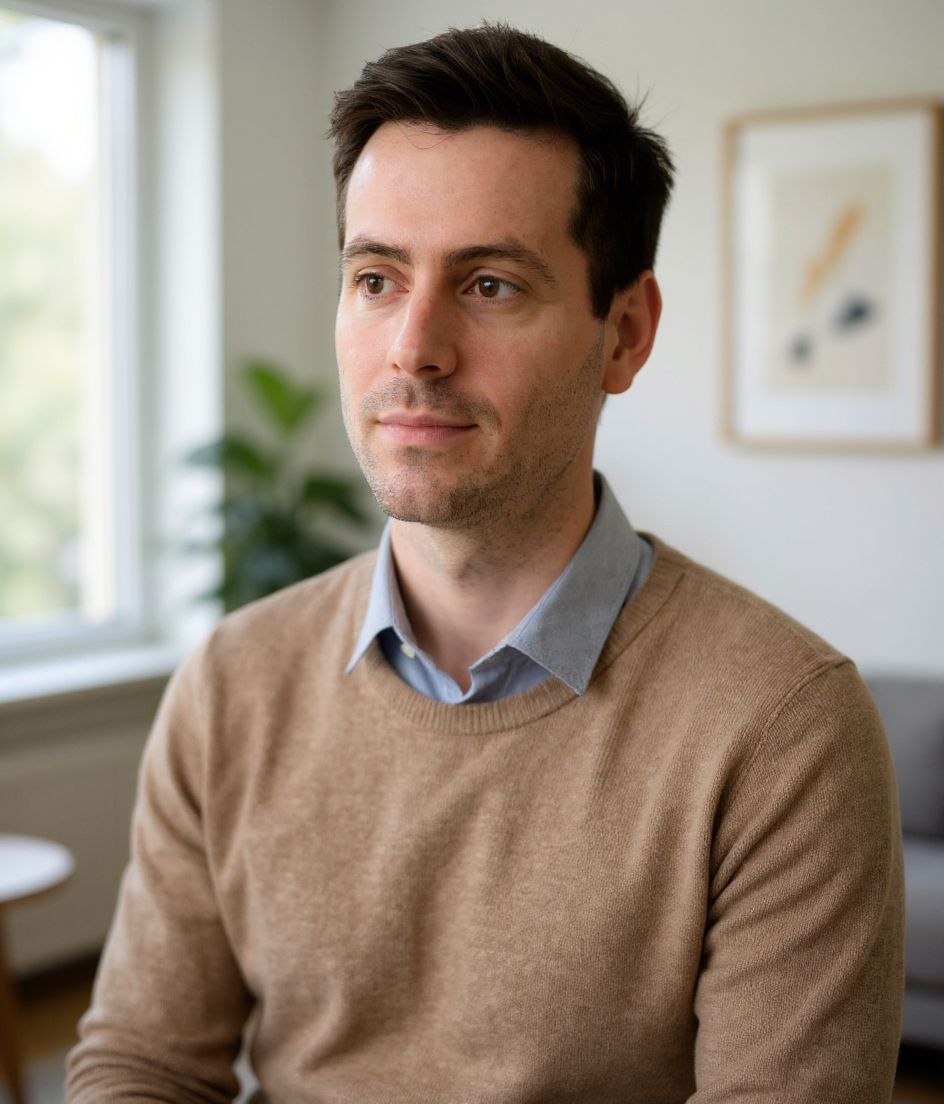
Built for GitLab प्रोफ़ाइल फ़ोटो
400×400 or larger — sized for GitLab
Upload 1:1 (square), 800×800 to 1024×1024 ideal, under 200 kb preferred for avatars. JPG or PNG — no awkward zoom, no clipped chin.
Circle-crop safe framing
Center for the merge-request and pipeline avatar circle. No edge logos — GitLab clips them hard at small sizes.
शब्दों से एडिट करें
"चश्मा हटाओ", "नेवी ब्लेज़र" या "हल्का बैकग्राउंड" टाइप करें — AI उस डिटेल को अपडेट करता है जबकि आपका चेहरा वैसा ही रहता है।
हाई-रेज़, कोई वॉटरमार्क नहीं
प्रिंट-क्वालिटी फ़ाइलें डाउनलोड करें — न कोई छोटा लोगो, न कोने में "made with" का ठप्पा।
Best styles
Our picks for GitLab प्रोफ़ाइल फ़ोटो.
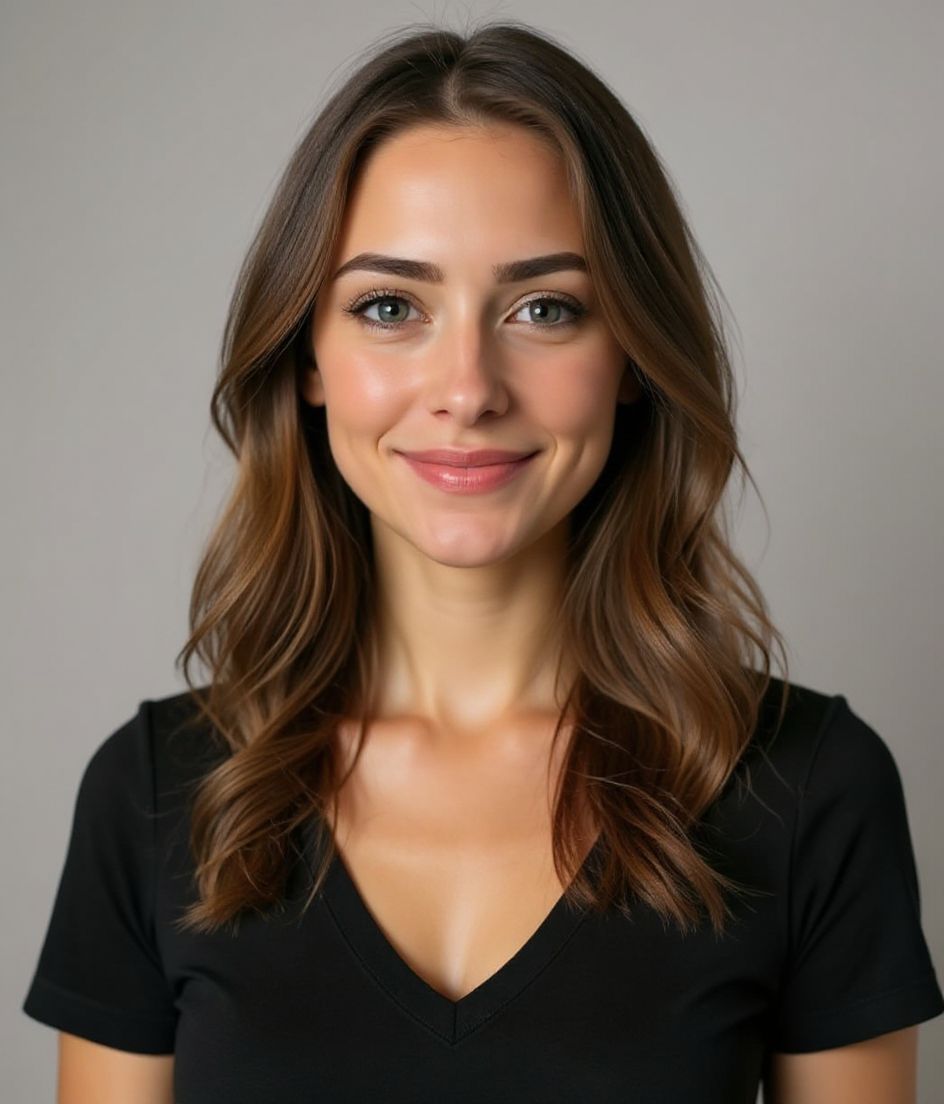
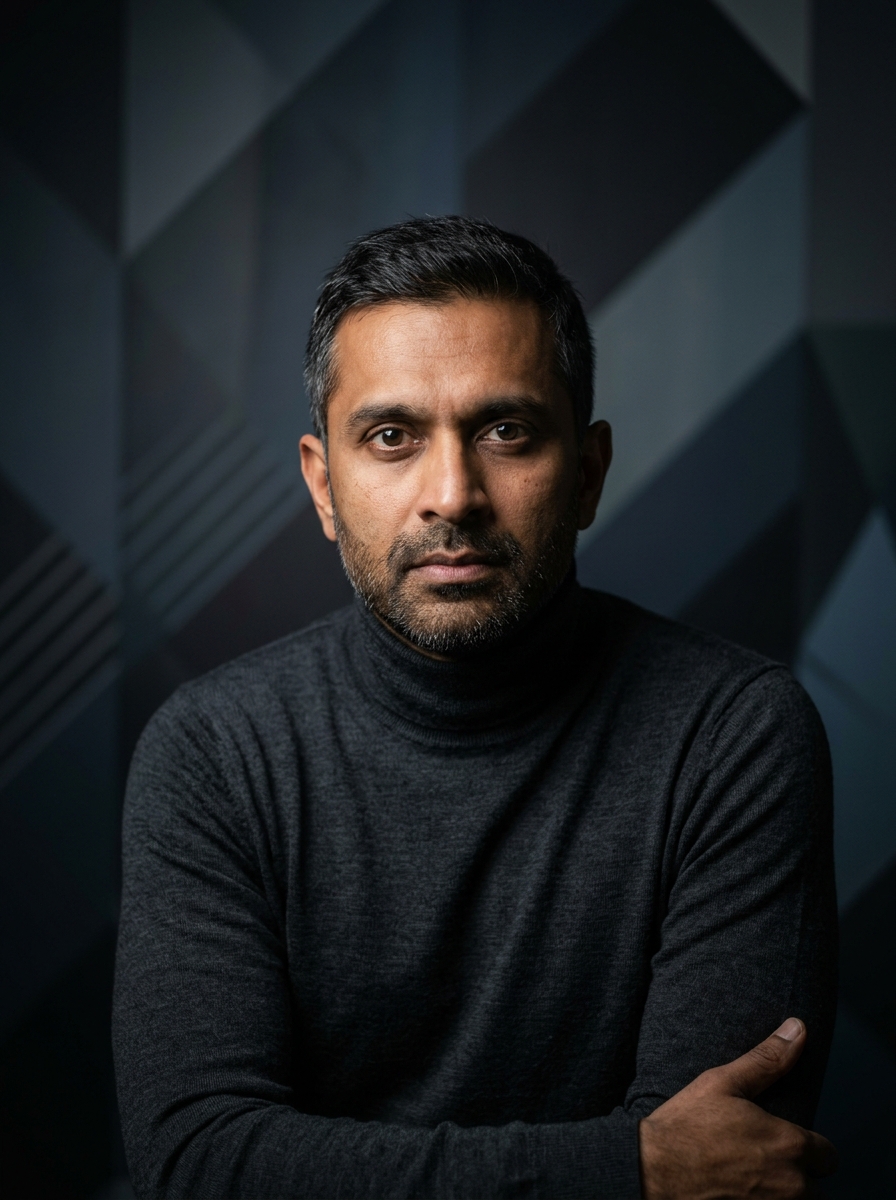
टिप्स
- 1 कसा हुआ क्रॉप। GitLab पर भी अवतार छोटे होते हैं।
- 2 सादे रंग का टॉप, कोई लोगो नहीं। पैटर्न अवतार साइज़ पर शोर बन जाते हैं।
- 3 GitHub और LinkedIn वाली फ़ोटो से मिलाएँ।
- 4 कंपनी बदलने पर रिफ़्रेश करें।
FAQs
What size should my GitLab photo be?
GitLab expects 400×400 or larger at 1:1 (square), under 200 kb preferred for avatars, in JPG or PNG. Practical upload: 800×800 to 1024×1024.
How do I keep my face inside the GitLab circle crop?
Center for the merge-request and pipeline avatar circle. No edge logos — GitLab clips them hard at small sizes.
क्या यह gitlab पर चल जाएगी?
हाँ। आउटपुट आपकी असली शक्ल जैसा होता है, कोई कार्टून या फ़िल्टर नहीं। Foundations या Corporate स्टाइल चुनें और फ़ोटो एक सामान्य स्टूडियो शूट जैसी दिखती है।
क्या मैं अपना चेहरा बिल्कुल वैसा ही रख सकता हूँ?
हाँ — आपका चेहरा, बाल और त्वचा का रंग लॉक रहते हैं। केवल कपड़े, लाइटिंग और बैकग्राउंड बदलते हैं।
जनरेशन कितनी तेज़ है?
ज़्यादातर हेडशॉट 5 से 15 सेकंड में तैयार हो जाते हैं। आप दोहरा सकते हैं, फिर "शब्दों से एडिट करें" से बदलाव कर सकते हैं, सब एक मिनट से भी कम में।
संबंधित
अपना हेडशॉट बनाएँ
स्टूडियो छोड़ें। एक सेल्फ़ी से सेकंडों में प्रो हेडशॉट। iOS और Android पर मुफ़्त डाउनलोड।
iOS और Android पर मुफ़्त डाउनलोड
- मुफ़्त डाउनलोड
- 1 सेल्फ़ी
- 5–15 सेकंड
- बिना वॉटरमार्क
डाउनलोड के लिए स्कैन करें
फ़ोन कैमरा कोड पर लगाएँ

