
Zoom specs
Zoom profile photo size: 400×400+ square for camera-off tiles
Photo size & upload specs
- Pixel dimensions
- 400×400 minimum
- Aspect ratio
- 1:1 (square)
- File size cap
- Under 2 MB
- Ideal upload
- 800×800 to 1200×1200
- Formats
- JPG or PNG
- Circle-crop safe area
- Centered face for the camera-off tile. Leave slight headroom; Zoom’s round/square tile varies by client — center is safest.
Zoom profile photos should be at least 400×400 square (800×800–1200×1200 preferred), under 2 MB, JPG/PNG. Camera-off tiles may round or square-crop depending on the client — center the face with slight headroom.
HeadshotCam ships a Zoom-ready square — Polished & Pro, Clean & Modern, or Warm & Welcoming — from one selfie that holds up when video is off.
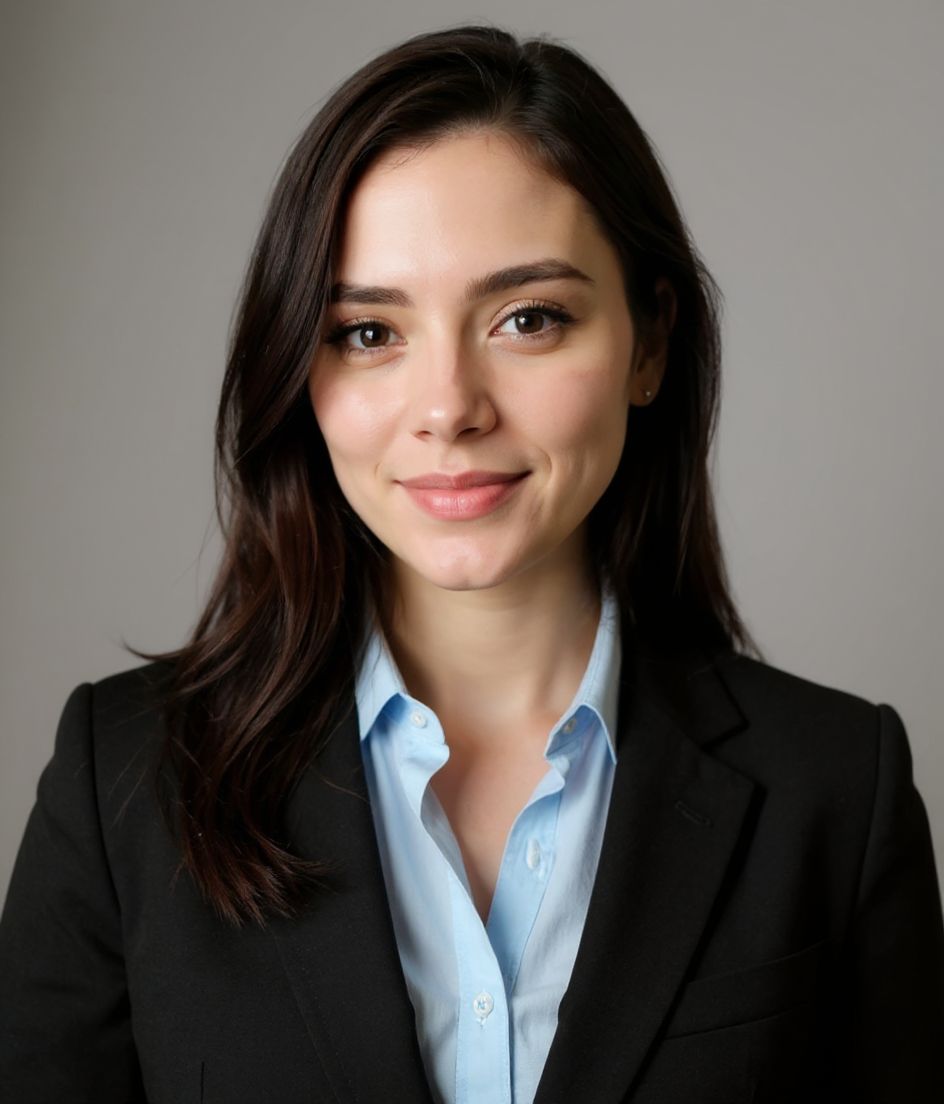
Built for Zoom Profile Photo
400×400 minimum — sized for Zoom
Upload 1:1 (square), 800×800 to 1200×1200 ideal, under 2 mb. JPG or PNG — no awkward zoom, no clipped chin.
Circle-crop safe framing
Centered face for the camera-off tile. Leave slight headroom; Zoom’s round/square tile varies by client — center is safest.
Edit with words
Type "remove glasses", "navy blazer", or "lighter background" — the AI updates the detail while your face stays the same.
High-res, no watermark
Download print-quality files — no tiny logos, no "made with" stamps in the corner.
Best styles
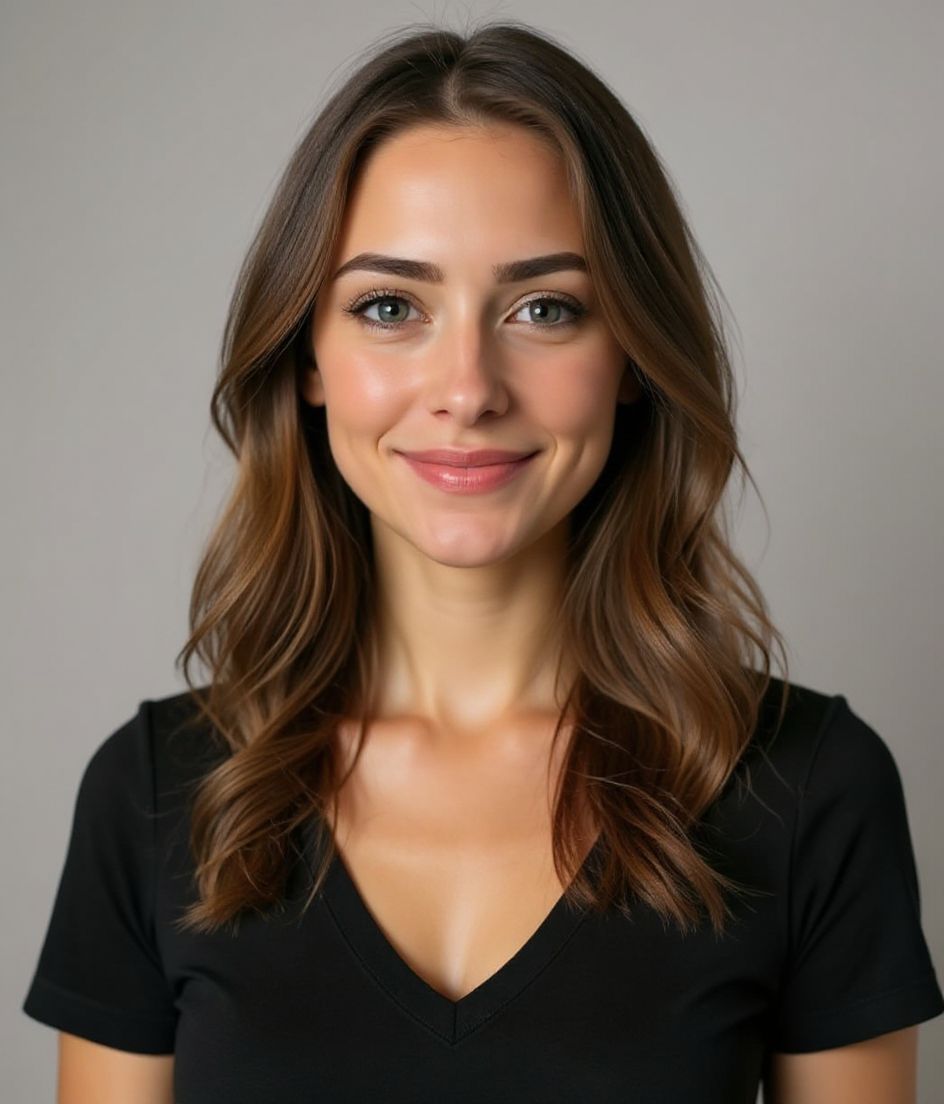
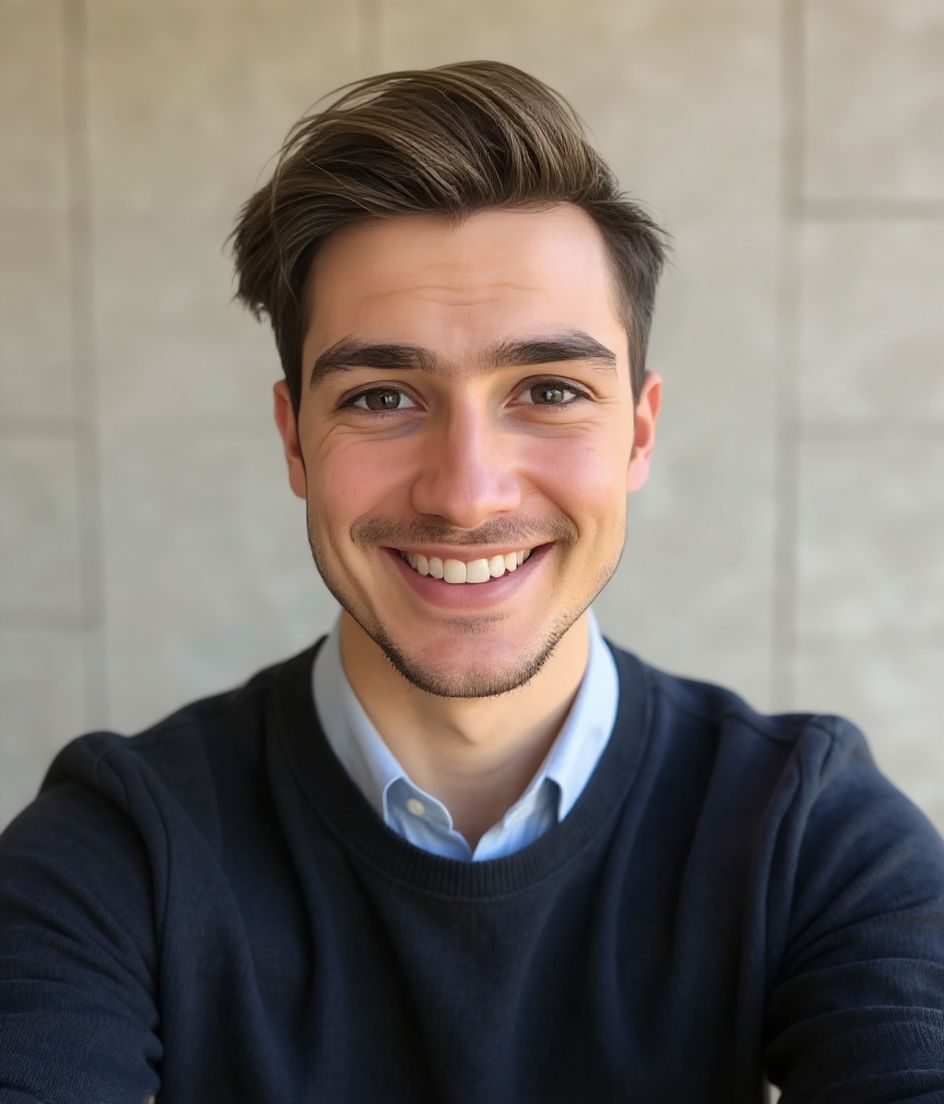
Our picks for Zoom Profile Photo.
Tips
- 1 Friendly smile. Zoom avatars are seen by customers, not just teammates.
- 2 Solid neutral background.
- 3 Match the photo across Slack and the company directory.
- 4 Refresh when you change companies.
FAQs
What size should my Zoom photo be?
Zoom expects 400×400 minimum at 1:1 (square), under 2 mb, in JPG or PNG. Practical upload: 800×800 to 1200×1200.
How do I keep my face inside the Zoom circle crop?
Centered face for the camera-off tile. Leave slight headroom; Zoom’s round/square tile varies by client — center is safest.
Will it pass on Zoom?
Yes. The output is a realistic likeness of you, not a cartoon or filter. Pick a Foundations or Corporate style and the photo reads as a normal studio shoot.
Can I keep my face exactly the same?
Yes — your face, hair, and skin tone stay locked. Only clothing, lighting, and background change.
How fast is generation?
Most headshots are ready in 5 to 15 seconds. You can iterate, then "Edit with words" for tweaks, all in under a minute.
Related
Create your headshot
Skip the studio. Pro headshots in seconds, from one selfie. Free to download on iOS and Android.
Free to download on iOS & Android
- Free download
- 1 selfie
- 5–15 seconds
- No watermark
Scan to download
Point your phone camera at a code

