
作家 AI 头像
睿智而富有灵魂。心中自有故事。
一张自拍输入。约 10 秒输出精致的 作家 头像。
优雅毛衣
书架
沉思凝神
轮廓光
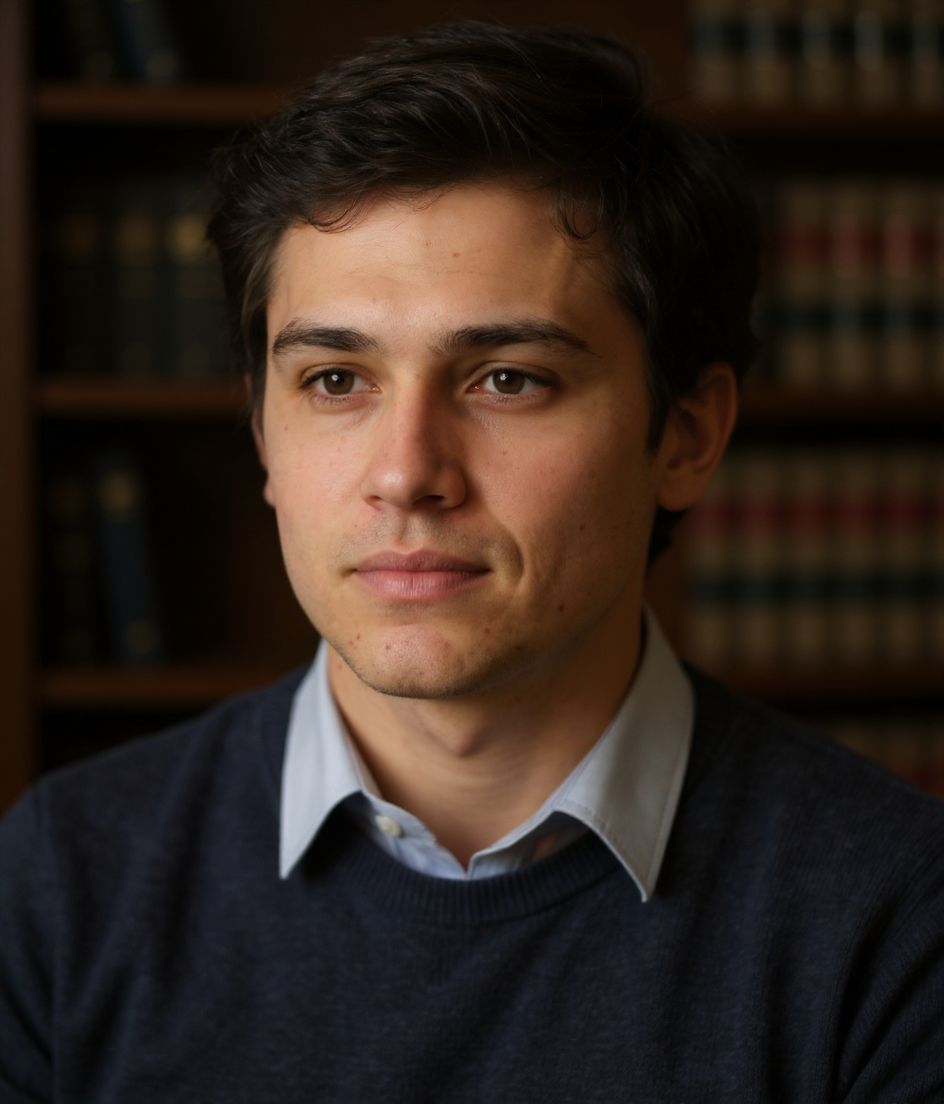
作家 is for bylines, Substack, and book pages that should look like a person with sentences, not a campaign. The recipe locks 优雅毛衣, a 书架 backdrop, 沉思凝神, and 轮廓光 lighting — not a generic “creative” look. Writer is elegant sweater, bookshelf, pensive, rim light. Designer is business-casual on a gradient with a slight smile and window light. Writer is interior; Designer is graphic.
Need a 作家 headshot from one selfie? HeadshotCam applies 优雅毛衣 against a 书架 backdrop with 轮廓光 lighting and a 沉思凝神 expression so the result reads as 睿智而富有灵魂。心中自有故事.
1
需要自拍
Upload one clear shoulder-up photo and HeadshotCam applies the 作家 style around your real face.
4
风格控制
Wardrobe, backdrop, expression, and lighting are tuned together so the final image feels intentional.
60+
风格库
If 作家 is close but not perfect, skip it when you need a bright brand-strategy crop or a dean-level academic suit — then compare the rest of the Creative collection.
作家 风格最适合
- bylines, Substack, and book pages that should look like a person with sentences, not a campaign
- people who specifically need 优雅毛衣 with a 书架 backdrop and 轮廓光 lighting
- fast author pages, editorial bios, newsletter headers refreshes without a studio booking
Skip if
- you need a bright brand-strategy crop or a dean-level academic suit
- you refuse a clear shoulder-up selfie (bad source photos still produce bad 作家 results)
- you actually want the Designer recipe (business casual shirt, gradient background, natural window)
提示词配方
作家 headshot with 优雅毛衣, 书架 background, 轮廓光 lighting.
Keep my face the same, use a 沉思凝神 expression, and make the image feel 睿智而富有灵魂。心中自有故事.
Generate a polished creative profile photo with clean crop, natural skin texture, and no watermark.
Common mistakes
Using Writer for a corporate communications VP. Rim light and a sweater read as literary, not enterprise comms — use VP or Brand Strategist. The Creative trap is rim-lit bookshelf on a sales or realtor page. Also: a soft phone selfie with harsh overhead light will fight 轮廓光 lighting — start with a clean face-forward frame.
Shot notes
Rim light needs a backlight edge. A flat selfie will not give the model a rim to work with; sit with a lamp or window behind one shoulder. Aim for shoulder-up, eyes to camera, hair off the face. 作家 steers toward 沉思凝神 with 轮廓光. If the first result is close, refine wardrobe or background with a short edit prompt rather than regenerating from a worse selfie.
About the 作家 style
When is the 作家 style the right headshot?
When you need 睿智而富有灵魂。心中自有故事 for author pages, editorial bios, newsletter headers. 作家 pairs 优雅毛衣 with a 书架 backdrop and 轮廓光. Writer is elegant sweater, bookshelf, pensive, rim light. Designer is business-casual on a gradient with a slight smile and window light. Writer is interior; Designer is graphic. If your workplace is more formal or more casual than that wardrobe, pick the neighbor instead of forcing this one.
What should my selfie look like for a good 作家 result?
Rim light needs a backlight edge. A flat selfie will not give the model a rim to work with; sit with a lamp or window behind one shoulder. Use a sharp, face-forward, shoulder-up photo with even light and no sunglasses. The AI can restyle 优雅毛衣 and 书架, but it cannot invent detail that is not in a blurry or heavily filtered source.
How is 作家 different from other Creative styles?
The nearest contrast is Designer. Writer is elegant sweater, bookshelf, pensive, rim light. Designer is business-casual on a gradient with a slight smile and window light. Writer is interior; Designer is graphic. 作家 specifically locks 优雅毛衣, 书架, 沉思凝神, and 轮廓光. Designer locks business casual shirt, gradient background, slight smile, and natural window.
Can I change the 作家 look after generation?
Yes. Keep the face, then edit with short prompts (background color, jacket color, remove glasses). Switching from 作家 to Designer is better than endless edits on the wrong base recipe.
More Creative styles
If 作家 doesn't quite fit, browse these next.
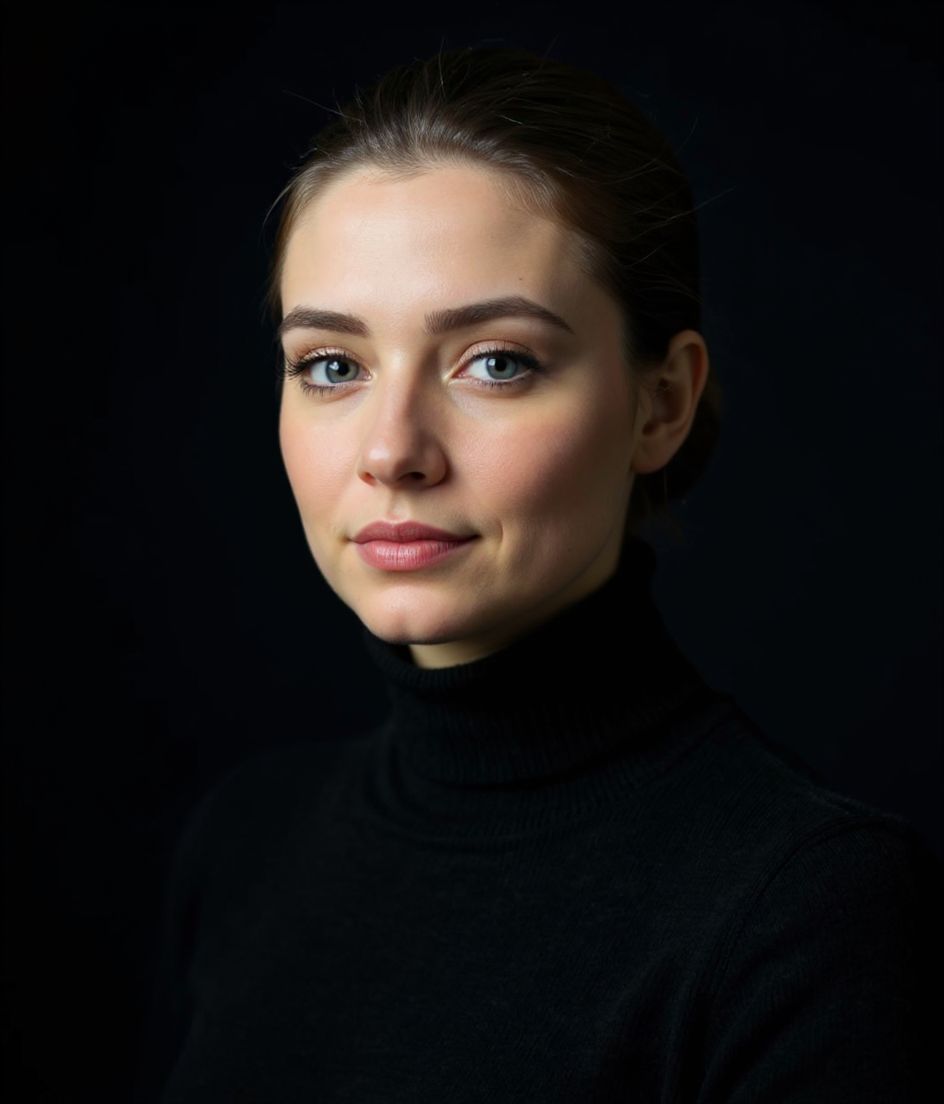
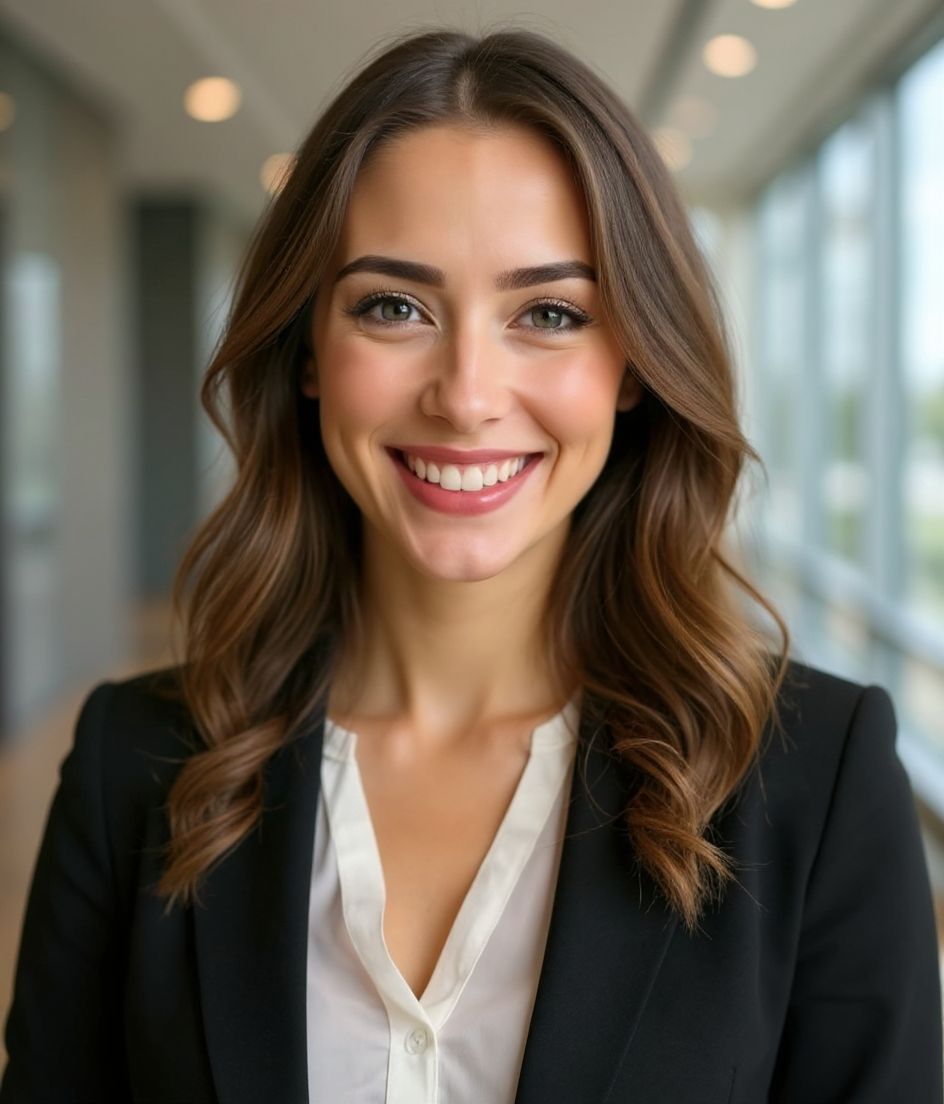
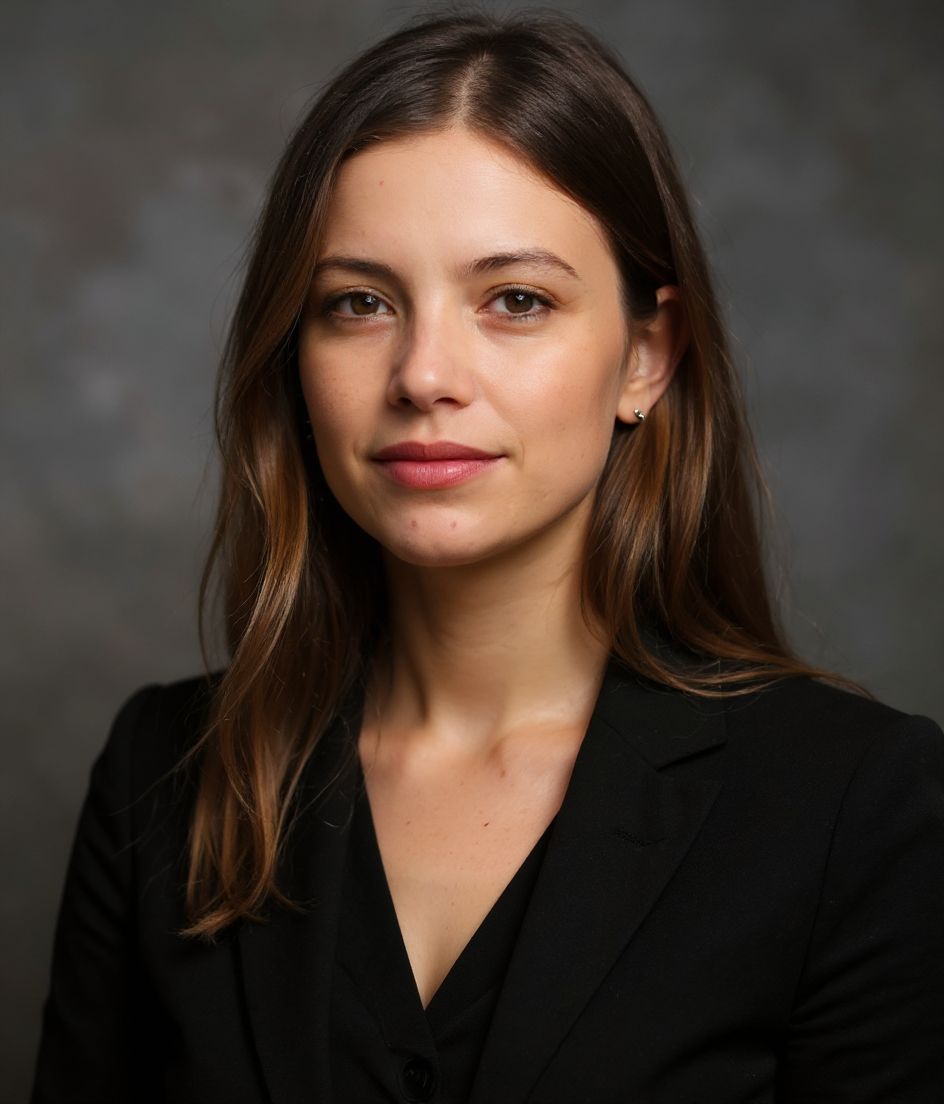
相关推荐
创建你的头像
无需影棚。一张自拍,几秒专业头像。iOS 与 Android 免费下载。
iOS 与 Android 免费下载
- 免费下载
- 1 张自拍
- 5–15 秒
- 无水印
扫码下载
用手机相机对准二维码

