
Use case
Ảnh chân dung khiến website công ty bạn trông thật chuyên nghiệp
Trang đội ngũ là trang được nhấp nhiều thứ hai trên website công ty, chỉ sau trang bảng giá. Nếu một nửa đội có ảnh studio sắc nét và nửa còn lại có ảnh chụp màn hình webcam, bạn trông thật nghiệp dư.
HeadshotCam khắc phục điều đó mà không cần bay một thợ chụp tới. Mỗi nhân viên mới tải lên một bức selfie và nhận được ảnh chân dung cùng phong cách như mọi người — cùng ánh sáng, cùng phông nền, cùng cảm giác.
Nhà sáng lập, trưởng vận hành và đội marketing dùng nó để onboard đội ngũ từ xa và đăng trang đội ngũ ngay trong tuần ai đó gia nhập. Nhanh hơn việc sắp xếp một buổi chụp tập thể và rẻ hơn gấp 100 lần.

5-15s
per headshot
Generation time. Try a few looks before you settle on one.
3
styles picked
From Foundations, Foundations, Corporate — the ones that work best here.
$5.99
starts at
One-time credits if you only need a couple. Yearly plan if you want unlimited.
What you get
Diện mạo đội ngũ nhất quán
Chọn một phong cách cho cả đội và mọi người có cùng ánh sáng, phông nền và năng lượng.
Onboard nhân viên từ xa thật nhanh
Nhân viên mới ở Berlin còn bạn ở Brooklyn? Họ gửi một bức selfie, bạn nhận ảnh sẵn sàng cho trang đội ngũ chỉ trong vài phút.
Chỉnh sửa bằng lời để khớp thương hiệu
Gõ "phông nền trắng" để khớp với website. "Áo polo xanh navy" để khớp quy định trang phục. Gương mặt giữ nguyên.
Độ phân giải cao cho ảnh cắt lớn
Đủ lớn cho ảnh hero tràn viền của trang đội ngũ, đủ sắc nét cho avatar tí hon trong cùng tấm hình.
Phong cách được đề xuất
The styles that work best for ảnh website công ty.
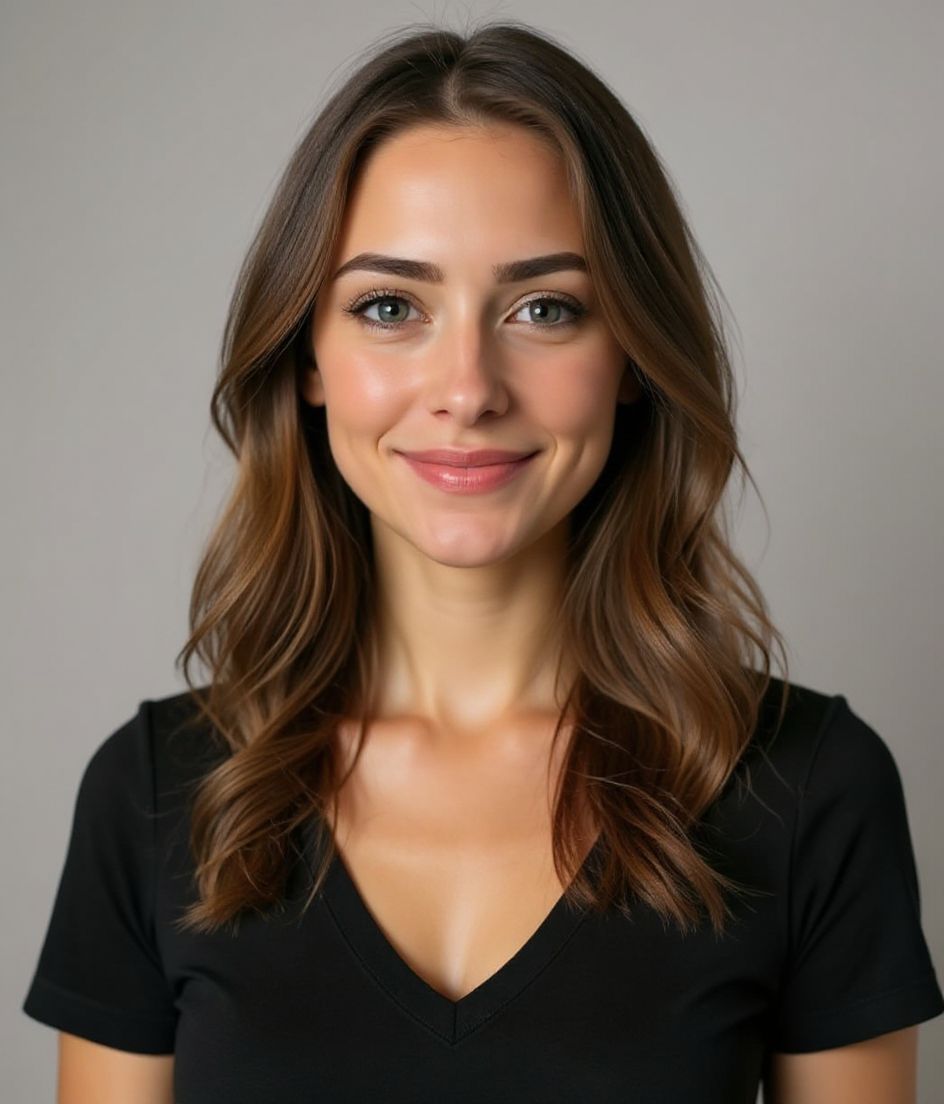

Mẹo
- 1 Chốt một phong cách cho cả đội — ảnh chân dung không đồng nhất trông nghiệp dư hơn cả việc không có ảnh.
- 2 Khớp phông nền với website: trắng cho site tối giản, xám dịu cho mọi trường hợp khác.
- 3 Cắt ảnh mọi người theo cùng một kiểu — đầu và phần trên vai, mắt nằm khoảng một phần ba từ trên xuống.
- 4 Cập nhật ảnh khi ai đó đổi vai trò. Một chức danh đặt dưới ảnh chân dung sai cảm giác trông rất lệch.
- 5 Lưu ảnh gốc để xuất lại ở các kích thước khác khi bạn thiết kế lại website.
Câu hỏi thường gặp
Làm sao để cả đội dùng cùng một phong cách?
Chọn một phong cách — chúng tôi khuyên Polished Pro hoặc Clean Modern — và để mọi người dùng nó. Chúng tôi giữ tên phong cách nhất quán nên dễ chia sẻ với cả đội.
Nếu ai đó đeo kính hoặc để râu thì sao?
Ổn cả — AI giữ lại các đặc điểm cá nhân. Nếu ai đó muốn thử diện mạo không kính, tính năng chỉnh sửa bằng lời xử lý chỉ trong một câu lệnh.
Tôi có dùng ảnh này cho tài liệu marketing được không?
Được chứ. Độ phân giải cao, không hình mờ, thuộc về bạn để dùng khắp website, bản trình bày và mạng xã hội.
Nếu một đồng đội không thích kết quả thì sao?
Họ tạo lại. Mỗi phong cách thường cho kết quả ưng ý trong một hoặc hai lần thử, và các gói tín dụng dư sức cho nhiều lần thử.
Liên quan
Tạo ảnh chân dung của bạn
Bỏ qua studio. Ảnh chuyên nghiệp trong vài giây từ một selfie. Ứng dụng tải miễn phí trên iOS & Android.
Tải miễn phí trên iOS & Android
- Tải miễn phí
- 1 selfie
- 5–15 giây
- Không watermark
Quét để tải
Hướng camera điện thoại vào mã

