
Company team page specs
Mevcut liderlik ızgarasına uyan bir ekip sayfası fotoğrafı
Photo size & upload specs
- Pixel dimensions
- 800×800 to 2000×2000
- Aspect ratio
- Match the existing grid (often 1:1 or 4:5)
- File size cap
- Under 500 KB per tile preferred
- Ideal upload
- 1200×1500 (4:5) or match the grid
- Formats
- JPG or WebP
- Crop safe area
- Match crop height of existing teammates. Even margins; no chin clipped on one person and full torso on another.
Ekip sayfaları tutarlılıkla ilgilidir. Yeni işe alınanların fotoğrafı mevcut ızgarayla eşleşmediğinde yersiz görünürler — aynı kırpma, aynı ışık, aynı genel resmiyet.
HeadshotCam tek bir selfie alır ve size liderlik ızgarasına hazır bir portre sunar. Polished-pro, director veya clean-modern tarzlarını seçin, nötr gri bir arka plan belirleyin; tam yerine oturun.

Built for Şirket Ekip Sayfası Fotoğrafı
800×800 to 2000×2000 — sized for Company team page
Upload Match the existing grid (often 1:1 or 4:5), 1200×1500 (4:5) or match the grid ideal, under 500 kb per tile preferred. JPG or WebP — no awkward zoom, no clipped chin.
Crop-safe framing
Match crop height of existing teammates. Even margins; no chin clipped on one person and full torso on another.
Kelimelerle düzenleyin
"gözlüğü kaldır", "lacivert blazer" veya "daha açık arka plan" yazın — yapay zeka yüzünüz aynı kalırken detayı günceller.
Yüksek çözünürlük, filigran yok
Baskı kalitesinde dosyalar indirin — minik logolar yok, köşede "ile yapıldı" damgaları yok.
Best styles
Our picks for Şirket Ekip Sayfası Fotoğrafı.

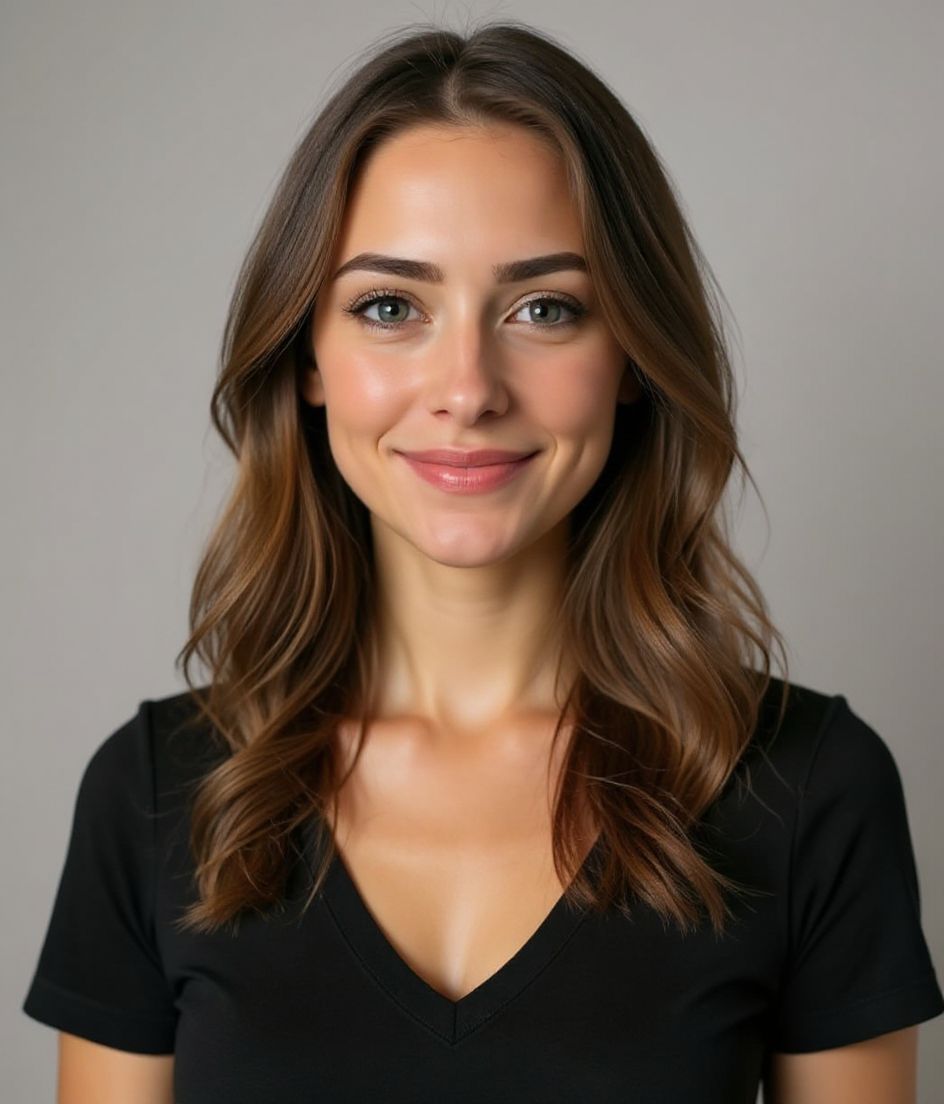
İpuçları
- 1 Mevcut ızgarayla eşleştirin. Ekip arkadaşlarınız gri arka plandaysa siz de gri arka plandasınız.
- 2 Resmiyetle eşleştirin — finans sitesinde tam takım, yazılım sitesinde blazer.
- 3 Şirket markasına göre kapalı ağız veya hafif gülümseme.
- 4 Biri herkese açık ekip sayfası için, biri de iç dizin için olmak üzere iki tane üretin.
SSS
What size should my Company team page photo be?
Company team page expects 800×800 to 2000×2000 at Match the existing grid (often 1:1 or 4:5), under 500 kb per tile preferred, in JPG or WebP. Practical upload: 1200×1500 (4:5) or match the grid.
How should I frame a Company team page photo?
Match crop height of existing teammates. Even margins; no chin clipped on one person and full torso on another.
Ekip sayfasında geçerli olur mu?
Evet. Çıktı, bir karikatür veya filtre değil, sizin gerçekçi bir benzeriniz olur. Bir Foundations veya Corporate tarzı seçin; fotoğraf normal bir stüdyo çekimi gibi görünsün.
Yüzümü tam olarak aynı tutabilir miyim?
Evet — yüzünüz, saçınız ve ten renginiz sabit kalır. Yalnızca kıyafet, ışık ve arka plan değişir.
Üretim ne kadar hızlı?
Çoğu vesikalık 5 ila 15 saniye içinde hazır olur. Birden fazla deneme yapabilir, ardından ince ayarlar için "Kelimelerle düzenleyin" özelliğini kullanabilirsiniz; hepsi bir dakikadan kısa sürede.
İlgili
Vesikalığını oluştur
Stüdyoyu atlayın. Tek selfie’den saniyeler içinde profesyonel vesikalık. iOS ve Android’de ücretsiz indirme.
iOS ve Android’de ücretsiz indirme
- Ücretsiz indirme
- 1 selfie
- 5–15 saniye
- Filigransız
İndirmek için tara
Telefon kameranı bir koda tut

