
Use case
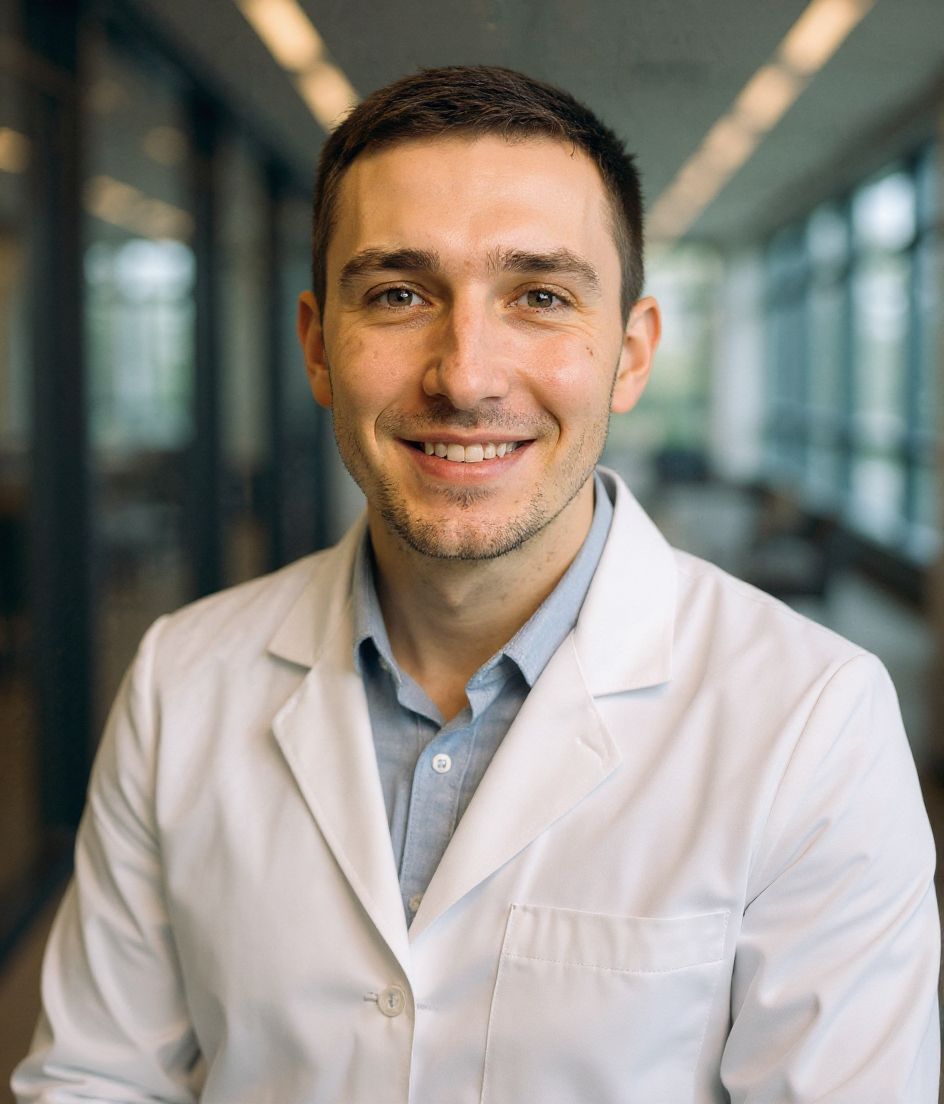
รูปใบสมัครแพทย์ประจำบ้านที่ดูเป็นมืออาชีพและอัปเดต
รูปใบสมัครแพทย์ประจำบ้านต้องการสมดุลที่แคบ เป็นมืออาชีพ อัปเดต และสะอาดโดยไม่ดูปรุงแต่งเกินไป ผู้ประสานงานโครงการ คณะกรรมการพิจารณา และทีมสัมภาษณ์เห็นรูปข้างเอกสารใบสมัคร รายการจัดอันดับ และบันทึกตารางของคุณ
HeadshotCam ช่วยให้นักศึกษาแพทย์และแพทย์ประจำบ้านสร้างภาพพอร์เทรตเรียบหรูจากเซลฟี่หนึ่งรูป เลือกลุคเสื้อกาวน์ ลำลองเชิงธุรกิจ หรือลุคมืออาชีพสะอาด แล้วคงพื้นหลังให้เรียบพอสำหรับพอร์ทัลใบสมัครและระบบโรงพยาบาล
ใช้สำหรับโปรไฟล์แบบ ERAS, แพ็กเก็ต CV, เอกสารสัมภาษณ์, LinkedIn และหน้าไบโอโรงพยาบาลที่คุณจะต้องใช้หลังวันแมตช์
5-15s
per headshot
Generation time. Try a few looks before you settle on one.
3
styles picked
From Healthcare, Foundations, Healthcare — the ones that work best here.
$5.99
starts at
One-time credits if you only need a couple. Yearly plan if you want unlimited.
What you get
การจัดสไตล์เหมาะกับใบสมัคร
ลุคมืออาชีพสะอาด เสื้อกาวน์ และคลินิก โดยไม่หรูหราหรือพื้นหลังรบกวนสายตา
ครอปเหมาะกับพอร์ทัล
ภาพหัวและไหล่กระชับใช้ได้กับระบบใบสมัคร ไดเรกทอรีโรงพยาบาล และแพ็กเก็ต CV
ความเร็วของรูปที่อัปเดต
สร้างรูปใหม่ในวันเดียวกับที่ใบสมัคร CV หรือเอกสารสัมภาษณ์ของคุณต้องส่ง
สำรองความละเอียดสูง
เก็บไฟล์ความละเอียดเต็มสำหรับไบโอโรงพยาบาล โปสเตอร์งานประชุม และโปรไฟล์มืออาชีพในอนาคต
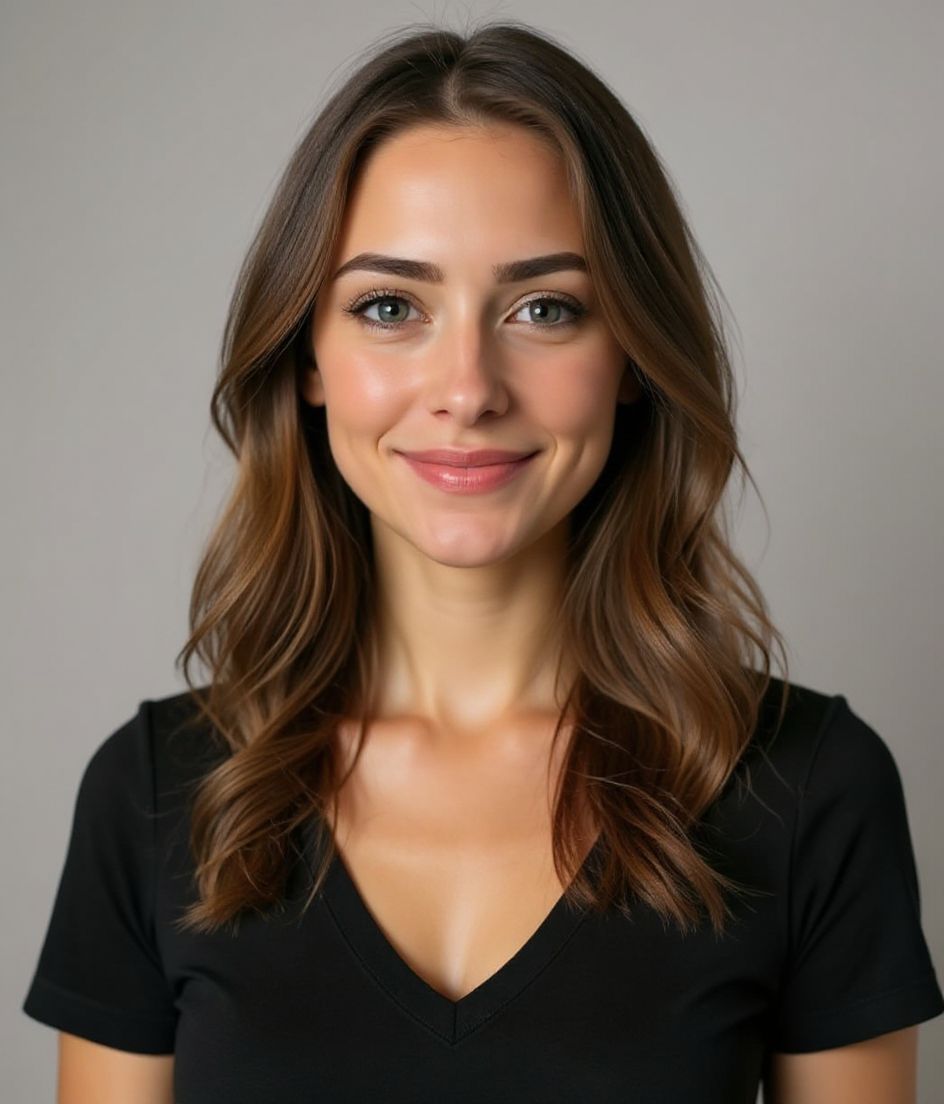
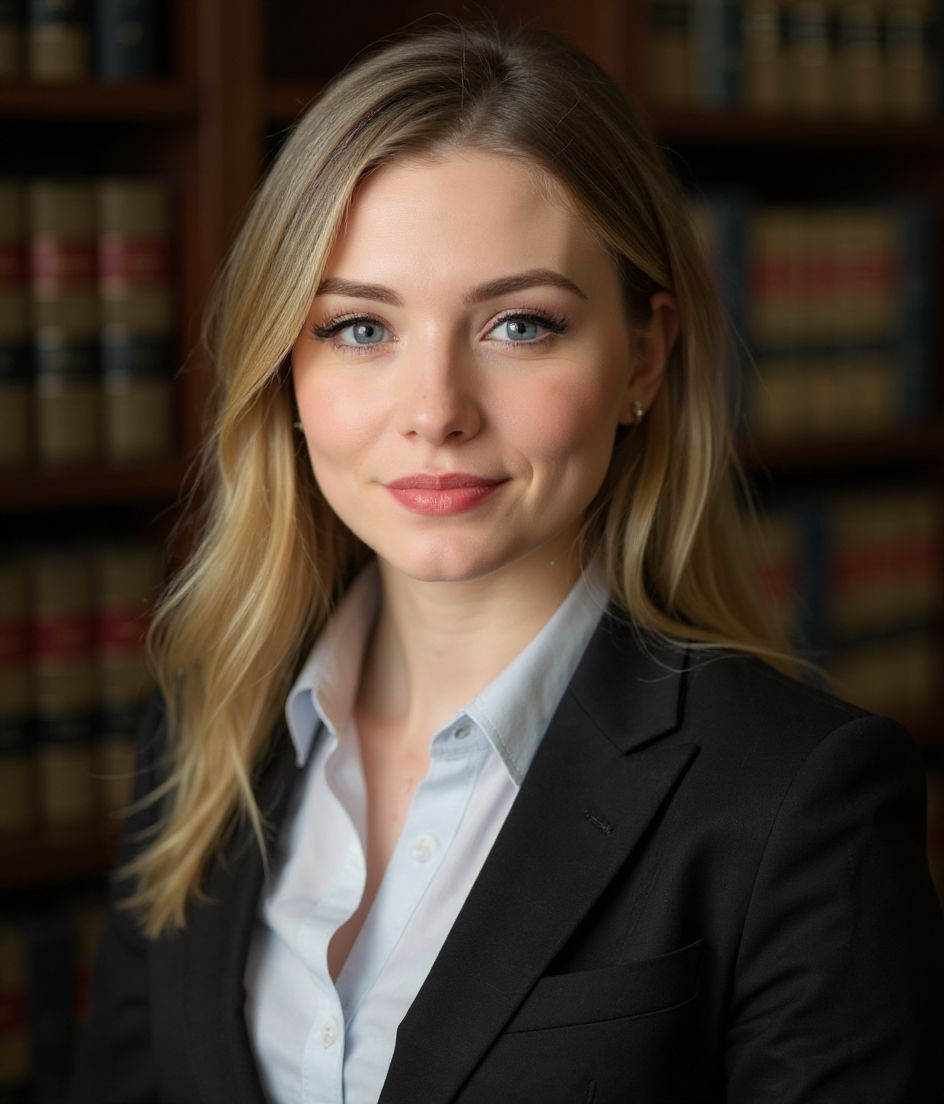
สไตล์แนะนำ
The styles that work best for รูปสมัครแพทย์ประจำบ้าน.
เคล็ดลับ
- 1 ใช้พื้นหลังเป็นกลางเรียบๆ ระบบใบสมัครไม่ใช่ที่สำหรับฉากหลังครีเอทีฟ
- 2 เลือกการจัดสไตล์ลำลองเชิงธุรกิจหรือเสื้อกาวน์ขึ้นอยู่กับที่โรงเรียนหรือโครงการของคุณแนะนำ
- 3 ให้การแสดงสีหน้าอบอุ่นและสงบ คุณต้องการดูมีความสามารถและเข้าถึงง่าย ไม่ใช่เคร่งขรึม
- 4 ครอปหัวและไหล่โดยเว้นพื้นที่รอบใบหน้าเพื่อให้พอร์ทัลครอปใหม่ได้อย่างปลอดภัย
- 5 ตรวจสอบข้อกำหนดของโรงเรียนหรือระบบใบสมัครก่อนอัปโหลดสุดท้าย
คำถามที่พบบ่อย
ฉันใช้รูปนี้สำหรับใบสมัครแพทย์ประจำบ้านแบบ ERAS ได้ไหม?
ใช้เฉพาะเมื่อคำแนะนำใบสมัครของคุณอนุญาตให้ใช้รูปที่แก้ไขสมจริงหรือใช้ AI ช่วย ผลลัพธ์ออกแบบมาให้เป็นภาพเหมือนสมจริง แต่กฎของโครงการหรือโรงเรียนต้องมาก่อน
ฉันควรใส่เสื้อกาวน์ในรูปแพทย์ประจำบ้านไหม?
ขึ้นอยู่กับคำแนะนำของโรงเรียนคุณ เสื้อกาวน์ใช้ได้ แต่เสื้อมืออาชีพสะอาดหรือเบลเซอร์ก็เป็นที่นิยมและมักปลอดภัยกว่า
ฉันควรใช้พื้นหลังแบบไหน?
สีเทาอ่อนเรียบ สีขาวนวล หรือสีฟ้านุ่ม เลี่ยงทางเดินโรงพยาบาล ชั้นวางของ หรืออะไรที่รบกวนสายตาในขนาดเล็ก
ฉันใช้ซ้ำได้ไหมหลังวันแมตช์?
ได้ รูปเรียบหรูเดียวกันใช้ได้กับไดเรกทอรีโรงพยาบาล LinkedIn ไบโองานประชุม และหน้าแผนก
ที่เกี่ยวข้อง
สร้างภาพหัวของคุณ
ไม่ต้องสตูดิโอ ภาพมืออาชีพในไม่กี่วินาทีจากเซลฟี่รูปเดียว แอปดาวน์โหลดฟรีบน iOS และ Android
ดาวน์โหลดฟรีบน iOS และ Android
- ดาวน์โหลดฟรี
- เซลฟี่ 1 รูป
- 5–15 วินาที
- ไม่มีลายน้ำ
สแกนเพื่อดาวน์โหลด
หันกล้องมือถือไปที่โค้ด

