
LinkedIn specs
LinkedIn photo size for engineers: 400×400 circle that still reads
Photo size & upload specs
- Pixel dimensions
- 400×400 to 7680×4320
- Aspect ratio
- 1:1 (square)
- File size cap
- 8 MB maximum
- Ideal upload
- 1024×1024 or 2000×2000
- Formats
- JPG or PNG (not GIF)
- Circle-crop safe area
- Eyes in the upper third, breathing room above the hair, no chin or ear cut by the circle. Keep logos and busy edges out of the corners — LinkedIn trims them.
Desktop profile surfaces show roughly 400×400 inside a circle; mobile search is smaller.
Full walkthrough: LinkedIn photo size and specs
LinkedIn Help lists a profile photo between 400×400 and 7680×4320 pixels, PNG or JPG, at most 8 MB. GIFs are not supported. The height cap is 4320, so keep a square upload inside that window. Recruiters still see your face inside a circle at roughly 400×400 — smaller on mobile search — so upload a sharp 1024×1024 or 2000×2000 square.
Keep eyes in the upper third with breathing room above the hair; LinkedIn’s circle trims corners. Then pick Lead Dev, Clean & Modern, or Polished & Pro — HeadshotCam turns one selfie into an engineer-credible portrait that meets those specs.
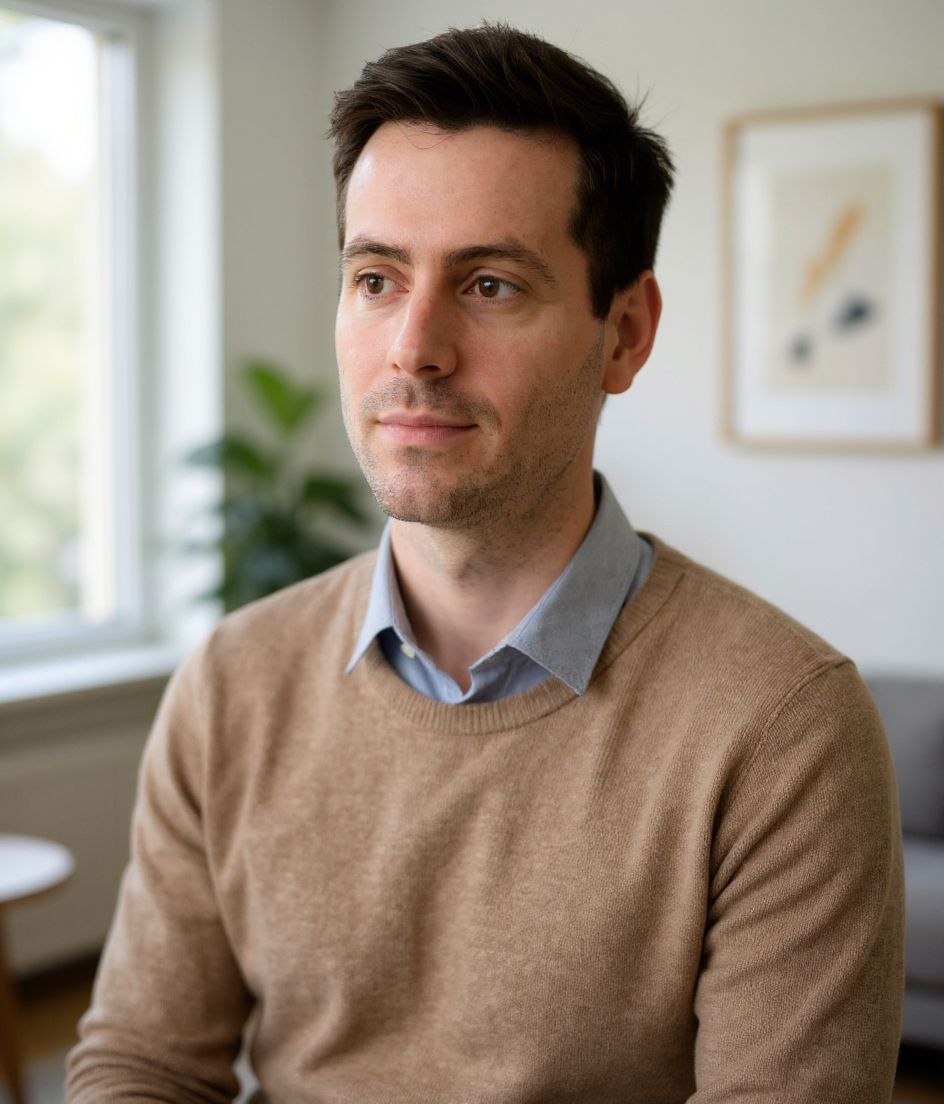
Built for LinkedIn Headshot for Engineers
400×400 to 7680×4320 — sized for LinkedIn
Upload 1:1 (square), 1024×1024 or 2000×2000 ideal, 8 mb maximum. JPG or PNG (not GIF) — no awkward zoom, no clipped chin.
Circle-crop safe framing
Eyes in the upper third, breathing room above the hair, no chin or ear cut by the circle. Keep logos and busy edges out of the corners — LinkedIn trims them.
Edit with words
Type "remove glasses", "navy blazer", or "lighter background" — the AI updates the detail while your face stays the same.
High-res, no watermark
Download print-quality files — no tiny logos, no "made with" stamps in the corner.
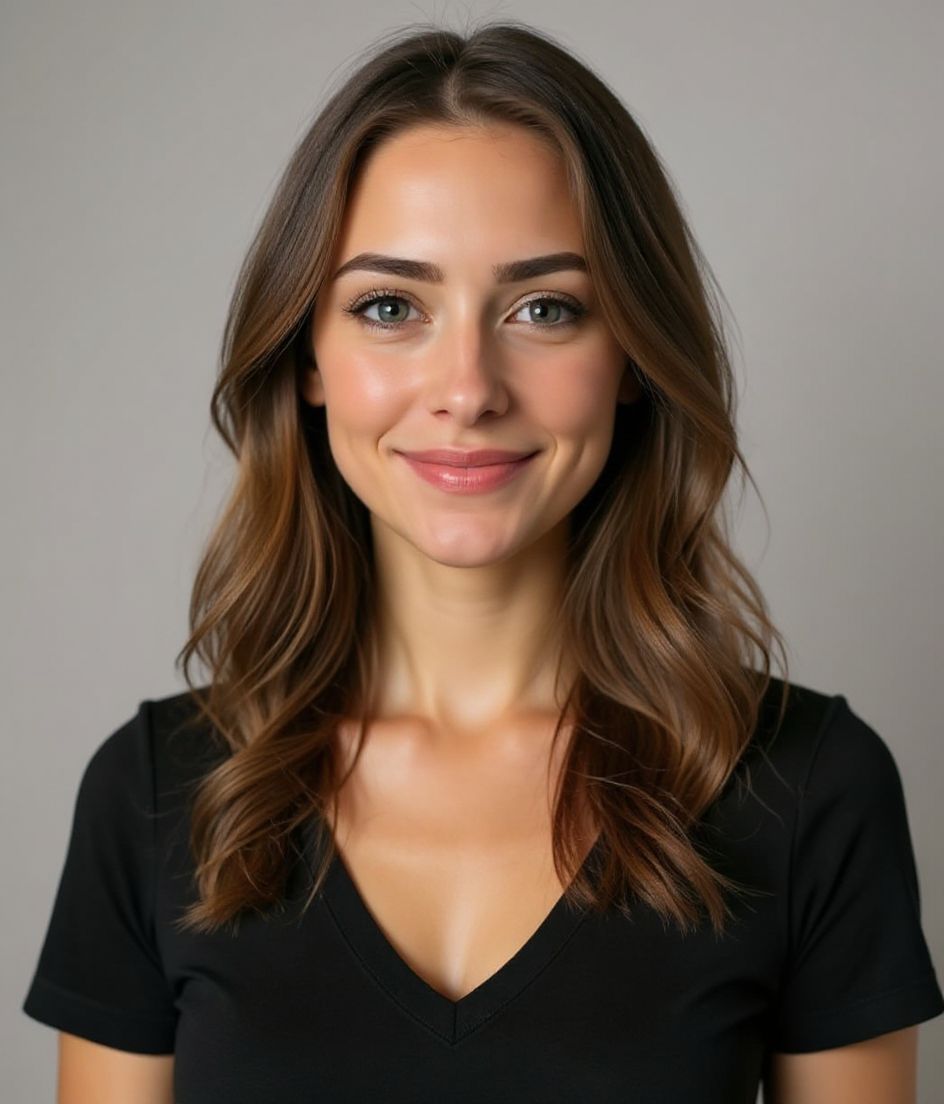
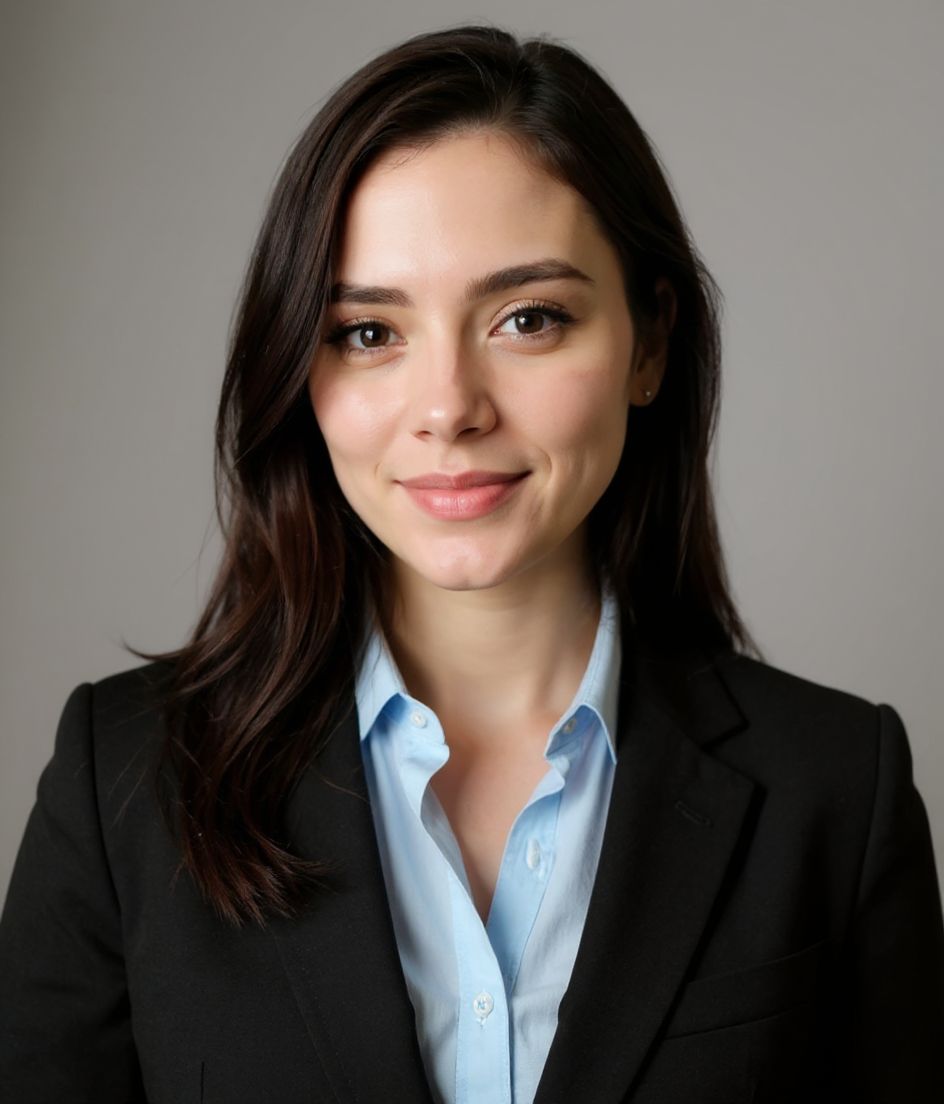
Best styles
Our picks for LinkedIn Headshot for Engineers.
Tips
- 1 Skip the suit. Open collar, knit, or soft blazer reads more credible for engineering.
- 2 Use a neutral grey or muted blue background. Anything busy distracts at thumbnail size.
- 3 Closed-mouth smile reads "calm operator" — the engineer-leadership default.
- 4 Match the photo on GitHub. Recruiters cross-check; matching photos build trust.
FAQs
What size should my LinkedIn photo be?
LinkedIn expects 400×400 to 7680×4320 at 1:1 (square), 8 mb maximum, in JPG or PNG (not GIF). Practical upload: 1024×1024 or 2000×2000. Desktop profile surfaces show roughly 400×400 inside a circle; mobile search is smaller.
How do I keep my face inside the LinkedIn circle crop?
Eyes in the upper third, breathing room above the hair, no chin or ear cut by the circle. Keep logos and busy edges out of the corners — LinkedIn trims them.
Will it pass on LinkedIn?
Yes. The output is a realistic likeness of you, not a cartoon or filter. Pick a Foundations or Corporate style and the photo reads as a normal studio shoot.
Can I keep my face exactly the same?
Yes — your face, hair, and skin tone stay locked. Only clothing, lighting, and background change.
How fast is generation?
Most headshots are ready in 5 to 15 seconds. You can iterate, then "Edit with words" for tweaks, all in under a minute.
Related
Create your headshot
Skip the studio. Pro headshots in seconds, from one selfie. Free to download on iOS and Android.
Free to download on iOS & Android
- Free download
- 1 selfie
- 5–15 seconds
- No watermark
Scan to download
Point your phone camera at a code

