
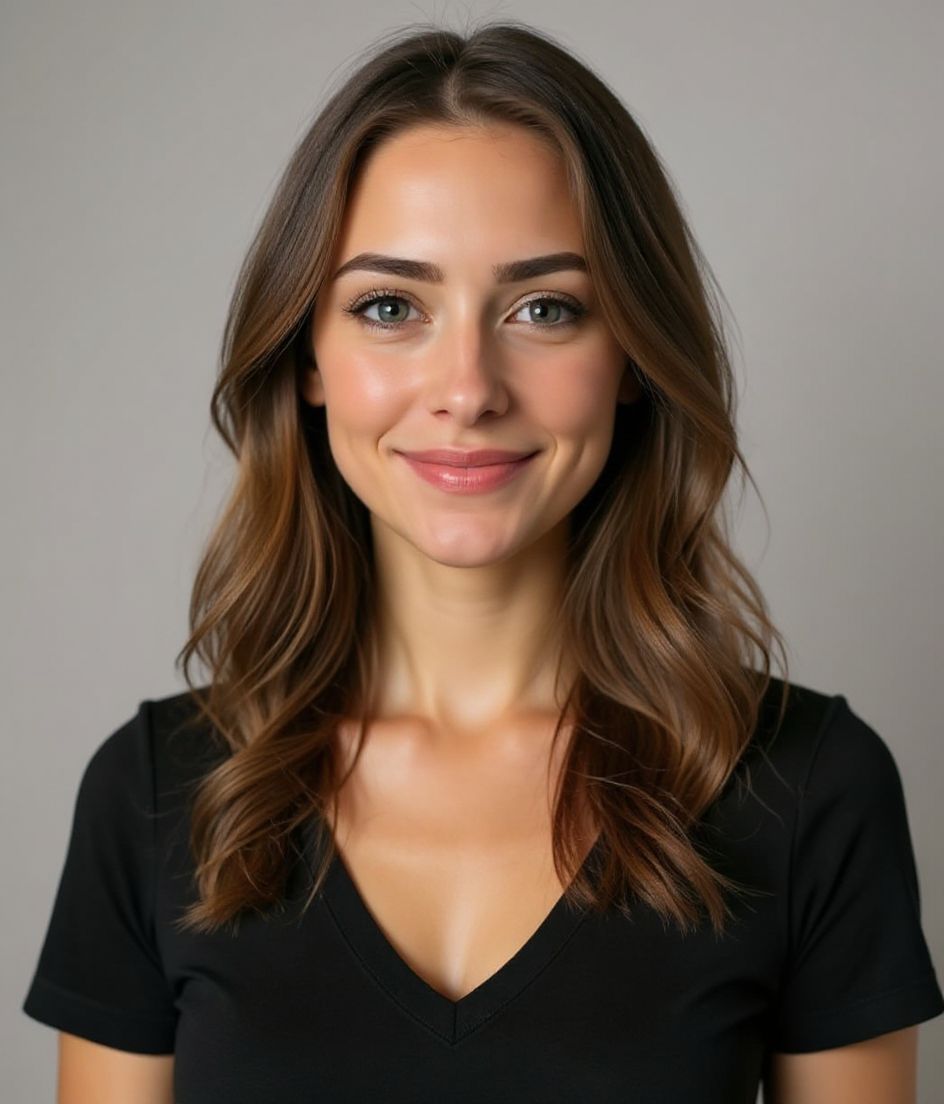
Zdjęcie portretowe AI Ciepły i przyjazny
Życzliwy i przystępny.
Wrzucasz jedno selfie. Otrzymujesz dopracowane zdjęcie portretowe Ciepły i przyjazny — w około 10 sekund.
Elegancki sweter
Ciepła neutralna barwa
Ciepły, przyjazny uśmiech
Naturalne światło z okna

Ciepły i przyjazny is for roles that sell trust — coaching, people ops, hospitality-adjacent professional pages. The recipe locks elegancki sweter, a ciepła neutralna barwa backdrop, ciepły, przyjazny uśmiech, and naturalne światło z okna lighting — not a generic “foundations” look. Warm & Welcoming is an elegant sweater on a warm-neutral backdrop with a friendly smile and window light. Natural & Authentic swaps to a polo, outdoor backdrop, joyful smile, and golden hour — more lifestyle, less indoor-office.
Need a ciepły i przyjazny headshot from one selfie? HeadshotCam applies elegancki sweter against a ciepła neutralna barwa backdrop with naturalne światło z okna lighting and a ciepły, przyjazny uśmiech expression so the result reads as życzliwy i przystępny.
1
potrzebne selfie
Upload one clear shoulder-up photo and HeadshotCam applies the Ciepły i przyjazny style around your real face.
4
ustawienia stylu
Wardrobe, backdrop, expression, and lighting are tuned together so the final image feels intentional.
60+
biblioteka stylów
If Ciepły i przyjazny is close but not perfect, skip it when you need a closed-mouth authority crop for a board or a courtroom bio — then compare the rest of the Foundations collection.
Najlepsze dla stylu Ciepły i przyjazny
- roles that sell trust — coaching, people ops, hospitality-adjacent professional pages
- people who specifically need elegancki sweter with a ciepła neutralna barwa backdrop and naturalne światło z okna lighting
- fast coaching landers, HR team pages, warm personal sites refreshes without a studio booking
Skip if
- you need a closed-mouth authority crop for a board or a courtroom bio
- you refuse a clear shoulder-up selfie (bad source photos still produce bad Ciepły i przyjazny results)
- you actually want the Natural & Authentic recipe (polo shirt, outdoor natural, golden hour)
Receptura polecenia
Ciepły i przyjazny headshot with elegancki sweter, ciepła neutralna barwa background, naturalne światło z okna lighting.
Keep my face the same, use a ciepły, przyjazny uśmiech expression, and make the image feel życzliwy i przystępny.
Generate a polished foundations profile photo with clean crop, natural skin texture, and no watermark.
Common mistakes
Choosing Warm & Welcoming for a banking or trial page because the thumbnail looks friendly — the sweater and window light undercut institutional or courtroom gravitas. The Foundations trap is a wide grin plus sweater when the page is actually a finance or litigation bio. Also: a soft phone selfie with harsh overhead light will fight naturalne światło z okna lighting — start with a clean face-forward frame.
Shot notes
Face a real window; keep both eyes visible. The friendly smile should reach the eyes, not freeze as a grimace. Aim for shoulder-up, eyes to camera, hair off the face. Ciepły i przyjazny steers toward ciepły, przyjazny uśmiech with naturalne światło z okna. If the first result is close, refine wardrobe or background with a short edit prompt rather than regenerating from a worse selfie.
About the Ciepły i przyjazny style
When is the Ciepły i przyjazny style the right headshot?
When you need życzliwy i przystępny for coaching landers, HR team pages, warm personal sites. Ciepły i przyjazny pairs elegancki sweter with a ciepła neutralna barwa backdrop and naturalne światło z okna. Warm & Welcoming is an elegant sweater on a warm-neutral backdrop with a friendly smile and window light. Natural & Authentic swaps to a polo, outdoor backdrop, joyful smile, and golden hour — more lifestyle, less indoor-office. If your workplace is more formal or more casual than that wardrobe, pick the neighbor instead of forcing this one.
What should my selfie look like for a good Ciepły i przyjazny result?
Face a real window; keep both eyes visible. The friendly smile should reach the eyes, not freeze as a grimace. Use a sharp, face-forward, shoulder-up photo with even light and no sunglasses. The AI can restyle elegancki sweter and ciepła neutralna barwa, but it cannot invent detail that is not in a blurry or heavily filtered source.
How is Ciepły i przyjazny different from other Foundations styles?
The nearest contrast is Natural & Authentic. Warm & Welcoming is an elegant sweater on a warm-neutral backdrop with a friendly smile and window light. Natural & Authentic swaps to a polo, outdoor backdrop, joyful smile, and golden hour — more lifestyle, less indoor-office. Ciepły i przyjazny specifically locks elegancki sweter, ciepła neutralna barwa, ciepły, przyjazny uśmiech, and naturalne światło z okna. Natural & Authentic locks polo shirt, outdoor natural, joyful smile, and golden hour.
Can I change the Ciepły i przyjazny look after generation?
Yes. Keep the face, then edit with short prompts (background color, jacket color, remove glasses). Switching from Ciepły i przyjazny to Natural & Authentic is better than endless edits on the wrong base recipe.
More Foundations styles
If Ciepły i przyjazny doesn't quite fit, browse these next.


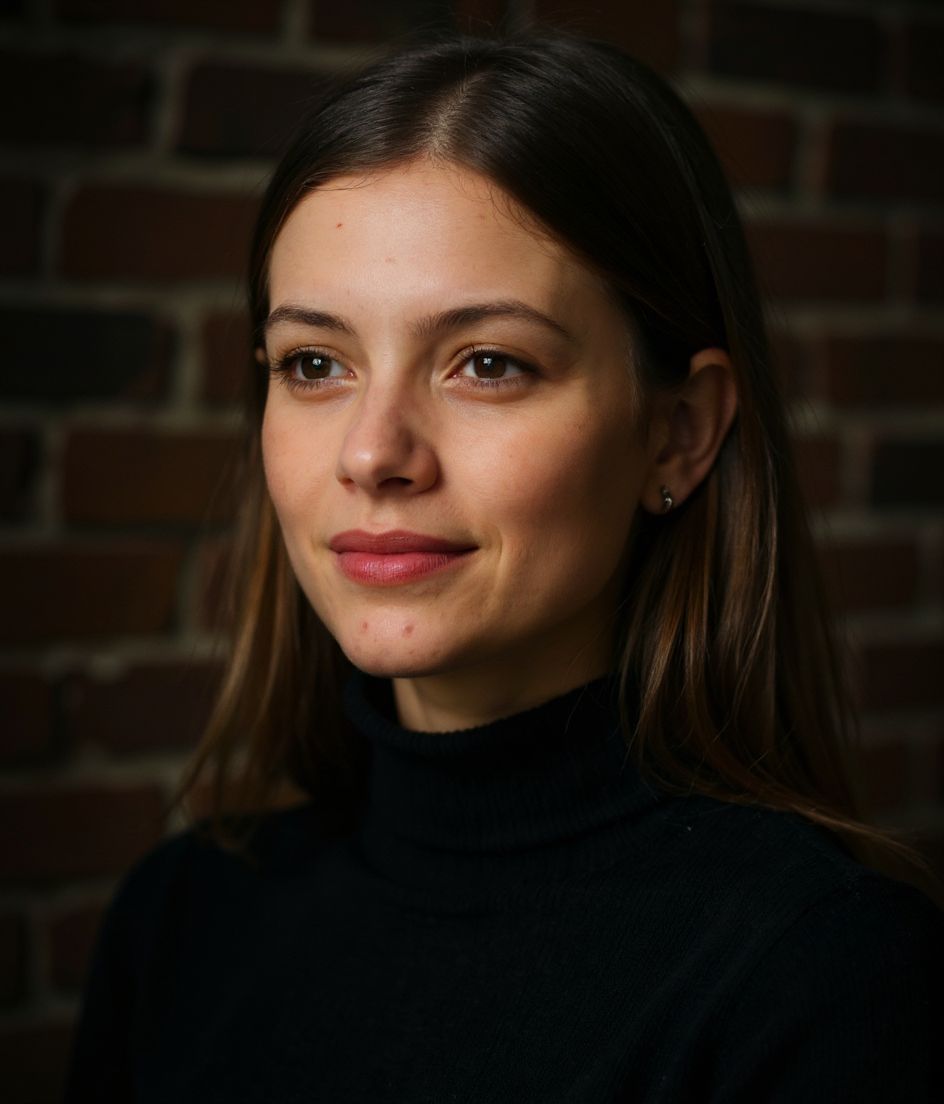
Powiązane
Stwórz swój headshot
Pomiń studio. Profesjonalne portrety w kilka sekund z jednego selfie. Aplikacja darmowa na iOS i Androida.
Darmowe pobranie na iOS i Androida
- Darmowe pobranie
- 1 selfie
- 5–15 sekund
- Bez znaku wodnego
Zeskanuj, aby pobrać
Skieruj aparat telefonu na kod

