
登録されたくなる YouTube チャンネル写真
YouTube のチャンネルアイコンは、すべての動画の横、すべての検索結果、すべてのおすすめに表示されます。あなたのチャンネルに関する限り、プラットフォーム上で最も多く表示される写真です。
HeadshotCam は、自撮り写真1枚を5〜15秒でチャンネル向けの顔写真に変えます。チャンネルアイコンに使い、概要ページに載せ、サムネイルのテンプレートに取り込んで一貫性を保ちましょう。
テック、金融、美容、ゲーム、教育のクリエイターが、リデザインのたびに写真家を予約することなくブランドをアップグレードするために使っています。ニッチに合わせてスタイルを選びましょう。金融なら Strong & Confident、デザインなら Creative Bold、一般的なライフスタイルなら Content Creator。

Content Creator
5-15s
per headshot
Generation time. Try a few looks before you settle on one.
3
styles picked
From Creative, Foundations, Foundations — the ones that work best here.
$5.99
starts at
One-time credits if you only need a couple. Yearly plan if you want unlimited.
What you get
チャンネルアイコン対応
YouTube のチャンネルアイコンは800×800。高解像度の出力はそれを上回り、トリミングの余裕もあります。
サムネイルにも使える
同じ写真を動画サムネイルのテンプレートで使えば、一貫したクリエイターの印象が出せます。
言葉で編集して色を合わせる
チャンネルのブランディングに合わせて、背景やシャツの色を入力すれば反映されます。
エンドスクリーン用の高解像度
エンドスクリーンのサムネイルやチャンネルバナーへの組み込みに使えるほど大きいサイズ。
おすすめスタイル
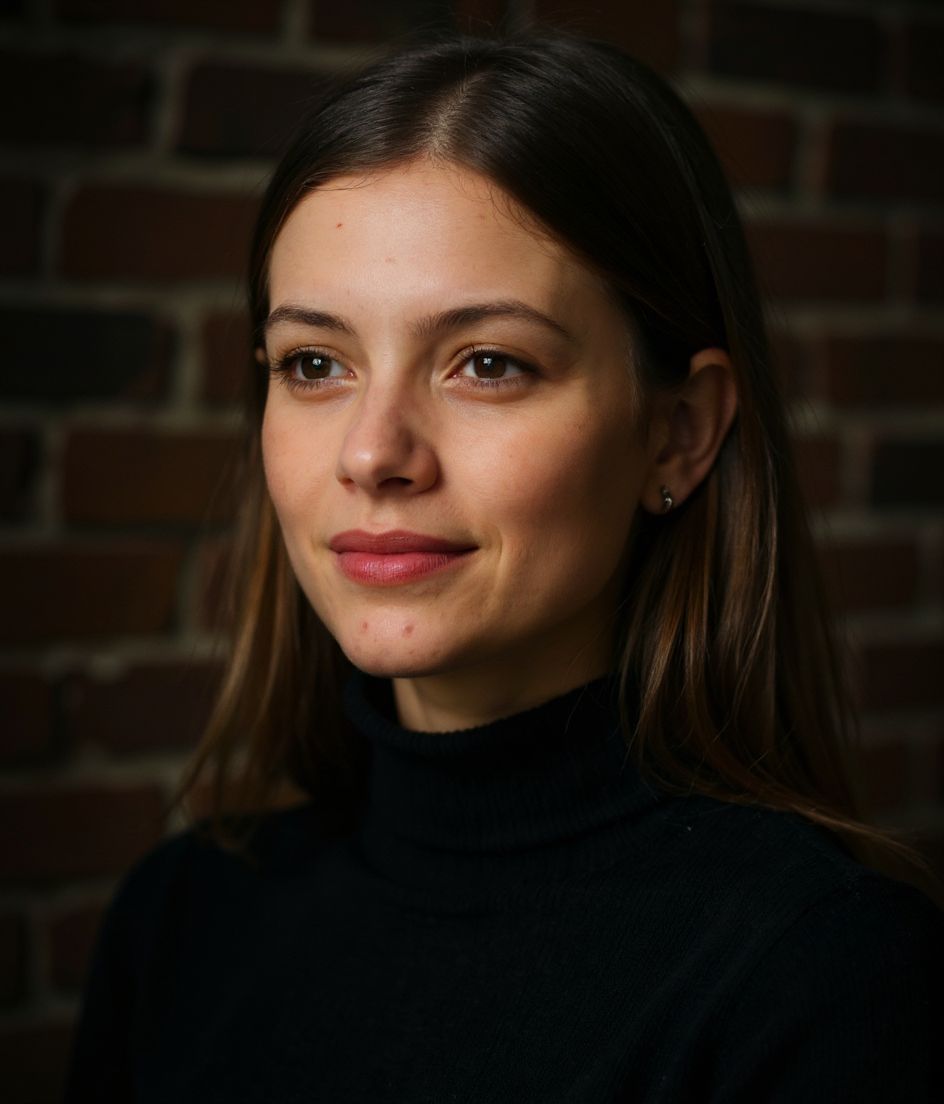
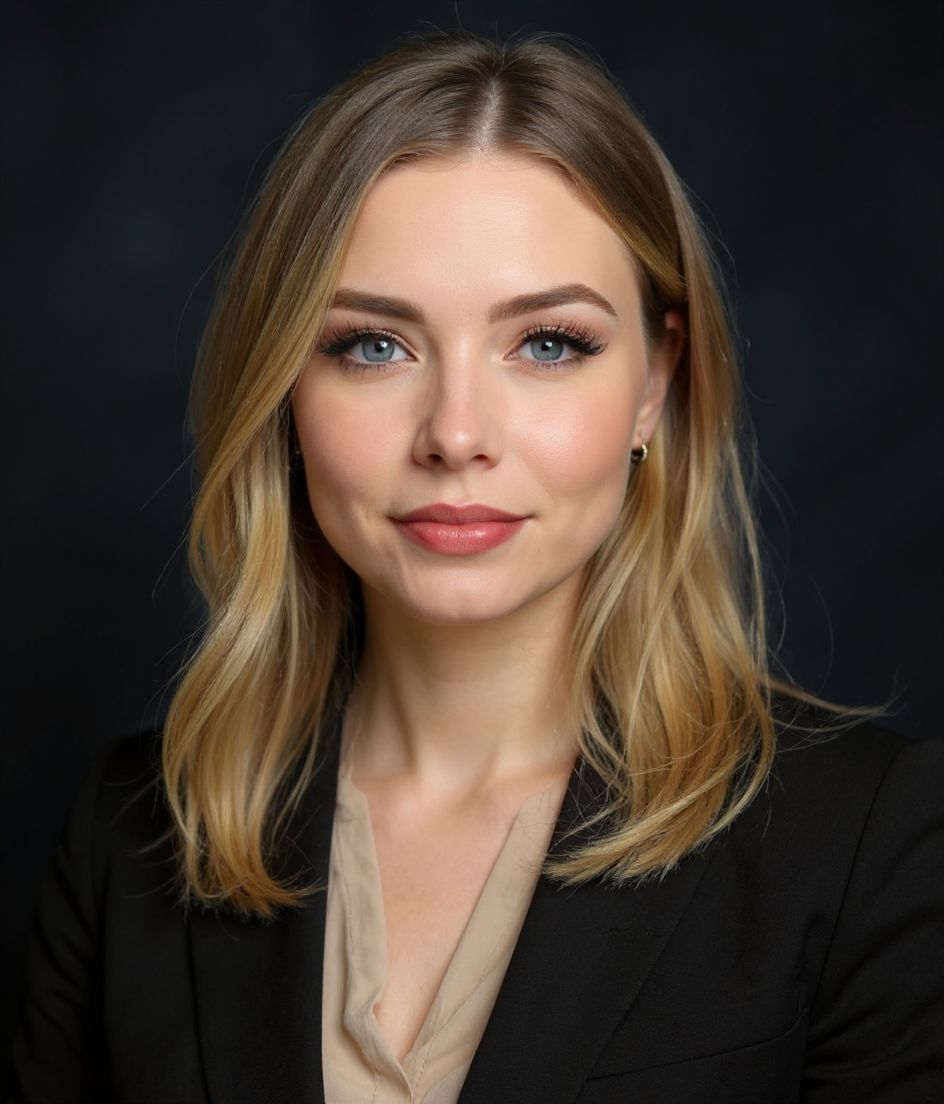
The styles that work best for youtube チャンネル写真.
コツ
- 1 ニッチに合うスタイルを選びましょう。金融系コンテンツならコーポレート風のアイコン、Vlog なら親しみやすいナチュラルなスタイルを。
- 2 チャンネルアイコン、サムネイル、概要ページで同じ写真を使えば、即座にブランド認知につながります。
- 3 タイトにトリミングを。YouTube の円形トリミングは広い写真を容赦なく切り取ります。
- 4 背景をチャンネルのカラーパレットに合わせて、アイコンが動画になじむようにしましょう。
- 5 チャンネルの進化に合わせて年1回リフレッシュを。古い写真は定着したチャンネルを停滞して見せます。
よくある質問
AI のチャンネル写真で YouTube にフラグが立ちますか?
いいえ。実際の自分の顔を映していれば AI の顔写真は問題ありません。YouTube のルールが禁じているのはなりすましであって、編集ではありません。
YouTube のチャンネルアイコンのサイズは?
最低800×800ピクセルで、円形で表示されます。高解像度の出力はこれを余裕で上回ります。
動画のサムネイルに使えますか?
もちろんです。高解像度・ウォーターマークなし。Photoshop や Figma でサムネイルのテンプレートに取り込めます。
テック系 YouTube に最適なスタイルは?
Strong & Confident か Content Creator。最もフォーマルなコーポレートスタイルは避けましょう。テック系 YouTube は親しみやすさが好まれます。
関連
ヘッドショットを作成
スタジオ不要。セルフィー1枚から数秒でプロ仕様。iOS / Android で無料ダウンロード。
iOS / Android で無料ダウンロード
- 無料ダウンロード
- セルフィー1枚
- 5〜15秒
- 透かしなし
スキャンしてダウンロード
スマホのカメラをコードに向けてください

