
Use case
Foto kartu nama yang cetaknya bersih di ukuran berapa pun
Foto kartu nama tercetak di ukuran sekitar setengah inci lebarnya. Itu kejam — foto yang sedikit buram berubah jadi noda, dan latar yang ramai jadi noise. Agen properti, konsultan, dan tenaga penjualan hidup dengan konsekuensinya.
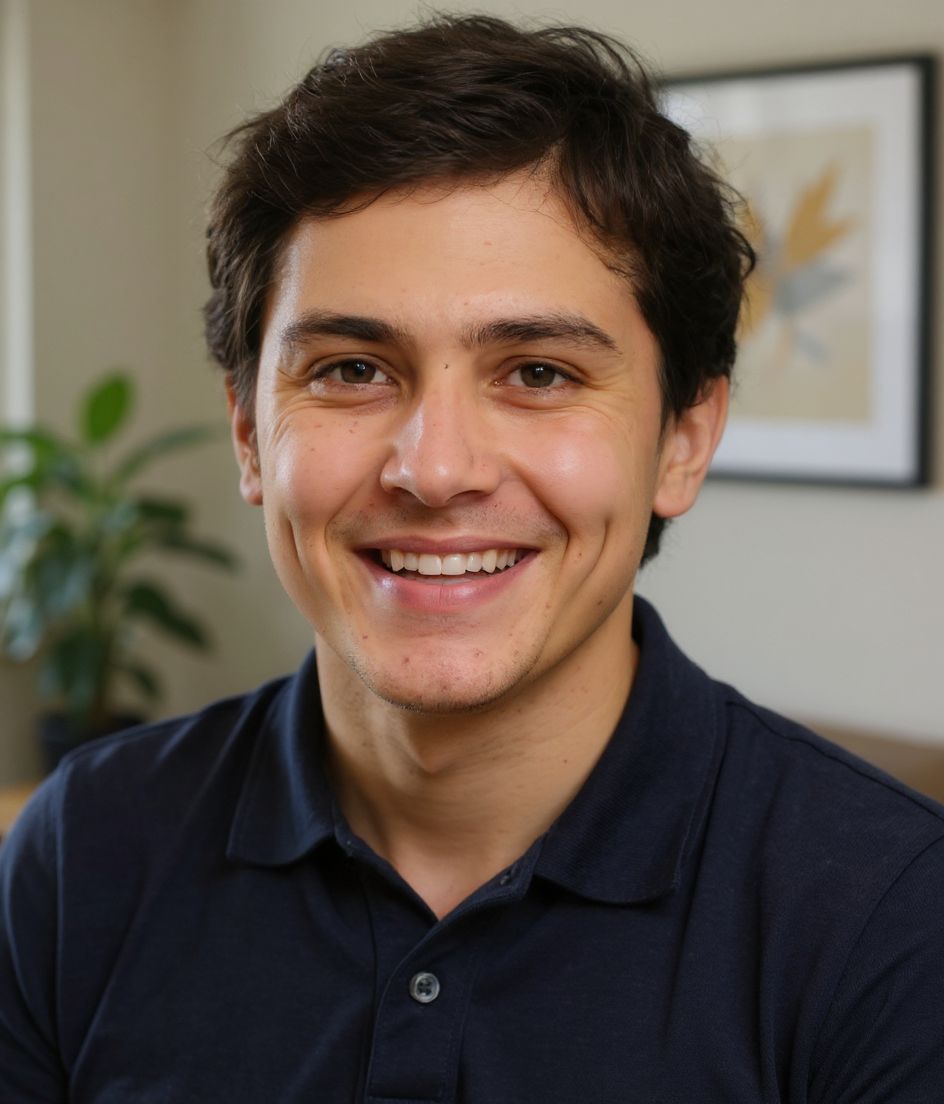
HeadshotCam memberimu foto kartu nama yang cetaknya tajam di ukuran kecil. Crop ketat, latar bersih, wajah bercahaya merata. Satu selfie masuk, foto siap-kartu keluar dalam waktu kurang dari 15 detik.
Cocok untuk industri apa pun yang masih memakai kartu — properti, jasa keuangan, penjualan, jasa profesional, peran yang banyak networking. Cetak dengan percaya diri dan berhenti meminta maaf soal foto.

5-15s
per headshot
Generation time. Try a few looks before you settle on one.
3
styles picked
From Foundations, Client-Facing, Corporate — the ones that work best here.
$5.99
starts at
One-time credits if you only need a couple. Yearly plan if you want unlimited.
What you get
Cetak tajam di lebar setengah inci
Kotak foto kartu nama itu kecil. Crop ketat dan latar bersih kami tetap bertahan di ukuran cetak.
Cocokkan dengan desain kartumu
Pakai edit-pakai-kata untuk mengganti latar — cocokkan dengan warna brand kartumu atau pilih putih murni.
60+ gaya untuk peran apa pun
Realtor untuk properti, Polished Pro untuk konsultan, CEO untuk eksekutif. Cocokkan dengan peranmu.
Resolusi tinggi untuk printer apa pun
Output melampaui 300 DPI yang diinginkan kebanyakan percetakan — tanpa pikselasi, tanpa tepi buram.
Gaya yang direkomendasikan
The styles that work best for foto kartu nama.

Tips
- 1 Crop sangat ketat. Foto kartu nama di ukuran cetak biasanya 0,5 inci lebarnya.
- 2 Pakai latar putih atau warna solid. Apa pun yang bertekstur jadi noise di ukuran cetak.
- 3 Cocokkan palet warna foto dengan desain kartumu. Kartu yang tidak nyambung terlihat murahan.
- 4 Simpan minimal 300 DPI — kebanyakan percetakan menolak file beresolusi rendah.
- 5 Pakai foto yang sama di kartumu, LinkedIn, dan tanda tangan email untuk pengenalan lintas saluran.
FAQ
Berapa ukuran foto di kartu nama?
Kira-kira 0,5 sampai 1 inci lebarnya. Pada 300 DPI itu 150-300 piksel — tapi sebaiknya unggah resolusi tinggi supaya printer mengecilkannya dengan rapi.
Apakah hasil cetaknya sebagus pemotretan asli?
Untuk ukuran kartu nama, ya — cetaknya cukup kecil sehingga output AI dan foto studio tak bisa dibedakan.
Gaya apa yang cocok untuk kartu agen properti?
Realtor atau Warm & Welcoming. Klien properti ingin kesan ramah, bukan korporat yang kaku.
Bisakah saya pakai foto yang sama di Moo, Vistaprint, dan LinkedIn saya?
Ya — file resolusi tinggi yang sama cocok untuk layanan cetak apa pun DAN penggunaan online.
Terkait
Buat headshot Anda
Lewati studio. Headshot pro dalam hitungan detik dari satu selfie. Aplikasi gratis di iOS & Android.
Unduh gratis di iOS & Android
- Unduh gratis
- 1 selfie
- 5–15 detik
- Tanpa watermark
Pindai untuk mengunduh
Arahkan kamera ponsel ke sebuah kode

