
Headshot AI Analis
Tajam dan teliti. Keahlian yang fokus.
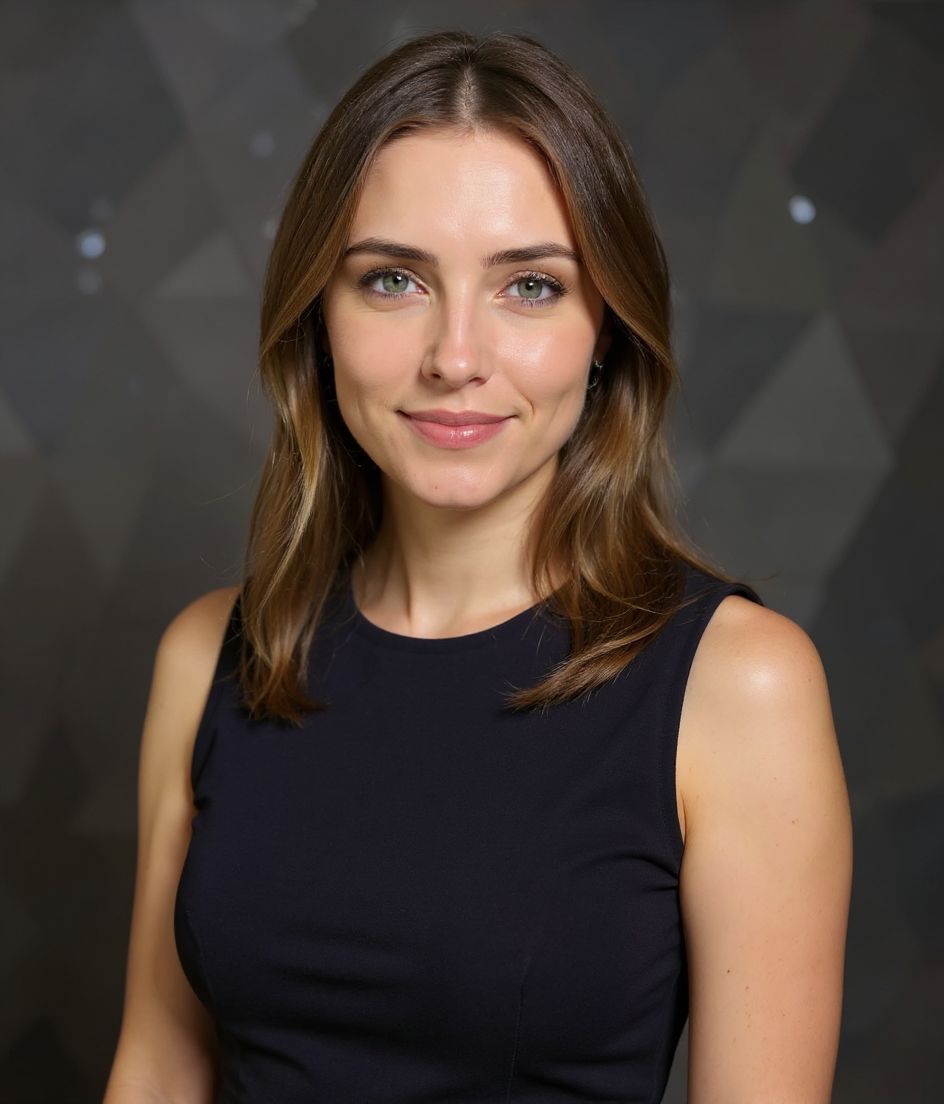
Satu selfie masuk. Headshot Analis yang rapi keluar — dalam sekitar 10 detik.
Kemeja Bisnis Kasual
Kantor Modern
Serius Fokus
Studio Lembut
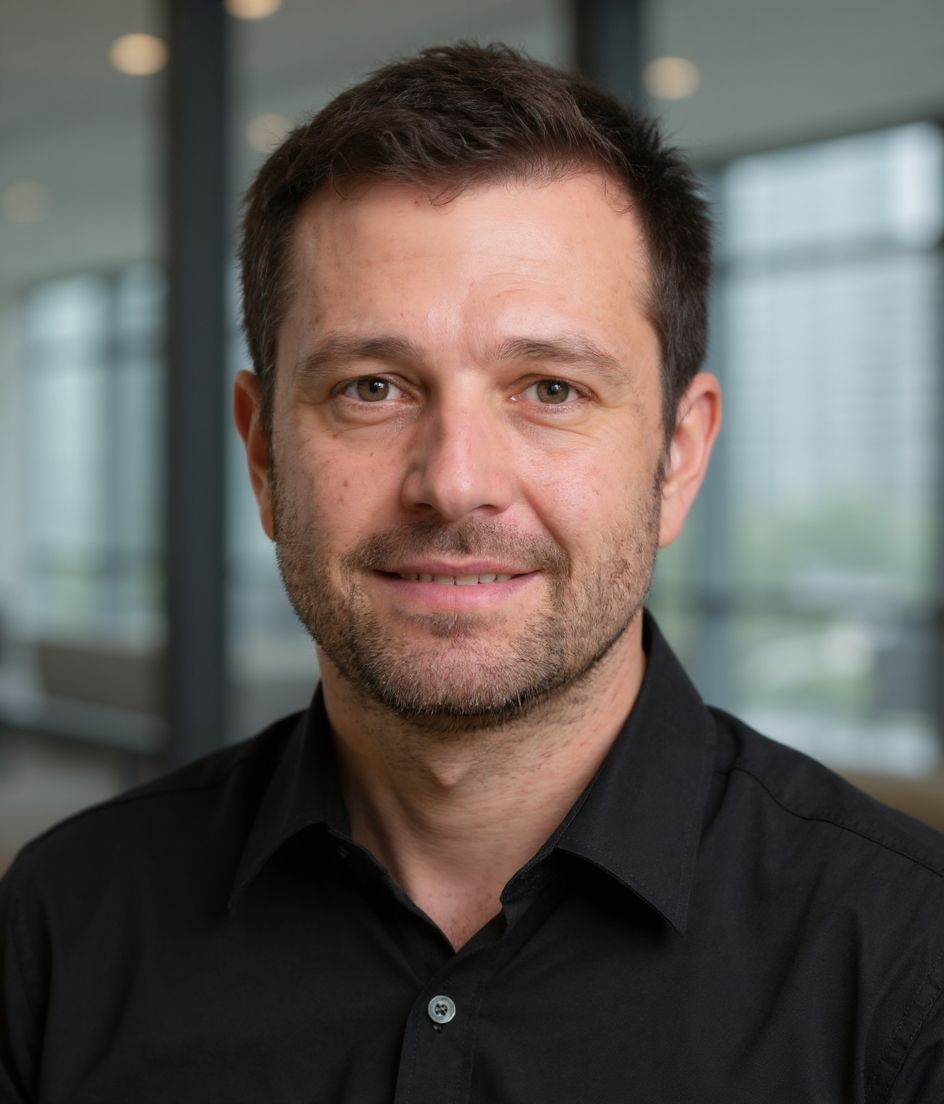
Analis is for IC and research bios that should look sharp and detail-oriented, not executive. The recipe locks kemeja bisnis kasual, a kantor modern backdrop, serius fokus, and studio lembut lighting — not a generic “corporate” look. Analyst is a business-casual shirt in a modern office with a serious-focused expression and soft studio. Consultant is dress-and-clamshell. Analyst says “I do the work”; Consultant says “I sell the work.”
Need a analis headshot from one selfie? HeadshotCam applies kemeja bisnis kasual against a kantor modern backdrop with studio lembut lighting and a serius fokus expression so the result reads as tajam dan teliti. keahlian yang fokus.
1
selfie dibutuhkan
Upload one clear shoulder-up photo and HeadshotCam applies the Analis style around your real face.
4
kontrol gaya
Wardrobe, backdrop, expression, and lighting are tuned together so the final image feels intentional.
60+
pustaka gaya
If Analis is close but not perfect, skip it when you need C-suite command or a client-pitch sheath-dress look — then compare the rest of the Corporate collection.
Paling cocok untuk gaya Analis
- IC and research bios that should look sharp and detail-oriented, not executive
- people who specifically need kemeja bisnis kasual with a kantor modern backdrop and studio lembut lighting
- fast team pages, research groups, associate directories refreshes without a studio booking
Skip if
- you need C-suite command or a client-pitch sheath-dress look
- you refuse a clear shoulder-up selfie (bad source photos still produce bad Analis results)
- you actually want the Consultant recipe (sheath dress, abstract pattern, clamshell lighting)
Resep prompt
Analis headshot with kemeja bisnis kasual, kantor modern background, studio lembut lighting.
Keep my face the same, use a serius fokus expression, and make the image feel tajam dan teliti. keahlian yang fokus.
Generate a polished corporate profile photo with clean crop, natural skin texture, and no watermark.
Common mistakes
Using Analyst because you analyze things, on a page where peers wear suits. Neighbor up to Consultant or VP if the team photo set is formal. The Corporate trap is soft-studio business casual on an executive About page. Also: a soft phone selfie with harsh overhead light will fight studio lembut lighting — start with a clean face-forward frame.
Shot notes
Business-casual collar, no gym hoodie in the selfie. Soft studio still needs even light — no kitchen overheads. Aim for shoulder-up, eyes to camera, hair off the face. Analis steers toward serius fokus with studio lembut. If the first result is close, refine wardrobe or background with a short edit prompt rather than regenerating from a worse selfie.
About the Analis style
When is the Analis style the right headshot?
When you need tajam dan teliti. keahlian yang fokus for team pages, research groups, associate directories. Analis pairs kemeja bisnis kasual with a kantor modern backdrop and studio lembut. Analyst is a business-casual shirt in a modern office with a serious-focused expression and soft studio. Consultant is dress-and-clamshell. Analyst says “I do the work”; Consultant says “I sell the work.” If your workplace is more formal or more casual than that wardrobe, pick the neighbor instead of forcing this one.
What should my selfie look like for a good Analis result?
Business-casual collar, no gym hoodie in the selfie. Soft studio still needs even light — no kitchen overheads. Use a sharp, face-forward, shoulder-up photo with even light and no sunglasses. The AI can restyle kemeja bisnis kasual and kantor modern, but it cannot invent detail that is not in a blurry or heavily filtered source.
How is Analis different from other Corporate styles?
The nearest contrast is Consultant. Analyst is a business-casual shirt in a modern office with a serious-focused expression and soft studio. Consultant is dress-and-clamshell. Analyst says “I do the work”; Consultant says “I sell the work.” Analis specifically locks kemeja bisnis kasual, kantor modern, serius fokus, and studio lembut. Consultant locks sheath dress, abstract pattern, slight smile, and clamshell lighting.
Can I change the Analis look after generation?
Yes. Keep the face, then edit with short prompts (background color, jacket color, remove glasses). Switching from Analis to Consultant is better than endless edits on the wrong base recipe.
More Corporate styles
If Analis doesn't quite fit, browse these next.
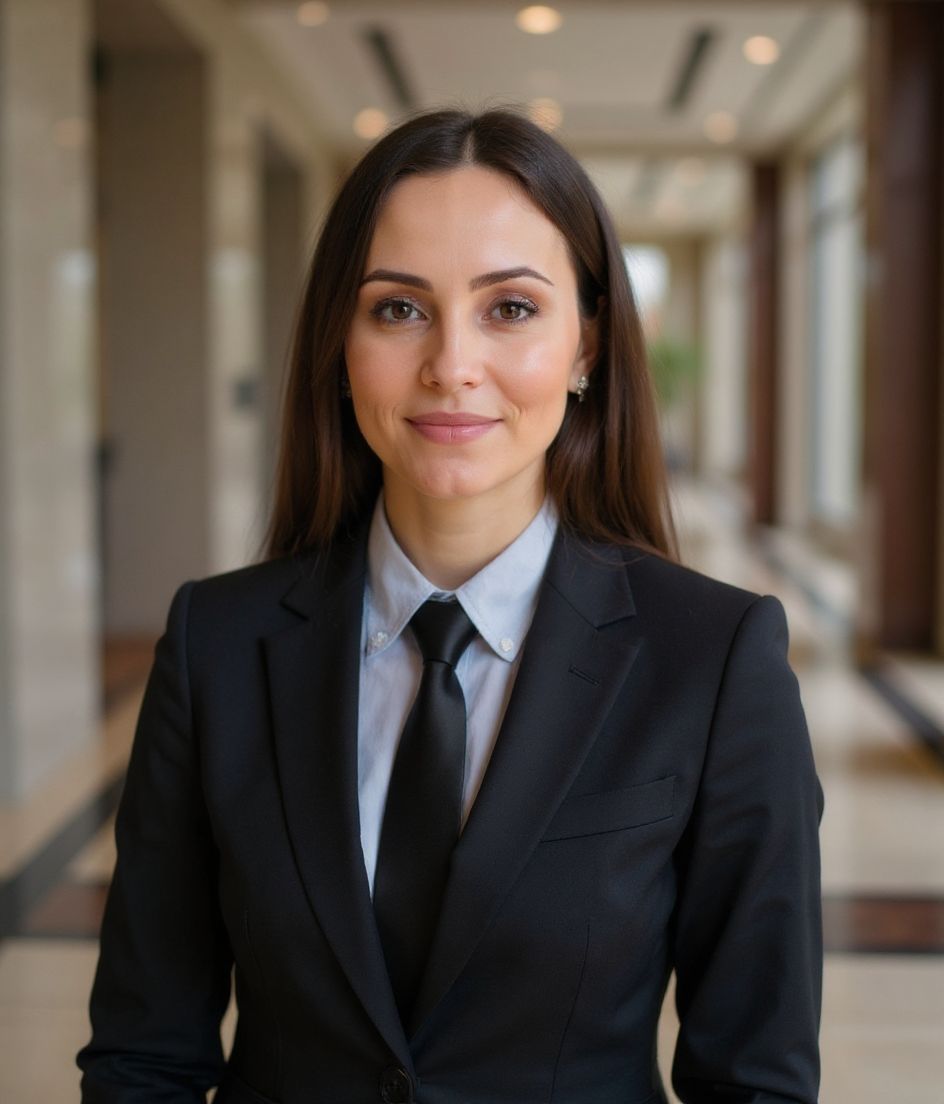
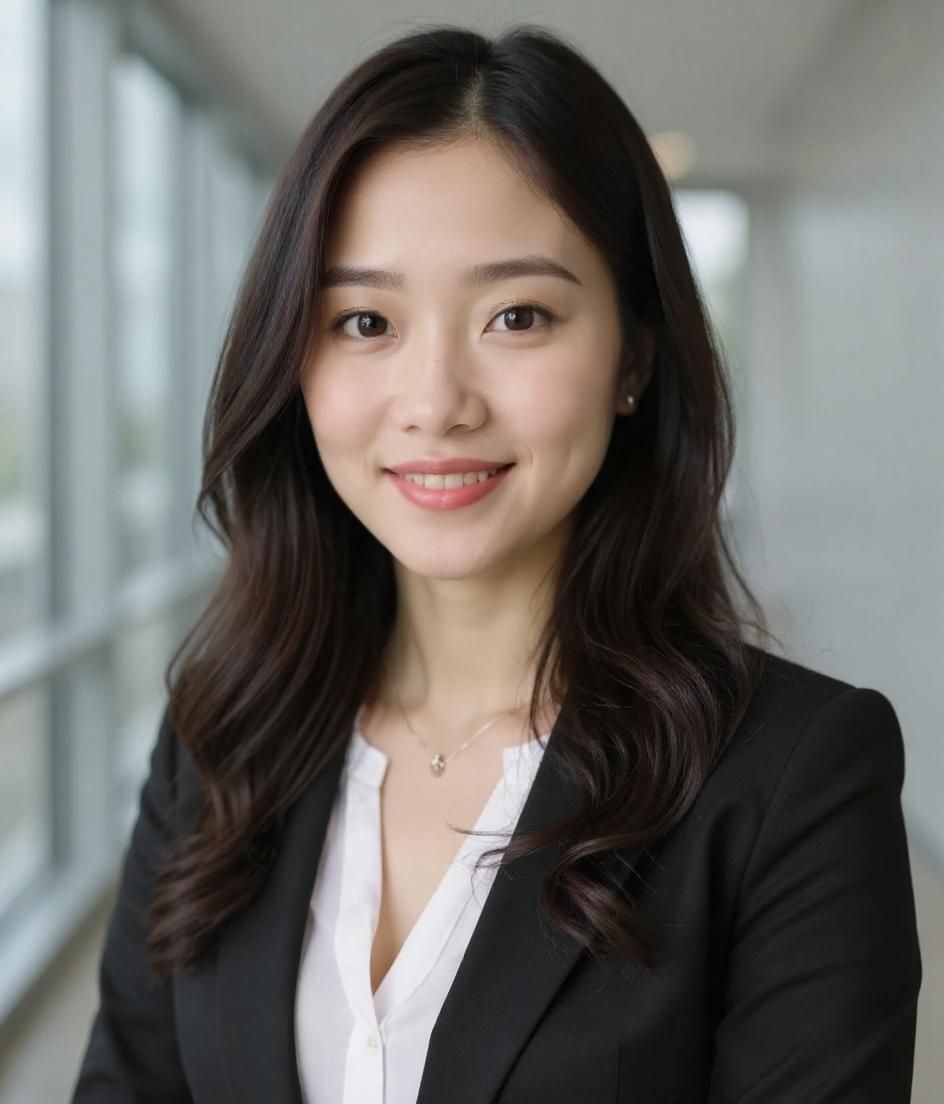
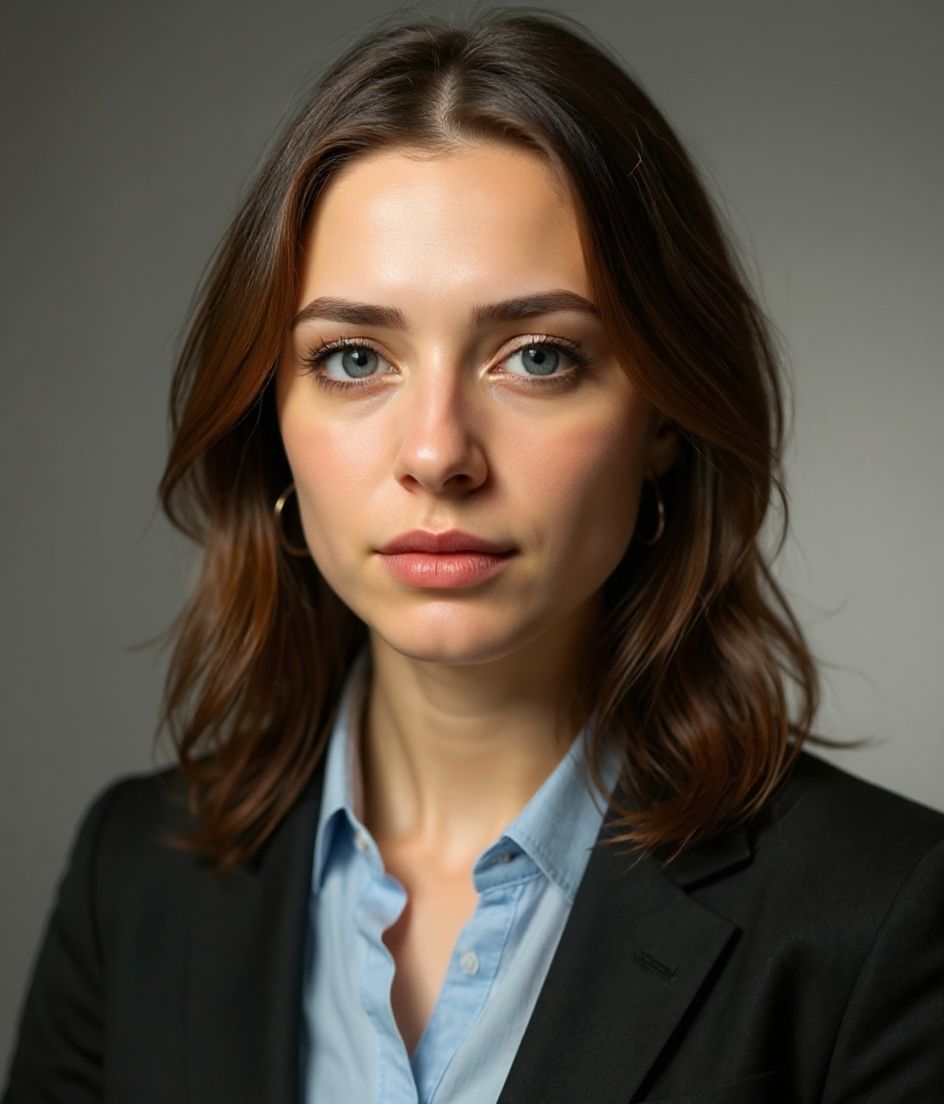
Terkait
Buat headshot Anda
Lewati studio. Headshot pro dalam hitungan detik dari satu selfie. Aplikasi gratis di iOS & Android.
Unduh gratis di iOS & Android
- Unduh gratis
- 1 selfie
- 5–15 detik
- Tanpa watermark
Pindai untuk mengunduh
Arahkan kamera ponsel ke sebuah kode

