Behance specs
Foto portofolio Behance yang serasi dengan brand visual
Photo size & upload specs
- Pixel dimensions
- 400×400 or larger
- Aspect ratio
- 1:1 (square)
- File size cap
- Under 5 MB
- Ideal upload
- 1000×1000
- Formats
- JPG or PNG
- Circle-crop safe area
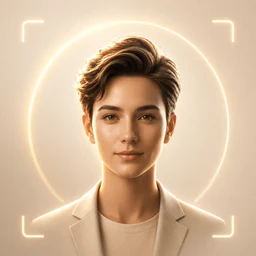
- Center the face so the portfolio avatar circle does not clip ears or hair. Keep the frame quiet — case-study covers carry the visual noise.
Behance adalah platform yang mengutamakan selera. Potret Anda bersanding dengan sampul studi kasus Anda — dan harus terbaca sebagai bagian dari bahasa visual yang sama.
HeadshotCam hanya butuh satu selfie dan memberi Anda potret kelas editorial. Pilih gaya designer, art-director, atau creative-bold, atur latar belakang agar serasi dengan portofolio Anda, dan Anda punya foto yang mengangkat setiap studi kasus.
Built for Foto Portofolio Behance
400×400 or larger — sized for Behance
Upload 1:1 (square), 1000×1000 ideal, under 5 mb. JPG or PNG — no awkward zoom, no clipped chin.
Circle-crop safe framing
Center the face so the portfolio avatar circle does not clip ears or hair. Keep the frame quiet — case-study covers carry the visual noise.
Edit pakai kata-kata
Ketik "hapus kacamata", "blazer navy", atau "latar lebih terang" — AI memperbarui detailnya sementara wajah Anda tetap sama.
Resolusi tinggi, tanpa watermark
Unduh file berkualitas cetak — tanpa logo kecil, tanpa stempel "dibuat dengan" di sudut.
Best styles
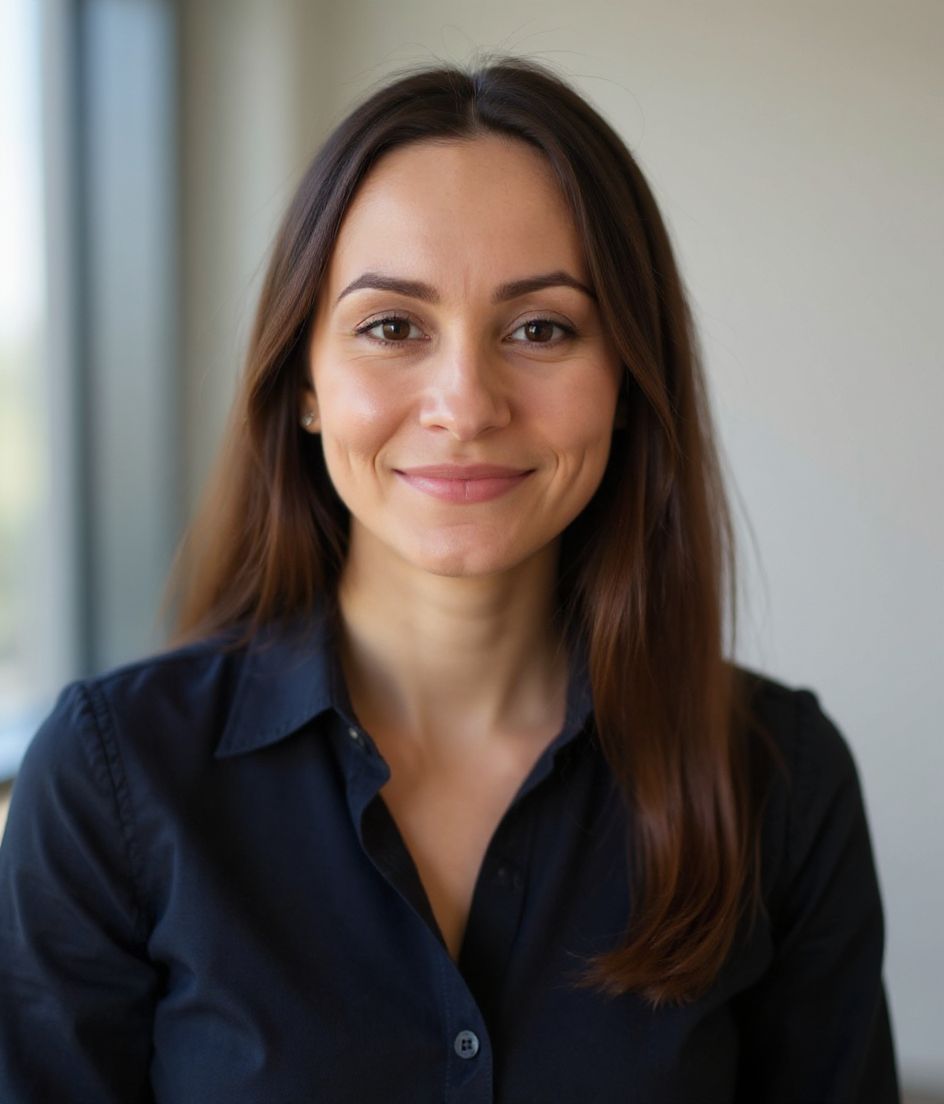
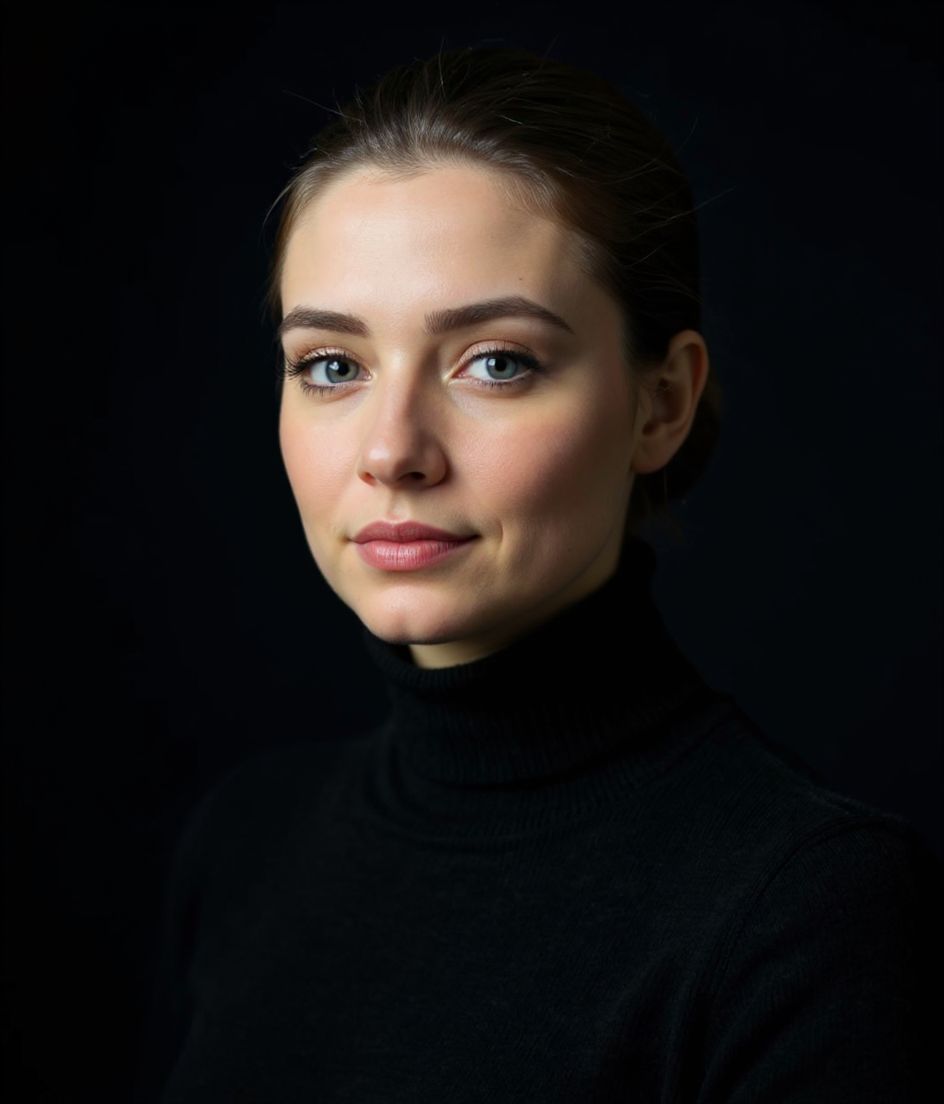
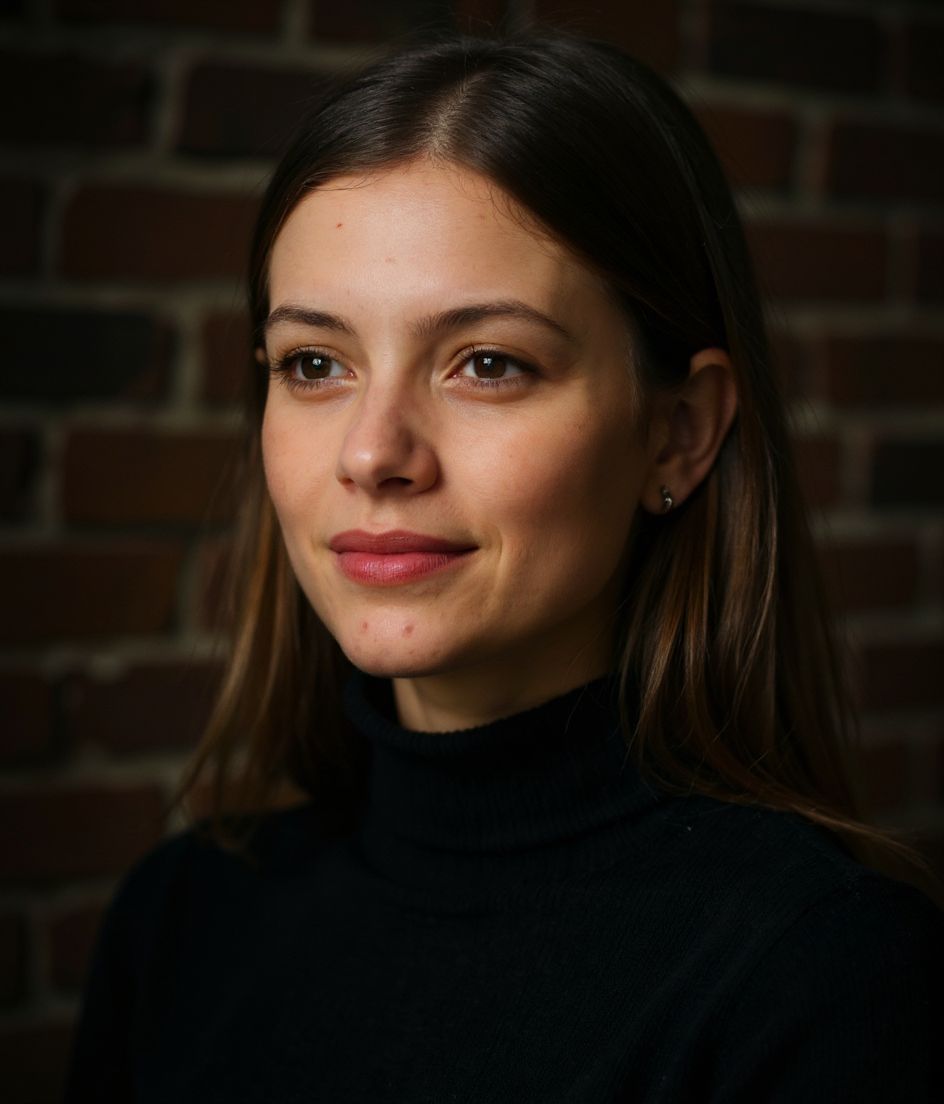
Our picks for Foto Portofolio Behance.
Tips
- 1 Sesuaikan dengan palet studi kasus. Kepaduan editorial adalah inti seluruh platform ini.
- 2 Atasan berwarna solid, tanpa pola. Karyalah yang ramai; fotonya harus tenang.
- 3 Senyum tipis atau ekspresi netral. Senyum lebar terbaca kurang sesuai di portofolio desain.
- 4 Gunakan foto yang sama di Dribbble, Behance, dan LinkedIn.
FAQ
What size should my Behance photo be?
Behance expects 400×400 or larger at 1:1 (square), under 5 mb, in JPG or PNG. Practical upload: 1000×1000.
How do I keep my face inside the Behance circle crop?
Center the face so the portfolio avatar circle does not clip ears or hair. Keep the frame quiet — case-study covers carry the visual noise.
Apakah lolos di behance?
Ya. Hasilnya adalah kemiripan realistis dari diri Anda, bukan kartun atau filter. Pilih gaya Foundations atau Corporate dan fotonya terbaca seperti hasil pemotretan studio biasa.
Bisakah wajah saya tetap persis sama?
Ya — wajah, rambut, dan warna kulit Anda tetap terkunci. Hanya pakaian, pencahayaan, dan latar belakang yang berubah.
Seberapa cepat proses generasinya?
Sebagian besar headshot siap dalam 5 hingga 15 detik. Anda bisa berkreasi berulang, lalu "Edit pakai kata-kata" untuk penyesuaian, semuanya dalam waktu kurang dari satu menit.
Terkait
Buat headshot Anda
Lewati studio. Headshot pro dalam hitungan detik dari satu selfie. Aplikasi gratis di iOS & Android.
Unduh gratis di iOS & Android
- Unduh gratis
- 1 selfie
- 5–15 detik
- Tanpa watermark
Pindai untuk mengunduh
Arahkan kamera ponsel ke sebuah kode

