
Use case
Una foto de bio profesional para cada lugar donde aparece tu nombre
Las bios profesionales aparecen en todas partes: la web de la empresa, el directorio de la asociación, la página del congreso, el perfil de exalumnos, la página de invitado de un pódcast y cada recuadro de «sobre el autor» que habías olvidado que existía. La foto tiene que verse pulida, pero también tiene que parecer la misma persona que la gente conocerá en la llamada.
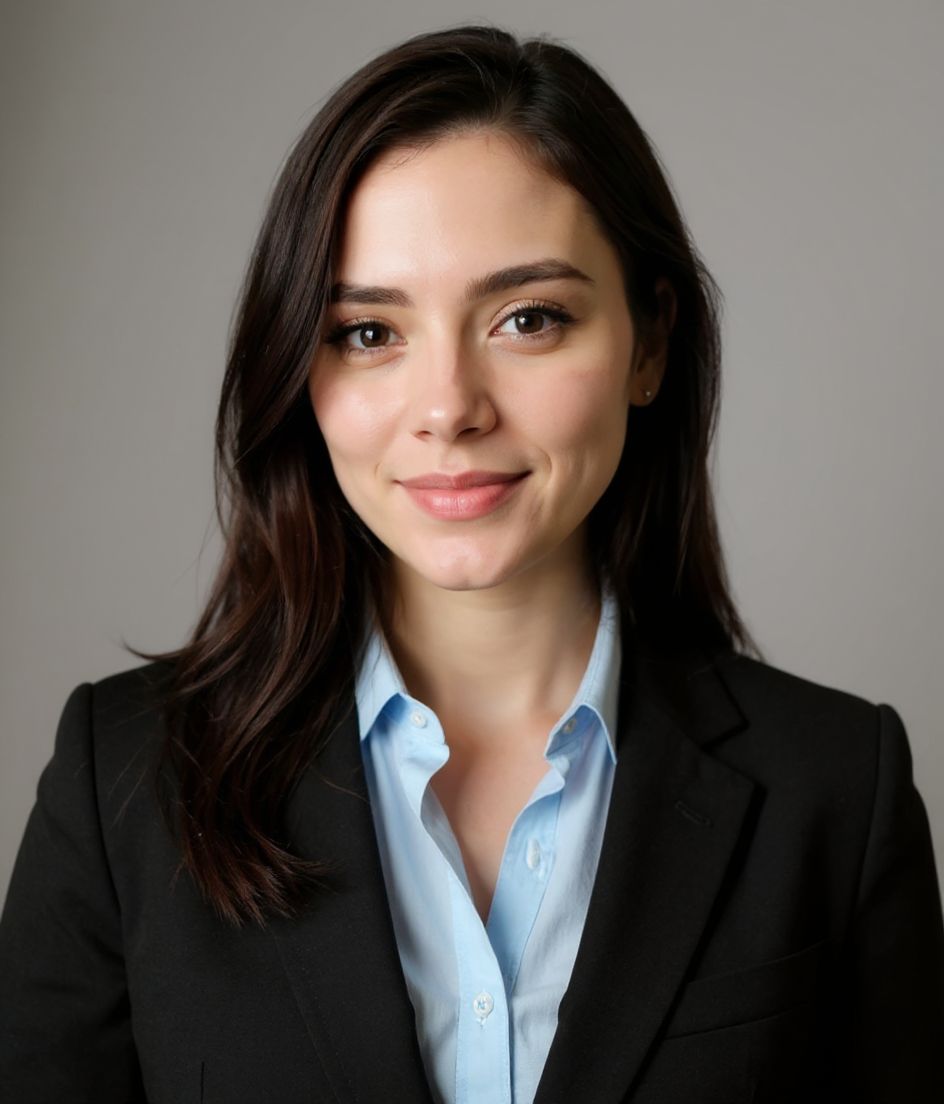
HeadshotCam convierte un selfie en un retrato impecable y listo para tu bio en segundos. Elige un estilo conservador para directorios formales, un look más cálido para páginas de creadores o una versión más marcada para bios de directivos. Descarga un archivo en alta resolución una vez y reutilízalo en todos los sitios que piden «una bio breve y un retrato».
Es la forma más rápida de dejar de enviar fotos recortadas de vacaciones a organizadores, editores y equipos de marketing.
5-15s
per headshot
Generation time. Try a few looks before you settle on one.
3
styles picked
From Foundations, Foundations, Corporate — the ones that work best here.
$5.99
starts at
One-time credits if you only need a couple. Yearly plan if you want unlimited.
What you get
Encaja con bios formales y cercanas
Genera versiones pulida, cálida y de directivo a partir del mismo selfie para que cada bio tenga el tono adecuado.
Funciona a tamaño diminuto de directorio
Los fondos limpios y los recortes ajustados mantienen tu cara legible en cuadrículas de equipo y listados de asociaciones.
Un archivo para peticiones recurrentes
Usa el mismo retrato en alta resolución para páginas de ponentes, bios de invitado, directorios de exalumnos y páginas de socios.
Edita con palabras
Pide un fondo blanco, una sonrisa más cálida, un blazer azul marino o una versión en blanco y negro sin volver a fotografiar.
Estilos recomendados
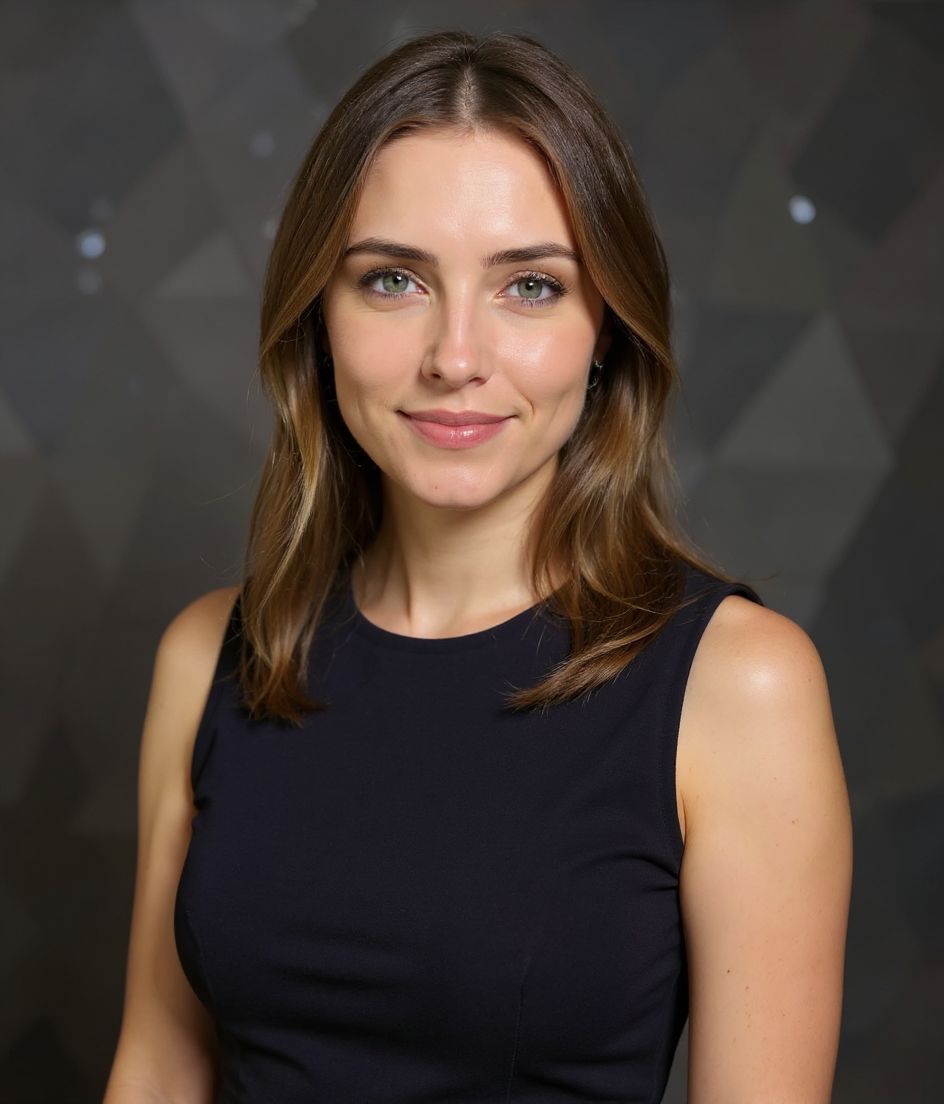
The styles that work best for foto de bio profesional.

Consejos
- 1 Mantén el recorte lo bastante ajustado para las cuadrículas de directorio, pero no tanto que parezca una foto de pasaporte.
- 2 Usa un fondo neutro si la bio va junto a texto denso o un logo formal.
- 3 Genera una versión pulida y una más cálida; los sitios formales y los personales suelen querer energías distintas.
- 4 Nombra el archivo exportado con claridad para que los organizadores lo encuentren después: nombre-apellido-retrato.jpg.
- 5 Renueva la foto cuando tu rol, tu corte de pelo, tus gafas o tu marca pública cambien de forma notable.
Preguntas frecuentes
¿Cuál es el mejor estilo para una foto de bio profesional?
Pulido y Profesional es la opción más segura por defecto. Cálido y Acogedor funciona para roles de cara al cliente, de creador y de comunidad. Consultor encaja cuando la bio necesita una onda más marcada de servicios profesionales.
¿Puedo usar la misma foto para mi bio de empresa y mi bio de ponente?
Sí. Genera una versión versátil con fondo neutro y funcionará en páginas de empresa, páginas de ponentes, perfiles de asociaciones y bios de invitado.
¿La foto de bio debería ser cuadrada o vertical?
Exporta en alta resolución y recorta según haga falta. La mayoría de los directorios usa recortes cuadrados, mientras que las páginas de ponentes y de prensa suelen preferir la orientación vertical.
¿Se verá demasiado corporativa para una web personal?
No si eliges el estilo adecuado. Cálido y Acogedor, Natural y Auténtico y Creativo y Atrevido se sienten más personales que un retrato de traje estándar.
Relacionados
Crea tu headshot
Olvídate del estudio. Retratos profesionales en segundos, desde una selfie. App gratis en iOS y Android.
Descarga gratis en iOS y Android
- Descarga gratis
- 1 selfie
- 5–15 segundos
- Sin marca de agua
Escanea para descargar
Apunta la cámara del teléfono a un código

