
Slack specs
Ein Slack-Profilfoto für den Workspace
Photo size & upload specs
- Pixel dimensions
- 512×512 recommended
- Aspect ratio
- 1:1 (square)
- File size cap
- Under 1 MB preferred
- Ideal upload
- 512×512 to 1024×1024
- Formats
- JPG, PNG, or GIF
- Circle-crop safe area
- Eyes and mouth inside the circle for DM and channel lists. Solid background; Slack avatars stay small all day.
Slack-Profile leisten kleine, aber ständige Arbeit. Dein Avatar erscheint neben jeder Nachricht, jeder DM und jeder Kanal-Antwort — und ein aktuelles, freundliches Foto hebt die Antwortgeschwindigkeit spürbar an.
HeadshotCam nimmt ein einziges Selfie und liefert dir ein Slack-fertiges Porträt. Wähle Warm-Welcoming-, Polished-Pro- oder Clean-Modern-Stile, einen neutralen Hintergrund, und du hast ein Foto, das zu jedem Workspace passt.
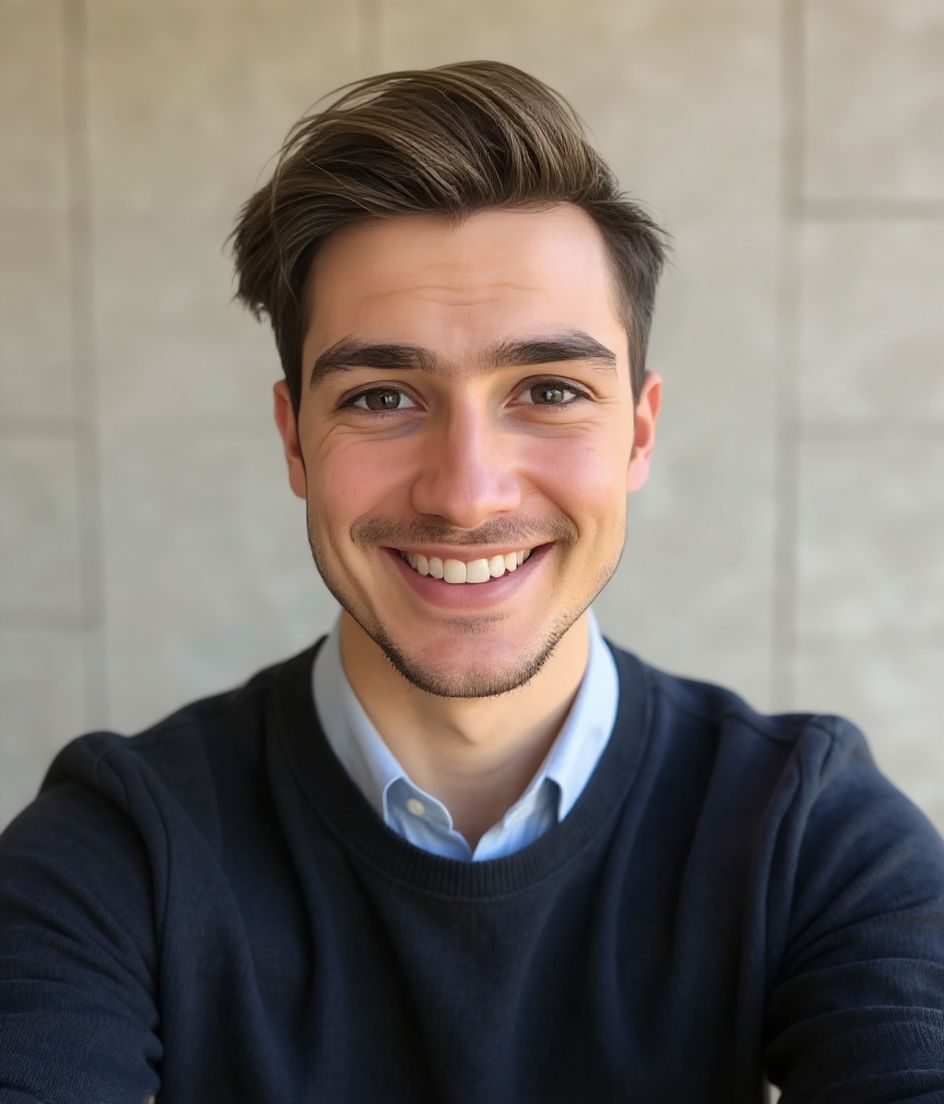
Built for Slack-Workspace-Foto
512×512 recommended — sized for Slack
Upload 1:1 (square), 512×512 to 1024×1024 ideal, under 1 mb preferred. JPG, PNG, or GIF — no awkward zoom, no clipped chin.
Circle-crop safe framing
Eyes and mouth inside the circle for DM and channel lists. Solid background; Slack avatars stay small all day.
Mit Worten bearbeiten
Tippe "Brille entfernen", "marineblauer Blazer" oder "hellerer Hintergrund" — die KI passt das Detail an, während dein Gesicht gleich bleibt.
Hochauflösend, kein Wasserzeichen
Lade Dateien in Druckqualität herunter — keine winzigen Logos, keine "Made with"-Stempel in der Ecke.
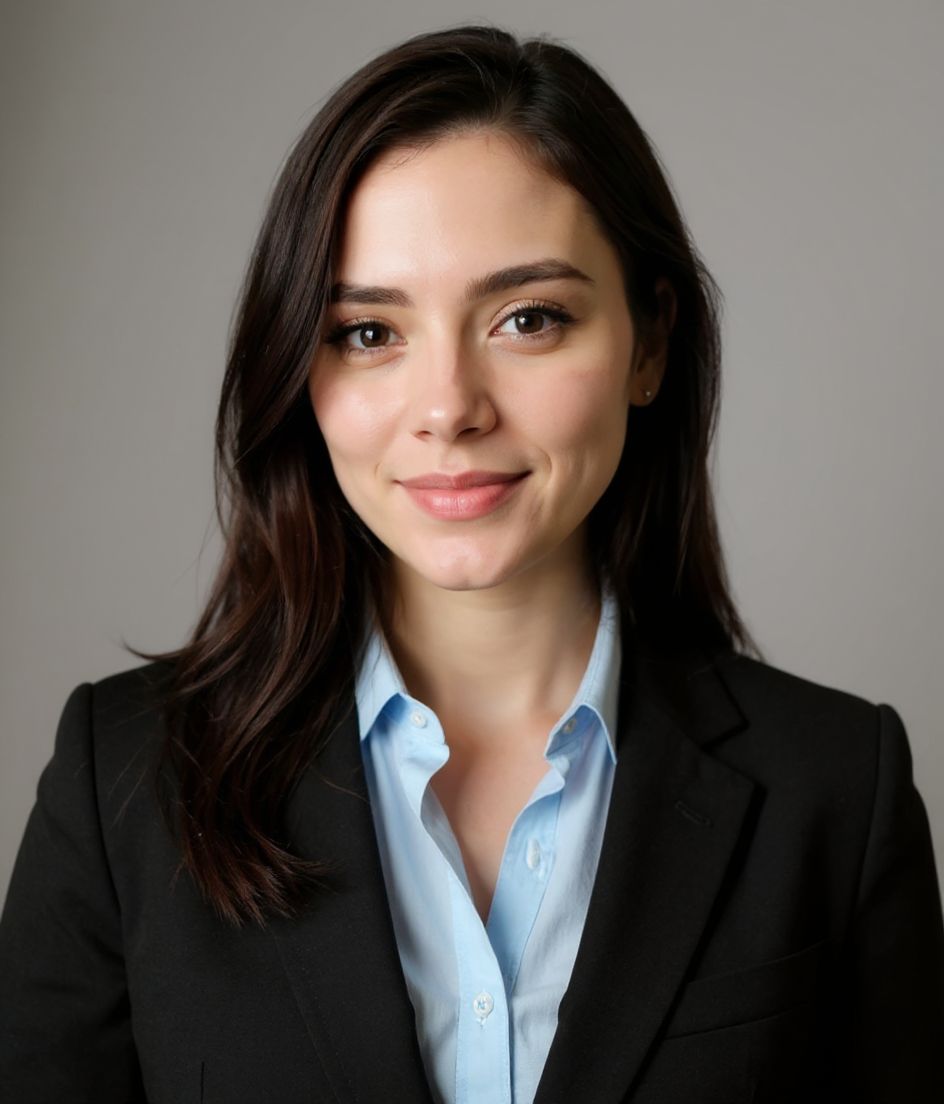
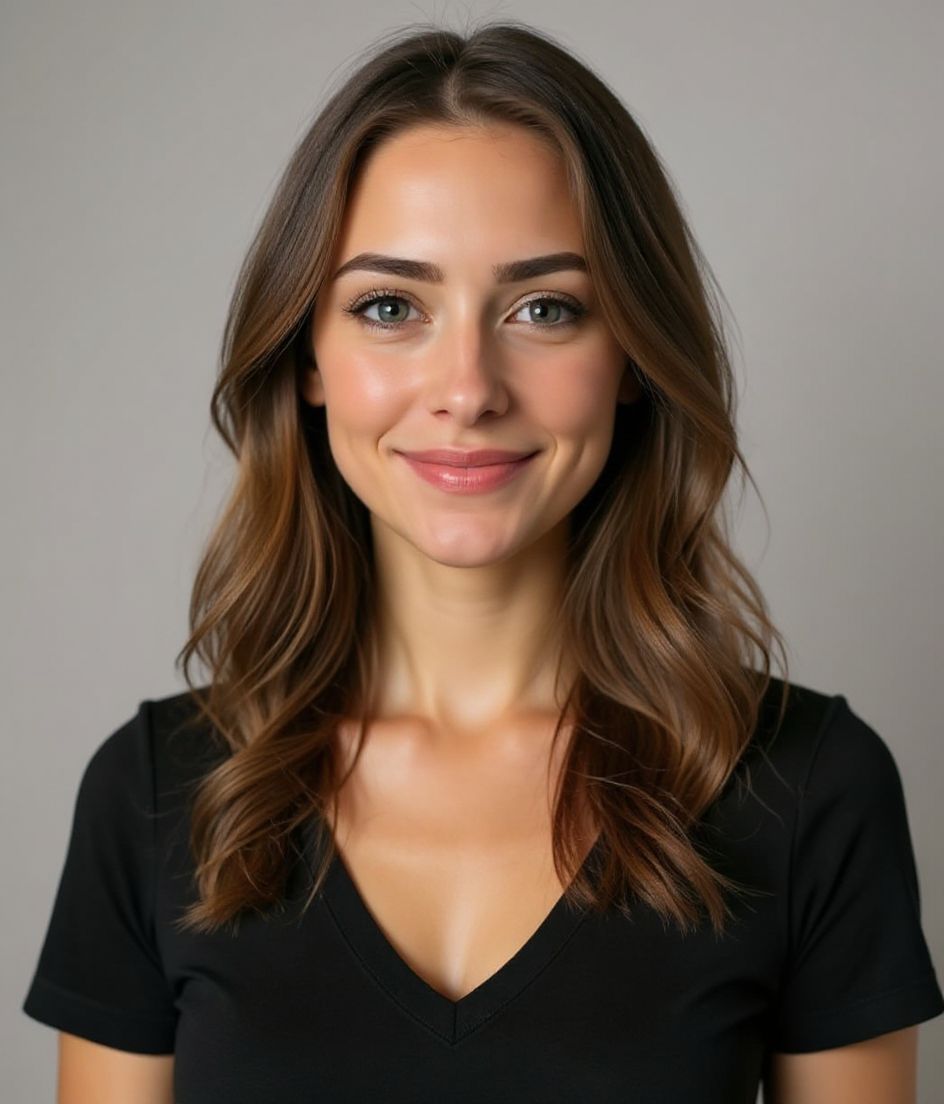
Best styles
Our picks for Slack-Workspace-Foto.
Tipps
- 1 Freundliches Lächeln, Augen mit dabei.
- 2 Einfarbiger Hintergrund. Halte ihn auch in kleinen Größen scharf.
- 3 Stimme das Foto mit der Team-Seite des Unternehmens ab.
- 4 Erneuere es, wenn du das Unternehmen wechselst. Ansonsten lass es unverändert.
FAQs
What size should my Slack photo be?
Slack expects 512×512 recommended at 1:1 (square), under 1 mb preferred, in JPG, PNG, or GIF. Practical upload: 512×512 to 1024×1024.
How do I keep my face inside the Slack circle crop?
Eyes and mouth inside the circle for DM and channel lists. Solid background; Slack avatars stay small all day.
Funktioniert es auf Slack?
Ja. Das Ergebnis ist ein realistisches Abbild von dir, kein Cartoon und kein Filter. Wähle einen Foundations- oder Corporate-Stil, und das Foto wirkt wie ein ganz normales Studio-Shooting.
Kann ich mein Gesicht exakt gleich lassen?
Ja — dein Gesicht, deine Haare und dein Hautton bleiben unverändert. Nur Kleidung, Beleuchtung und Hintergrund ändern sich.
Wie schnell ist die Generierung?
Die meisten Headshots sind in 5 bis 15 Sekunden fertig. Du kannst iterieren und dann mit "Mit Worten bearbeiten" Feinheiten anpassen, alles in unter einer Minute.
Ähnliches
Erstellen Sie Ihren Headshot
Ohne Studio. Profi-Headshots in Sekunden aus einem Selfie. App kostenlos für iOS und Android.
Kostenloser Download für iOS & Android
- Kostenloser Download
- 1 Selfie
- 5–15 Sekunden
- Kein Wasserzeichen
Zum Download scannen
Handy-Kamera auf einen Code richten

